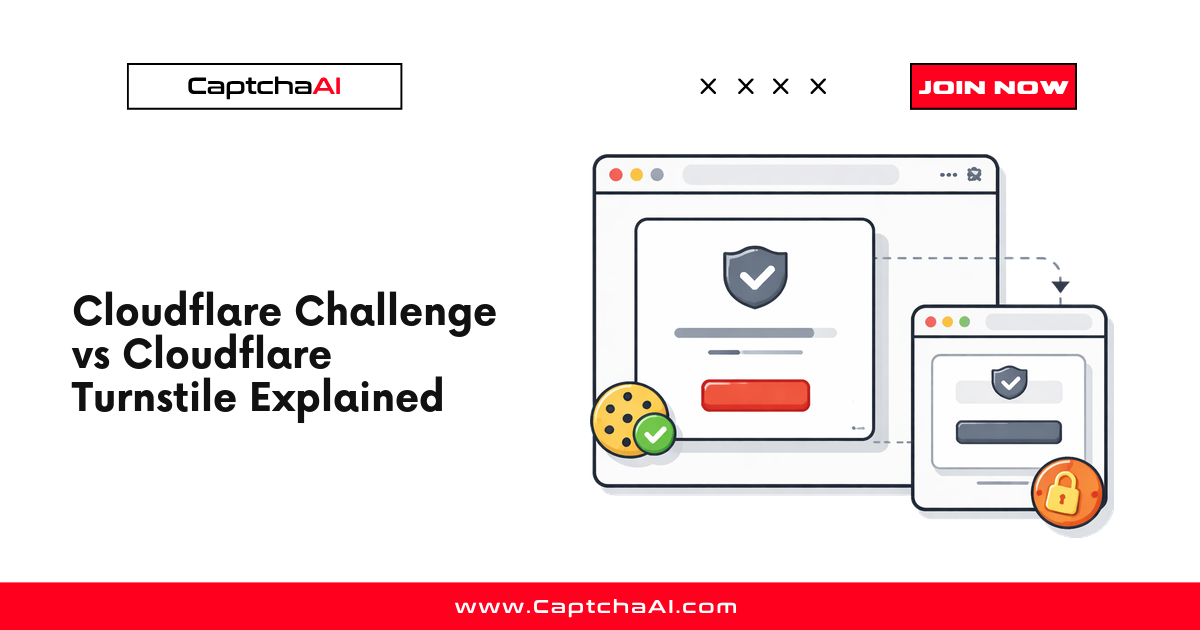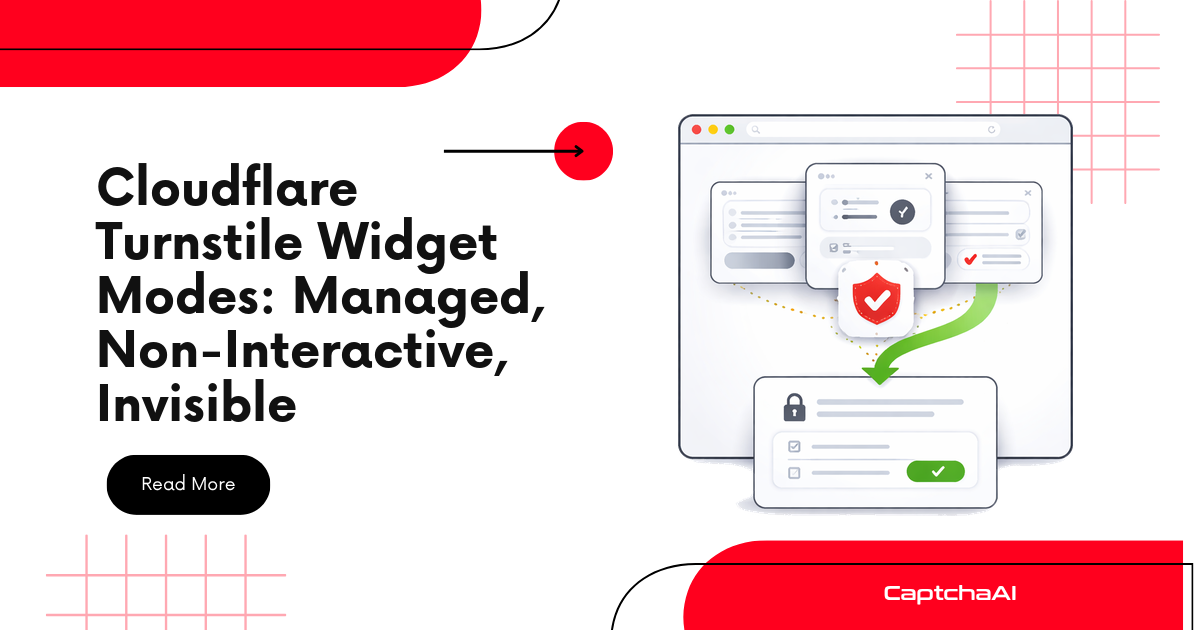
Cloudflare Turnstile ships with three widget modes that control how challenges are presented: managed (Cloudflare decides), non-interactive (proof-of-work only, never shows UI), and invisible (no widget container, runs silently). The mode determines what the user sees, how long the challenge takes, and whether the widget ever becomes visible. For automation, all three modes produce the same output — a cf-turnstile-response token — but detecting and solving them requires understanding the differences.
Which mode are you looking at?
flowchart TD
    A[Inspect the page] --> B{Is there a visible<br/>Turnstile checkbox or widget box?}
    B -- Yes, checkbox sometimes shown --> M[Managed mode<br/>data-size: normal/compact]
    B -- No, only a spinner --> C{Does the container div<br/>have data-size=invisible<br/>or display:none?}
    C -- No, spinner visible --> N[Non-interactive mode<br/>data-appearance: execute]
    C -- Yes, hidden container --> I[Invisible mode<br/>data-size: invisible]
    M --> S[All three solve with<br/>CaptchaAI method=turnstile]
    N --> S
    I --> S
The three modes share the same token field and the same solving call, but they differ in how the widget mounts, when the token becomes available, and what fallbacks exist on failure.
Mode comparison
| Feature | Managed | Non-interactive | Invisible |
|---|---|---|---|
| Widget visible? | Sometimes | Never (spinner only) | Never |
| Container element required? | Yes | Yes | Yes (hidden) |
| User interaction needed? | Sometimes (checkbox) | No | No |
| Proof-of-work challenge? | Yes (may escalate) | Yes (always) | Yes (always) |
| Interactive checkbox fallback? | Yes | No (fails instead) | No (fails instead) |
| Token output | cf-turnstile-response |
cf-turnstile-response |
cf-turnstile-response |
| CaptchaAI method | turnstile |
turnstile |
turnstile |
| Recommended for | Login, signup | Low-friction forms | Background verification |
Managed mode (default)
Managed mode lets Cloudflare decide the challenge level per visitor. Most users pass invisibly. Suspicious traffic sees a checkbox. Highly suspicious traffic may see a more complex challenge.
Implementation
<!-- Managed mode (default) -->
<div class="cf-turnstile"
     data-sitekey="0x4AAAAAAAC3DHQhMMQ_Rxrg"
     data-theme="light">
</div>
<script src="https://challenges.cloudflare.com/turnstile/v0/api.js" async defer></script>
What automation sees
Managed mode adapts based on the requester's signals:
| Reputation | Widget renders as |
|---|---|
| High trust | Invisible pass (no visible UI) |
| Medium trust | Checkbox widget (click to verify) |
| Low trust | Interactive challenge or block |
For automation, managed mode is the most common and most variable. The widget may or may not be visible depending on browser signals.
Detection in HTML
def is_managed_mode(html):
    """Check if Turnstile is using managed mode (default)."""
    # Managed mode is the default — no explicit mode attribute
    has_turnstile = "cf-turnstile" in html
    has_explicit_mode = 'data-appearance="interaction-only"' in html or \
                        'data-appearance="always"' in html or \
                        'appearance: "interaction-only"' in html
    return has_turnstile and not has_explicit_mode
Non-interactive mode
Non-interactive mode never shows a checkbox or interactive element. It runs a proof-of-work challenge in the background and shows only a loading spinner. If the challenge cannot be completed non-interactively, it fails rather than escalating.
Implementation
<!-- Non-interactive mode -->
<div class="cf-turnstile"
     data-sitekey="0x4AAAAAAAC3DHQhMMQ_Rxrg"
     data-appearance="interaction-only">
</div>
Or via the JavaScript API:
turnstile.render('#turnstile-container', {
    sitekey: '0x4AAAAAAAC3DHQhMMQ_Rxrg',
    appearance: 'interaction-only',
    callback: function(token) {
        document.getElementById('cf-turnstile-response').value = token;
    },
});
Behavior
Page loads → Widget initializes
    ↓
Background proof-of-work runs
    ↓
Success → Token generated (no visible UI)
    OR
Failure → Widget reports error (no fallback to checkbox)
When sites use non-interactive
- Comment forms and feedback widgets
- Newsletter signups
- Low-value actions where friction must be minimal
- API endpoints with browser-side protection
Invisible mode
Invisible mode is truly invisible — no container element appears in the viewport. The widget runs on page load (or programmatic trigger) and produces a token without any visual indication.
Implementation
<!-- Invisible mode — container is hidden -->
<div id="turnstile-invisible"
     class="cf-turnstile"
     data-sitekey="0x4AAAAAAAC3DHQhMMQ_Rxrg"
     data-size="invisible">
</div>
Or entirely via JavaScript:
// Programmatic invisible Turnstile
turnstile.render('#hidden-container', {
    sitekey: '0x4AAAAAAAC3DHQhMMQ_Rxrg',
    size: 'invisible',
    callback: function(token) {
        // Token ready — submit form automatically
        submitForm(token);
    },
    'error-callback': function() {
        // Challenge failed
        console.error('Invisible Turnstile failed');
    },
});
Detection challenge
Invisible Turnstile is harder to detect because the container has no visible dimensions:
import re

def detect_invisible_turnstile(html):
    """Detect invisible Turnstile on a page."""
    indicators = {
        "script_loaded": "challenges.cloudflare.com/turnstile" in html,
        "size_invisible": 'data-size="invisible"' in html or
                          "size: 'invisible'" in html or
                          'size: "invisible"' in html,
        "api_render_call": "turnstile.render" in html,
        "response_field": "cf-turnstile-response" in html,
    }

    if indicators["script_loaded"] and indicators["size_invisible"]:
        return {"mode": "invisible", "confidence": "high"}
    elif indicators["script_loaded"] and indicators["api_render_call"]:
        return {"mode": "invisible_or_programmatic", "confidence": "medium"}
    elif indicators["response_field"]:
        return {"mode": "turnstile_present", "confidence": "low"}

    return {"mode": "none", "confidence": "high"}
Extracting sitekey across all modes
Regardless of mode, the sitekey is required for solving. Extract it from any mode:
import re

def extract_turnstile_sitekey(html):
    """Extract Turnstile sitekey from page HTML (works for all modes)."""

    # Pattern 1: data-sitekey attribute in HTML
    match = re.search(r'data-sitekey=["\']([0-9x][A-Za-z0-9_-]+)["\']', html)
    if match:
        return match.group(1)

    # Pattern 2: JavaScript render call
    match = re.search(r"sitekey:\s*['\"]([0-9x][A-Za-z0-9_-]+)['\"]", html)
    if match:
        return match.group(1)

    # Pattern 3: Turnstile config object
    match = re.search(r"siteKey['\"]?\s*[:=]\s*['\"]([0-9x][A-Za-z0-9_-]+)['\"]", html)
    if match:
        return match.group(1)

    return None
Solving all three modes with CaptchaAI
All three Turnstile modes are solved identically with CaptchaAI. The mode does not affect the API call:
Python
import requests
import time

API_KEY = "YOUR_API_KEY"

def solve_turnstile(sitekey, page_url):
    """Solve any Turnstile mode — managed, non-interactive, or invisible."""
    submit = requests.post("https://ocr.captchaai.com/in.php", data={
        "key": API_KEY,
        "method": "turnstile",
        "sitekey": sitekey,
        "pageurl": page_url,
        "json": 1,
    })

    task_id = submit.json()["request"]

    for _ in range(60):
        time.sleep(5)
        result = requests.get("https://ocr.captchaai.com/res.php", params={
            "key": API_KEY,
            "action": "get",
            "id": task_id,
            "json": 1,
        }).json()

        if result.get("status") == 1:
            return result["request"]

    raise TimeoutError("Turnstile solve timed out")


# Use with any mode
token = solve_turnstile("0x4AAAAAAAC3DHQhMMQ_Rxrg", "https://example.com/login")
print(f"Token: {token[:50]}...")
Node.js
const axios = require("axios");

const API_KEY = "YOUR_API_KEY";

async function solveTurnstile(sitekey, pageUrl) {
  const submit = await axios.post("https://ocr.captchaai.com/in.php", null, {
    params: {
      key: API_KEY,
      method: "turnstile",
      sitekey,
      pageurl: pageUrl,
      json: 1,
    },
  });

  const taskId = submit.data.request;

  for (let i = 0; i < 60; i++) {
    await new Promise((r) => setTimeout(r, 5000));

    const result = await axios.get("https://ocr.captchaai.com/res.php", {
      params: { key: API_KEY, action: "get", id: taskId, json: 1 },
    });

    if (result.data.status === 1) {
      return result.data.request;
    }
  }

  throw new Error("Turnstile solve timed out");
}

// Same function works for all Turnstile modes
solveTurnstile("0x4AAAAAAAC3DHQhMMQ_Rxrg", "https://example.com/login")
  .then((token) => console.log("Token:", token.substring(0, 50)));
Troubleshooting
| Symptom | Cause | Fix |
|---|---|---|
| Token valid but form rejects it | Wrong sitekey (different from visible widget) | Check for JavaScript-rendered sitekey |
| Widget not found in HTML | Invisible mode loaded after initial render | Wait for full page load, check XHR responses |
| Multiple Turnstile widgets on page | Different sitekeys for different forms | Match sitekey to the specific form |
data-size="compact" confuses detection |
Compact is a size variant, not a mode | Compact uses managed mode by default |
data-action attribute present |
Action tag for analytics, not a mode | Include action in solve if required for validation |
| Token expires before submission | Turnstile tokens expire in 300 seconds | Solve just before submission |
Frequently asked questions
Does the Turnstile mode affect CaptchaAI's solve?
No. CaptchaAI uses the same turnstile method for all three modes. The sitekey and page URL are the only required parameters. Mode does not change the token format or validation flow.
How do I know which mode a site uses?
Check the HTML for data-appearance or data-size attributes. If data-size="invisible" is present, it's invisible mode. If data-appearance="interaction-only" is present, it's non-interactive. If neither is set, it's managed mode (the default).
Can a site switch modes dynamically?
Yes. Some sites use managed mode by default and switch to non-interactive for specific pages or user segments. The sitekey usually stays the same. Always re-detect the mode on navigation.
What's the success rate difference between modes?
CaptchaAI achieves consistently high success rate on all Turnstile modes. The mode only affects user-facing behavior — the API-level challenge is identical.
Summary
Cloudflare Turnstile's three widget modes — managed, non-interactive, and invisible — control the user experience but produce the same cf-turnstile-response token. For automation, all modes are solved identically using CaptchaAI's Turnstile solver with consistently high success rate. The key difference for developers is detection: managed mode shows visible HTML, while invisible mode requires deeper page analysis to find the sitekey.
Related articles in this series
Part of the Turnstile Mastery series — nine practical guides covering Turnstile end-to-end:
- Cloudflare Turnstile Widget Modes Explained — you are here
- Cloudflare Turnstile Implementation Detection
- Cloudflare Turnstile Sitekey Extraction
- Cloudflare Turnstile Interception Methods
- Cloudflare Turnstile CaptchaAI Solving Guide
- Cloudflare Turnstile Token Handoff with CaptchaAI
- Cloudflare Turnstile Token Expiration and Timing
- Cloudflare Turnstile 403 After Token Fix
- Cloudflare Turnstile Errors and Troubleshooting