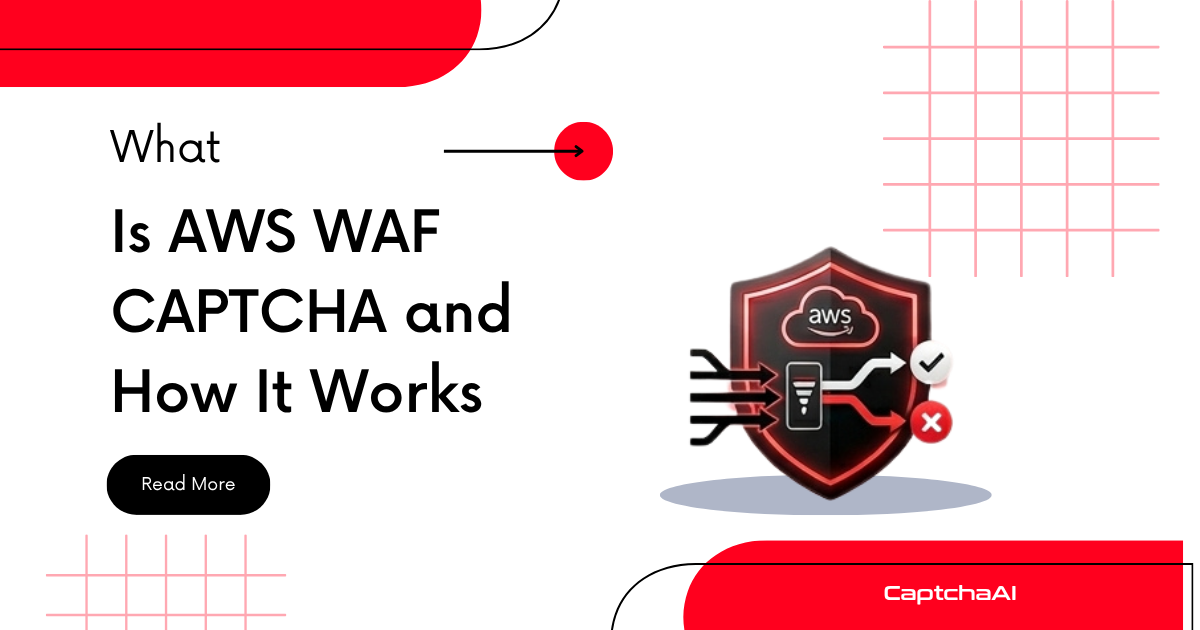
AWS WAF (Web Application Firewall) CAPTCHA is Amazon's built-in challenge mechanism for websites protected by AWS WAF. When an AWS WAF rule triggers a CAPTCHA action, the user sees a puzzle challenge hosted by AWS that they must solve before their request reaches the origin server. If your automation workflow encounters a challenge page served from an AWS-hosted domain with puzzle-style challenges (not image grids), you are likely dealing with AWS WAF CAPTCHA.
This explainer covers how AWS WAF CAPTCHA works, how to identify it, and how it fits into the broader CAPTCHA ecosystem.
How AWS WAF CAPTCHA works
AWS WAF CAPTCHA is part of the AWS WAF service, which filters HTTP/HTTPS requests to applications running on AWS infrastructure (CloudFront, ALB, API Gateway, AppSync, Cognito):
- Rule evaluation — AWS WAF evaluates each incoming request against configured rules. Rules can match on IP address, geographic location, request rate, query string patterns, headers, or AWS Managed Rules (including Bot Control).
- CAPTCHA action trigger — When a rule with CAPTCHA action matches a request, AWS WAF intercepts the response and returns a CAPTCHA challenge page instead of the origin content.
- Challenge presentation — The user sees a visual puzzle challenge hosted by AWS. The default challenge is a slider-style puzzle or end-user puzzle (not a traditional image grid).
- Token generation — After solving the challenge, the client receives an encrypted
aws-waf-tokenthat is stored as a cookie and sent with subsequent requests. - Token validation — AWS WAF validates the token on each subsequent request. If the token is valid and not expired, the request passes through to the origin.
Token lifecycle
| Parameter | Value |
|---|---|
| Token name | aws-waf-token |
| Storage | HTTP cookie |
| Immunity time | Configurable per rule (default: 300 seconds) |
| Token scope | Per domain or per path |
| Renewal | Automatic — WAF re-challenges when the token expires |
AWS WAF CAPTCHA vs AWS WAF Challenge
AWS WAF provides two challenge mechanisms that are often confused:
| Feature | CAPTCHA action | Challenge action |
|---|---|---|
| User interaction | Required — user must solve a visual puzzle | None — transparent JavaScript challenge |
| Visibility | Visible challenge page | Invisible — brief page delay |
| Use case | High-confidence bot blocking | Low-confidence bot filtering |
| Token cookie | aws-waf-token |
aws-waf-token |
| User experience | Interruptive | Seamless |
| Immunity period | Configurable (default 300s) | Configurable (default 300s) |
The Challenge action is similar to Cloudflare's managed challenge — it runs JavaScript checks without user interaction. The CAPTCHA action is the interactive version that requires puzzle solving.
How to identify AWS WAF CAPTCHA
Method 1: Check response characteristics
import requests

response = requests.get("https://example.com/protected-page", allow_redirects=False)

# AWS WAF CAPTCHA returns 405 with challenge page
if response.status_code == 405:
    if 'aws-waf-token' in str(response.headers) or 'captcha' in response.text.lower():
        print("AWS WAF CAPTCHA challenge detected")

# Check for aws-waf-token cookie in response
cookies = response.cookies
if 'aws-waf-token' in cookies:
    print(f"AWS WAF token cookie present: {cookies['aws-waf-token'][:40]}...")
Method 2: Inspect the challenge page HTML
# AWS WAF CAPTCHA pages contain specific identifiers
if any(marker in response.text for marker in [
    'aws-waf-captcha',
    'awsWafCaptcha',
    'challenge.js',
    'aws:waf:captcha'
]):
    print("AWS WAF CAPTCHA page content detected")
Method 3: Check JavaScript challenge script
// In browser automation
const awsWafScript = await page.evaluate(() => {
    const scripts = Array.from(document.querySelectorAll('script'));
    return scripts.some(s =>
        (s.src && s.src.includes('challenge.js')) ||
        (s.textContent && s.textContent.includes('awsWafCaptcha'))
    );
});

if (awsWafScript) {
    console.log('AWS WAF CAPTCHA challenge script detected');
}
Key identifiers
| Signal | Detection pattern |
|---|---|
| Token cookie | aws-waf-token |
| Response code | 405 (for CAPTCHA), 202 (for Challenge) |
| Page content | awsWafCaptcha JavaScript references |
| Challenge style | Slider puzzle or visual puzzle (not image grid) |
| Infrastructure | Site served via CloudFront or ALB |
AWS WAF CAPTCHA vs other CAPTCHA systems
| Factor | AWS WAF CAPTCHA | reCAPTCHA v2 | Cloudflare Turnstile |
|---|---|---|---|
| Provider | Amazon Web Services | Cloudflare | |
| Integration model | WAF rule action (infrastructure-level) | JavaScript widget (application-level) | JavaScript widget (application-level) |
| Challenge type | Visual puzzle (slider/puzzle) | Image grid selection | Invisible or managed challenge |
| Triggered by | WAF rules, rate limits, Bot Control | Page-level widget configuration | Cloudflare security settings |
| Token storage | Cookie (aws-waf-token) |
Hidden form field | Hidden form field |
| Immunity period | Configurable (default 5 min) | Per-challenge (no persistent immunity) | Per-challenge / clearance cookie |
| Cost | Included in AWS WAF pricing ($0.40 per 10,000 challenges) | Free (standard) / $8/month (Enterprise) | Free |
| Scope | Entire site or specific paths via WAF rules | Individual forms or pages | Entire site via Cloudflare proxy |
How AWS WAF CAPTCHA affects automation workflows
Infrastructure vs application-level protection
AWS WAF CAPTCHA operates at the infrastructure level, which means:
- Every request type can be challenged — not just form submissions but also page loads, API calls, and asset requests
- Rules are server-side — they cannot be detected by inspecting the client-side HTML alone
- Token persistence — once you have a valid
aws-waf-token, subsequent requests within the immunity window pass through without challenges - Rate-based rules — AWS WAF can trigger CAPTCHA challenges based on request rate, making aggressive scraping patterns a direct trigger
Working with AWS WAF tokens
import requests

session = requests.Session()

# If you have a valid aws-waf-token from a previous solve
session.cookies.set('aws-waf-token', 'your-solved-token-here', domain='.example.com')

# Subsequent requests within the immunity window will pass through
response = session.get("https://example.com/protected-page")
print(f"Status: {response.status_code}")  # Should be 200 if token is valid
Key considerations
- AWS WAF CAPTCHA challenges are puzzle-based, not image grids — this affects the solving approach
- The
aws-waf-tokencookie must be maintained across the session - Token immunity is time-limited — plan for re-challenges in long-running workflows
- AWS Bot Control managed rules evaluate user-agent, TLS fingerprint, and behavioral signals before triggering challenges
Frequently asked questions
Is AWS WAF CAPTCHA the same as reCAPTCHA?
No. AWS WAF CAPTCHA is Amazon's own challenge system built into AWS WAF. It uses puzzle-style challenges, not image grids. It is fundamentally different from reCAPTCHA, which is a Google product.
Does AWS WAF CAPTCHA use cookies or form fields?
AWS WAF CAPTCHA uses cookies. After solving a challenge, the browser receives an aws-waf-token cookie that grants access for a configurable immunity period. This is different from reCAPTCHA and Turnstile, which use hidden form fields.
Can I detect AWS WAF protection before hitting the challenge?
Not reliably from a single request. You can check if the site is served via CloudFront (AWS CDN) by examining response headers for x-amz-cf-id or via: 1.1 *.cloudfront.net, but this only indicates AWS infrastructure usage, not whether WAF CAPTCHA rules are active.
How much does AWS WAF CAPTCHA cost for site owners?
AWS charges $0.40 per 10,000 CAPTCHA challenge attempts as part of AWS WAF pricing. There is no separate CAPTCHA product — it is a rule action within AWS WAF.
Does AWS WAF CAPTCHA work on non-AWS sites?
Not typically. AWS WAF CAPTCHA requires AWS WAF, which runs on AWS infrastructure (CloudFront, ALB, API Gateway). Sites not hosted on or proxied through AWS cannot use AWS WAF CAPTCHA.
Summary
AWS WAF CAPTCHA is Amazon's infrastructure-level challenge mechanism that presents puzzle-style challenges when WAF rules detect suspicious traffic. It differs from reCAPTCHA and Cloudflare Turnstile in its integration model (WAF rule action vs JavaScript widget), challenge type (puzzle vs image grid), and token management (cookie-based with configurable immunity). For handling the most common CAPTCHA types in automation workflows, explore the CaptchaAI solver API.

Discussions (0)
Join the conversation
Sign in to share your opinion.
Sign InNo comments yet.