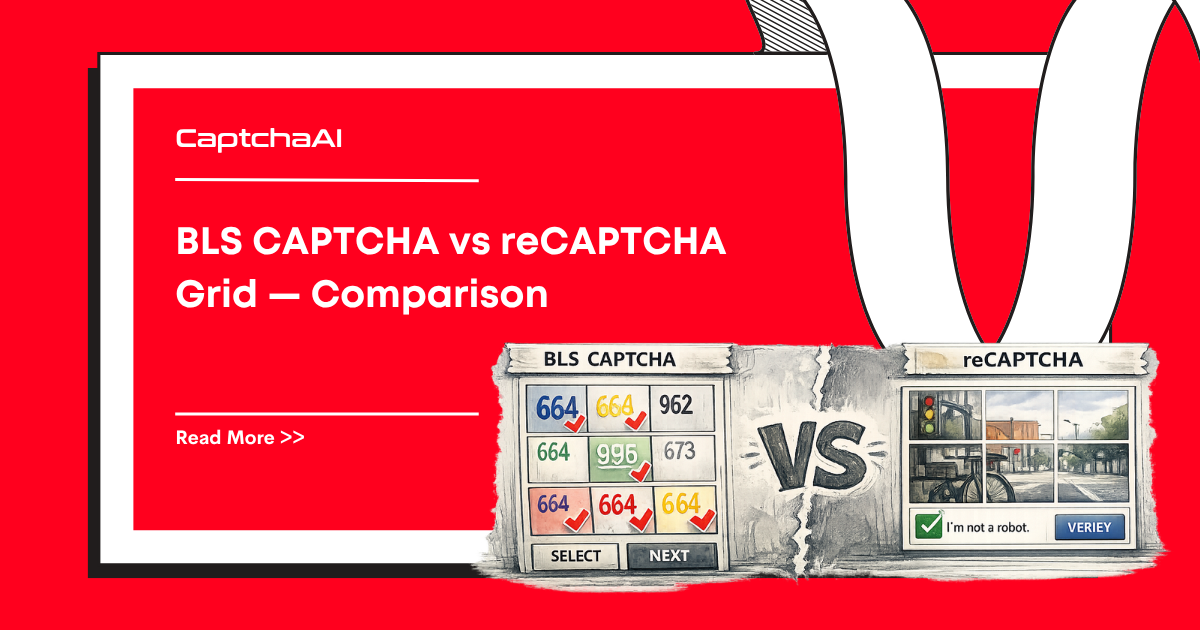
Both present images that users must select based on a text prompt. But BLS CAPTCHA is a custom implementation used exclusively on BLS International visa systems, while reCAPTCHA is Google's globally deployed solution. The solving approaches, integration requirements, and CaptchaAI API methods differ significantly.
Side-by-side comparison
| Feature | BLS CAPTCHA | reCAPTCHA Grid |
|---|---|---|
| Provider | BLS International (custom) | |
| Format | Separate distinct images (3-9) | Single image split into grid (3×3 or 4×4) |
| Dynamic tiles | No — fixed set of images | Yes — new tiles fade in after selection |
| Behavioral analysis | Minimal | Extensive (mouse, timing, IP) |
| Score system | None | Risk analysis on every request |
| API method | method=bls |
method=userrecaptcha |
| Parameters needed | instructions, image_base64_1..9 |
googlekey, pageurl |
| Response format | Image indices (e.g., 1,3,5) |
Token string |
| Token-based solving | No — must solve images directly | Yes — token method handles grid internally |
| Browser required | Yes (must extract images from DOM) | Optional (token method works without browser) |
| Where used | BLS visa appointment sites only | Millions of sites globally |
| Typical solve time | 5-15 seconds | 10-30 seconds |
Solving BLS CAPTCHA with CaptchaAI
BLS requires extracting each image from the page, encoding them as base64, and sending them with the instruction text.
Python:
import requests
import base64
import time
from selenium import webdriver
from selenium.webdriver.common.by import By

driver = webdriver.Chrome()
driver.get("https://example-bls-site.com/appointment")

# Step 1: Extract instruction text
instruction = driver.find_element(By.CSS_SELECTOR, ".captcha-instruction").text
# Example: "Select all images with a motorcycle"

# Step 2: Extract and encode each image
images = driver.find_elements(By.CSS_SELECTOR, ".captcha-image img")
image_data = {}
for i, img in enumerate(images, 1):
    # Get image source and convert to base64
    src = img.get_attribute("src")
    if src.startswith("data:image"):
        b64 = src.split(",")[1]
    else:
        img_bytes = requests.get(src).content
        b64 = base64.b64encode(img_bytes).decode()
    image_data[f"image_base64_{i}"] = b64

# Step 3: Submit to CaptchaAI
payload = {
    "key": "YOUR_API_KEY",
    "method": "bls",
    "instructions": instruction,
    **image_data
}
resp = requests.post("https://ocr.captchaai.com/in.php", data=payload)
task_id = resp.text.split("|")[1]

# Step 4: Poll for result
for _ in range(30):
    time.sleep(5)
    result = requests.get("https://ocr.captchaai.com/res.php", params={
        "key": "YOUR_API_KEY", "action": "get", "id": task_id
    })
    if result.text.startswith("OK|"):
        indices = result.text.split("|")[1]  # e.g., "1,3,5"
        break

# Step 5: Click the correct images
for idx in indices.split(","):
    images[int(idx) - 1].click()
    time.sleep(0.3)  # Small delay between clicks
Node.js:
const axios = require("axios");
const puppeteer = require("puppeteer");

(async () => {
  const browser = await puppeteer.launch({ headless: "new" });
  const page = await browser.newPage();
  await page.goto("https://example-bls-site.com/appointment");

  // Extract instruction text
  const instruction = await page.$eval(
    ".captcha-instruction",
    (el) => el.textContent,
  );

  // Extract images as base64
  const imageElements = await page.$$(".captcha-image img");
  const imageData = {};
  for (let i = 0; i < imageElements.length; i++) {
    const src = await imageElements[i].evaluate((el) => el.src);
    let b64;
    if (src.startsWith("data:image")) {
      b64 = src.split(",")[1];
    } else {
      const resp = await axios.get(src, { responseType: "arraybuffer" });
      b64 = Buffer.from(resp.data).toString("base64");
    }
    imageData[`image_base64_${i + 1}`] = b64;
  }

  // Submit to CaptchaAI
  const formData = new URLSearchParams({
    key: "YOUR_API_KEY",
    method: "bls",
    instructions: instruction,
    ...imageData,
  });
  const submitResp = await axios.post(
    "https://ocr.captchaai.com/in.php",
    formData.toString(),
  );
  const taskId = submitResp.data.split("|")[1];

  // Poll for result
  let indices;
  for (let i = 0; i < 30; i++) {
    await new Promise((r) => setTimeout(r, 5000));
    const result = await axios.get("https://ocr.captchaai.com/res.php", {
      params: { key: "YOUR_API_KEY", action: "get", id: taskId },
    });
    if (result.data.startsWith("OK|")) {
      indices = result.data.split("|")[1];
      break;
    }
  }

  // Click correct images
  for (const idx of indices.split(",")) {
    await imageElements[parseInt(idx) - 1].click();
    await new Promise((r) => setTimeout(r, 300));
  }

  await browser.close();
})();
Solving reCAPTCHA Grid with CaptchaAI
reCAPTCHA uses a token-based approach — no image extraction needed.
Python:
import requests
import time

# Step 1: Extract sitekey from page
# <div class="g-recaptcha" data-sitekey="6Le-wvkS..."></div>
sitekey = "6Le-wvkSAAAAAPBMRTvw..."
page_url = "https://example.com/form"

# Step 2: Submit to CaptchaAI
resp = requests.get("https://ocr.captchaai.com/in.php", params={
    "key": "YOUR_API_KEY",
    "method": "userrecaptcha",
    "googlekey": sitekey,
    "pageurl": page_url
})
task_id = resp.text.split("|")[1]

# Step 3: Poll for token
for _ in range(60):
    time.sleep(5)
    result = requests.get("https://ocr.captchaai.com/res.php", params={
        "key": "YOUR_API_KEY", "action": "get", "id": task_id
    })
    if result.text.startswith("OK|"):
        token = result.text.split("|")[1]
        break

# Step 4: Inject token (no clicking needed)
# Option A: Hidden field injection
driver.execute_script(
    f'document.getElementById("g-recaptcha-response").value = "{token}";'
)
# Option B: Pure HTTP submission
requests.post(page_url, data={"g-recaptcha-response": token, "other_field": "value"})
Node.js:
const axios = require("axios");

async function solveRecaptchaGrid(sitekey, pageUrl) {
  // Submit
  const submitResp = await axios.get("https://ocr.captchaai.com/in.php", {
    params: {
      key: "YOUR_API_KEY",
      method: "userrecaptcha",
      googlekey: sitekey,
      pageurl: pageUrl,
    },
  });
  const taskId = submitResp.data.split("|")[1];

  // Poll for token
  for (let i = 0; i < 60; i++) {
    await new Promise((r) => setTimeout(r, 5000));
    const result = await axios.get("https://ocr.captchaai.com/res.php", {
      params: { key: "YOUR_API_KEY", action: "get", id: taskId },
    });
    if (result.data.startsWith("OK|")) {
      return result.data.split("|")[1];
    }
  }
  throw new Error("Solve timed out");
}
Integration complexity comparison
| Aspect | BLS | reCAPTCHA Grid |
|---|---|---|
| Image extraction | Must extract each image from DOM manually | Not needed — token method handles internally |
| Instruction handling | Must extract text instruction from page | Not needed |
| Base64 encoding | Required for every image | Not needed |
| Solution application | Click individual images by returned indices | Inject token into hidden field or HTTP POST |
| Browser automation | Required — no headless alternative | Optional — can use pure HTTP requests |
| Error recovery | Re-extract images on failure | Re-request token on failure |
| Concurrent solving | Limited — images tied to browser session | Easy — token requests are stateless |
| Lines of code (typical) | 40-60 lines | 15-25 lines |
When to use which solver
| Scenario | Recommended approach |
|---|---|
| BLS visa appointment booking | Use method=bls with image extraction |
| Any site with reCAPTCHA | Use method=userrecaptcha with sitekey |
| BLS site with embedded reCAPTCHA | Check which one guards the action — BLS sites sometimes use both |
| Unknown image captcha | Check if it is BLS-branded first; if not, try reCAPTCHA or OCR methods |
Troubleshooting
| Problem | BLS fix | reCAPTCHA fix |
|---|---|---|
| Wrong answer returned | Check instruction text matches what the page shows | Verify sitekey and pageurl are correct |
| Images not loading | Add User-Agent and cookies when fetching image URLs |
Not applicable — no images to fetch |
| Token rejected | Click indices in the correct order on the page | Inject into g-recaptcha-response AND execute callback |
| Solve too slow | Reduce image count — only send visible images | Use proxy near the target site |
FAQ
Which is harder to solve?
BLS requires more integration work (image extraction, instruction parsing, and index-based clicking) but the images are usually clearer and simpler. reCAPTCHA is easier to integrate (token method) but Google's challenges can be more complex with dynamic tiles.
Can I use the reCAPTCHA token method for BLS?
No. BLS is not a reCAPTCHA implementation. You must use method=bls with individual base64-encoded images and the instruction text.
Do both use Google's technology?
No. BLS CAPTCHA is a custom, proprietary implementation built for BLS International visa services. reCAPTCHA is Google's product used globally across millions of websites.
Which is more cost-effective to solve at scale?
reCAPTCHA token solves are generally more cost-effective for high-volume operations because the integration is simpler (no image extraction overhead) and you can run concurrent stateless requests. BLS solving requires a browser session for each solve.
Can I solve both types on the same page?
Yes. Some BLS sites use their custom CAPTCHA for initial verification and reCAPTCHA for form submission. Detect each type separately and use the appropriate CaptchaAI method for each.
Related guides
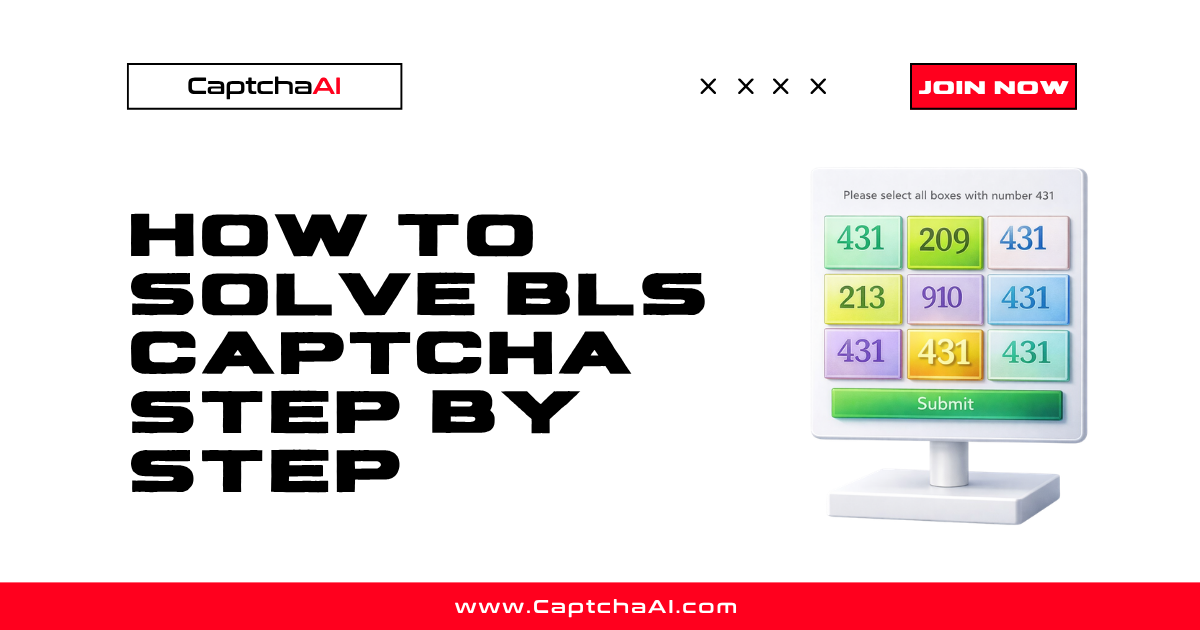
- How to Solve BLS CAPTCHA Step by Step — full BLS integration walkthrough
- How to Solve reCAPTCHA v2 Using API — complete reCAPTCHA v2 tutorial
- reCAPTCHA Grid Challenge Explained — how grid challenges work
- BLS Captcha Errors and Troubleshooting — BLS-specific error fixes
Discussions (0)
Join the conversation
Sign in to share your opinion.
Sign InNo comments yet.