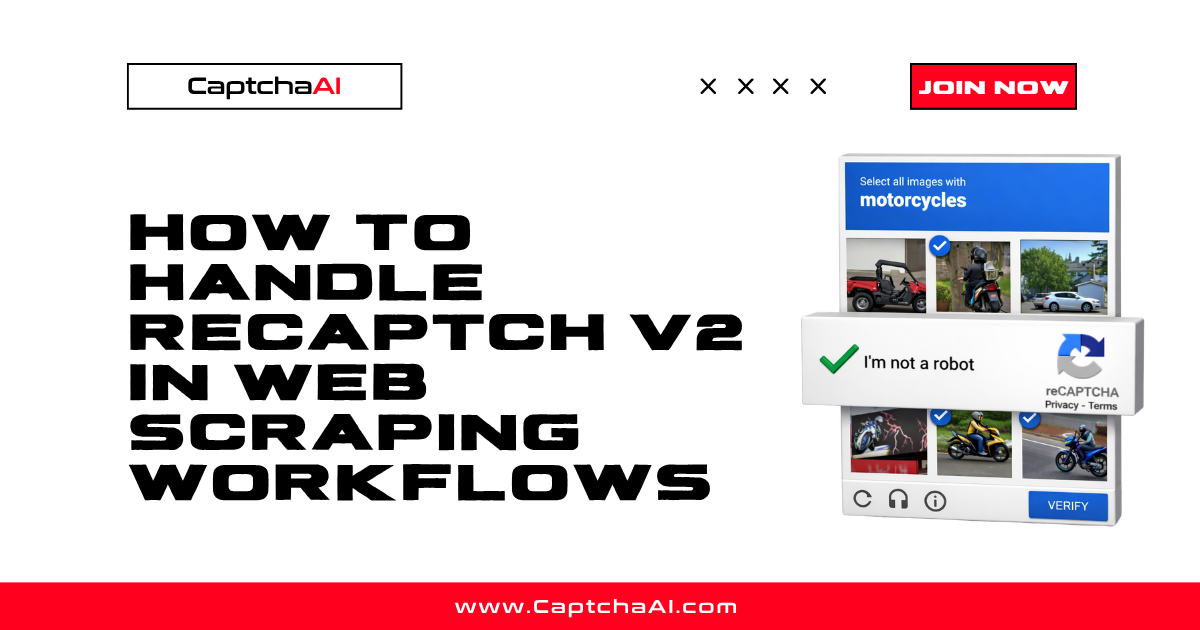
The reCAPTCHA grid challenge presents a 3x3 or 4x4 image grid and asks users to "Select all squares with [traffic lights / crosswalks / buses]". Users must click the correct tiles, sometimes waiting for new images to fade in.
This is the visual challenge component of reCAPTCHA v2. It appears when v2 cannot verify the user through the checkbox alone, or when v3 scores are too low and the site falls back to a visual challenge.
How grid challenges work
Static grids
One large image is split into a 3x3 or 4x4 grid. The user selects all tiles containing the target object (e.g., traffic lights), then clicks "Verify."
┌───┬───┬───┐
│ 1 │ 2 │ 3 │  ← "Select all squares with traffic lights"
├───┼───┼───┤
│ 4 │ 5 │ 6 │  ← User clicks tiles 2, 5, 6
├───┼───┼───┤
│ 7 │ 8 │ 9 │
└───┴───┴───┘
Dynamic grids
After selecting a tile, it fades out and a new image fades in. The user must continue selecting until no more target objects remain. This makes the challenge take longer and prevents simple screenshot-based solving.
4x4 grids
Some challenges use a 4x4 grid (16 tiles) with smaller individual tiles. These appear for higher-risk interactions and require more precise object recognition.
What triggers a grid challenge
| Trigger | Description |
|---|---|
| v2 checkbox failure | Clicking "I'm not a robot" with suspicious signals |
| v3 low score | Site falls back to v2 challenge when v3 score is below threshold |
| Suspicious IP | Datacenter or flagged IP address |
| Missing cookies | No Google browsing history |
| Headless browser detected | navigator.webdriver = true or missing plugins |
| Repeated requests | Same user solving too many captchas |
Common challenge categories
Google uses a fixed set of image categories:
- Traffic lights
- Crosswalks / pedestrian crossings
- Buses
- Bicycles
- Motorcycles
- Fire hydrants
- Stairs
- Chimneys
- Palm trees
- Mountains
- Bridges
- Boats
- Taxis
Solving grid challenges with CaptchaAI
Grid challenges can be solved by sending the image to CaptchaAI. The API returns which tiles contain the target object.
Python
import requests
import time
import base64

# Capture the grid image
with open("captcha_grid.png", "rb") as f:
    image_data = base64.b64encode(f.read()).decode()

# Submit to CaptchaAI
response = requests.post("https://ocr.captchaai.com/in.php", data={
    "key": "YOUR_API_KEY",
    "method": "post",
    "body": image_data,
    "recaptcha": 1,
    "json": 1
})

task_id = response.json()["request"]

# Poll for result
for _ in range(30):
    time.sleep(5)
    result = requests.get("https://ocr.captchaai.com/res.php", params={
        "key": "YOUR_API_KEY", "action": "get", "id": task_id, "json": 1
    }).json()
    if result.get("status") == 1:
        # Returns click coordinates or tile indices
        answer = result["request"]
        print(f"Selected tiles: {answer}")
        break
Alternative: Solve reCAPTCHA v2 by token
Instead of solving the image grid directly, you can solve the entire reCAPTCHA v2 challenge via the token method:
response = requests.get("https://ocr.captchaai.com/in.php", params={
    "key": "YOUR_API_KEY",
    "method": "userrecaptcha",
    "googlekey": "6Le-wvkSAAAAAPBMRTvw0Q4Muexq9bi0DJwx_kl-",
    "pageurl": "https://example.com/page",
    "json": 1
})
This approach is simpler because CaptchaAI handles the entire challenge internally and returns the g-recaptcha-response token.
Grid challenge vs token solving
| Approach | When to use |
|---|---|
Token solving (method=userrecaptcha) |
Standard reCAPTCHA v2 on web pages — simpler, more reliable |
Image solving (method=post) |
Standalone grid images outside of reCAPTCHA context |
Grid solving (method=grid) |
Grid-based challenges that are not standard reCAPTCHA |
For most reCAPTCHA v2 use cases, token solving is recommended because it handles the grid challenge internally.
FAQ
How many tiles do I need to select?
Typically 2–4 tiles in a 3x3 grid. For 4x4 grids, usually 3–6 tiles. Selecting too few or too many fails the challenge.
What happens if I select the wrong tiles?
Google presents a new challenge. After 5–10 failures, it may show an audio challenge instead or block the session entirely.
Can dynamic grid challenges be solved automatically?
Yes, but they require multiple rounds of image recognition. CaptchaAI handles dynamic grids when you use the token-based method (method=userrecaptcha).
Why do I keep getting grid challenges?
Frequent grid challenges indicate suspicious signals — headless browser detection, datacenter IP, or missing cookies. Improve your browser stealth setup to reduce challenge frequency.


Discussions (0)
Join the conversation
Sign in to share your opinion.
Sign InNo comments yet.