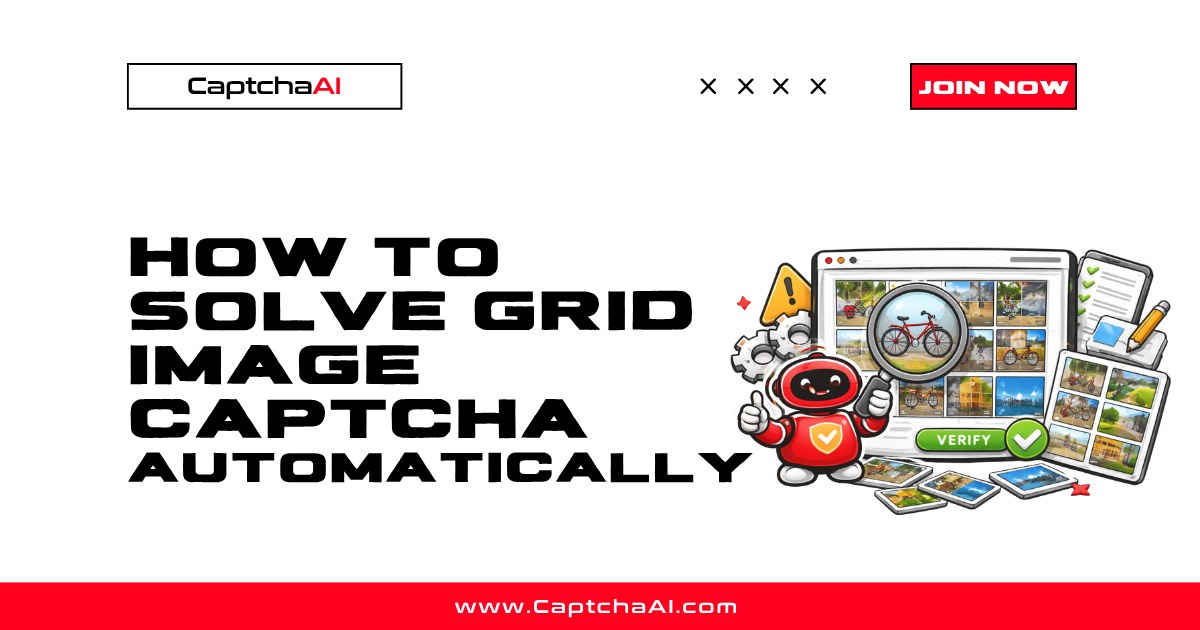
Grid image CAPTCHAs present a large image split into a grid (typically 3×3 or 4×4) and ask users to select cells matching a description. While reCAPTCHA uses this format, many sites use custom grid challenges that are not part of Google's system.
This guide covers solving non-reCAPTCHA grid image challenges using CaptchaAI's method=grid endpoint.
Requirements
| Item | Value |
|---|---|
| CaptchaAI API key | From captchaai.com |
| Grid image | Screenshot or base64 of the full grid |
| Language | Python 3.7+ or Node.js 14+ |
Step 1: Capture the grid image
Method A: Screenshot the captcha element
from selenium import webdriver
from selenium.webdriver.common.by import By

driver = webdriver.Chrome()
driver.get("https://example.com/protected-form")

# Screenshot just the captcha container
captcha_element = driver.find_element(By.CSS_SELECTOR, "#captcha-container")
captcha_element.screenshot("captcha_grid.png")
Method B: Extract image from src attribute
import base64
import requests

captcha_img = driver.find_element(By.CSS_SELECTOR, ".grid-captcha img")
src = captcha_img.get_attribute("src")

if src.startswith("data:image"):
    image_b64 = src.split(",")[1]
else:
    image_data = requests.get(src).content
    image_b64 = base64.b64encode(image_data).decode()
Step 2: Submit the image to CaptchaAI
Using file upload (Python)
import requests
import time

API_KEY = "YOUR_API_KEY"

with open("captcha_grid.png", "rb") as f:
    response = requests.post("https://ocr.captchaai.com/in.php",
        data={
            "key": API_KEY,
            "method": "post",
            "recaptcha": 1,
            "json": 1
        },
        files={"file": f}
    )

data = response.json()
task_id = data["request"]
print(f"Task: {task_id}")
Using base64 (Python)
response = requests.post("https://ocr.captchaai.com/in.php", data={
    "key": API_KEY,
    "method": "post",
    "body": image_b64,
    "recaptcha": 1,
    "json": 1
})

task_id = response.json()["request"]
Node.js
const axios = require('axios');
const fs = require('fs');

async function submitGridCaptcha(imagePath) {
  const imageB64 = fs.readFileSync(imagePath).toString('base64');

  const { data } = await axios.post('https://ocr.captchaai.com/in.php', null, {
    params: {
      key: 'YOUR_API_KEY',
      method: 'post',
      body: imageB64,
      recaptcha: 1,
      json: 1
    }
  });

  return data.request;
}
Step 3: Poll for the solution
def get_grid_solution(task_id):
    for _ in range(30):
        time.sleep(5)
        result = requests.get("https://ocr.captchaai.com/res.php", params={
            "key": API_KEY,
            "action": "get",
            "id": task_id,
            "json": 1
        }).json()

        if result.get("status") == 1:
            return result["request"]
        if result.get("request") != "CAPCHA_NOT_READY":
            raise Exception(f"Error: {result['request']}")

    raise Exception("Timeout")

solution = get_grid_solution(task_id)
print(f"Solution: {solution}")
# Returns click coordinates or cell indices
Step 4: Apply the solution
Click by cell index
# If solution returns cell indices (e.g., "2,5,6")
selected = [int(i) for i in solution.split(",")]
cells = driver.find_elements(By.CSS_SELECTOR, ".grid-cell")

for idx in selected:
    cells[idx - 1].click()
    time.sleep(0.2)

driver.find_element(By.CSS_SELECTOR, ".verify-button").click()
Click by coordinates
from selenium.webdriver.common.action_chains import ActionChains

# If solution returns coordinates (e.g., "x=120,y=80;x=250,y=200")
captcha_element = driver.find_element(By.CSS_SELECTOR, "#captcha-container")
actions = ActionChains(driver)

for coord in solution.split(";"):
    parts = dict(p.split("=") for p in coord.split(","))
    x, y = int(parts["x"]), int(parts["y"])
    actions.move_to_element_with_offset(captcha_element, x, y).click()

actions.perform()
Troubleshooting
| Error | Cause | Fix |
|---|---|---|
ERROR_WRONG_FILE_EXTENSION |
Invalid image format | Use PNG or JPEG; verify base64 is valid |
ERROR_CAPTCHA_UNSOLVABLE |
Image too small or blurry | Capture at full resolution |
| Wrong cells selected | Solution format mismatch | Check if solution is indices vs coordinates |
ERROR_TOO_BIG_CAPTCHA_FILESIZE |
Image exceeds size limit | Resize to under 600KB |
FAQ
When should I use grid solving vs token solving?
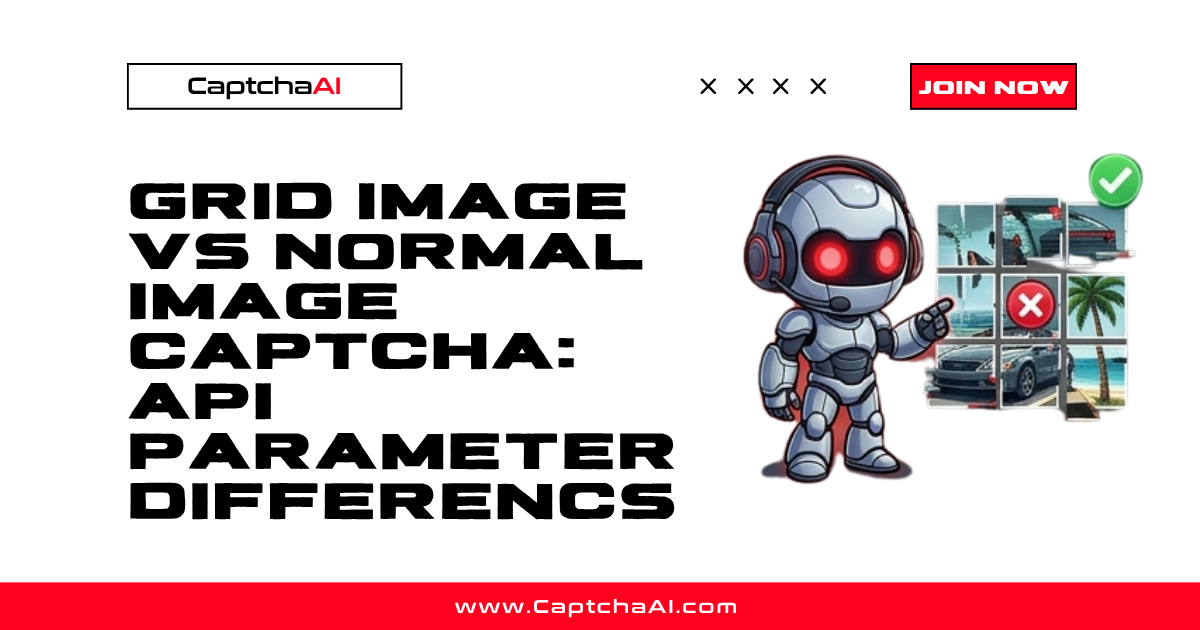
Use token solving (method=userrecaptcha) for standard reCAPTCHA challenges — it's simpler and more reliable. Use grid solving (method=post with recaptcha=1) for non-reCAPTCHA grid challenges or standalone image grids.
What grid sizes are supported?
CaptchaAI handles 3×3, 4×4, and non-standard grid layouts. The image is analyzed as a whole, regardless of grid structure.
How accurate is grid solving?
Accuracy depends on image quality. High-resolution, clear images achieve the best results. Average solving time is 15–30 seconds.
Can I solve dynamic grids where tiles change?
For reCAPTCHA dynamic grids (where clicked tiles are replaced), use the token method (method=userrecaptcha). The grid method solves a single static image.
Related guides
- How Grid Image CAPTCHA Challenges Work
- Common Grid Image CAPTCHA Errors and Fixes
- reCAPTCHA Grid Challenge Explained
Full Working Code
Complete runnable examples for this article in Python, Node.js, PHP, Go, Java, C#, Ruby, Rust, Kotlin & Bash.
View on GitHub →
Discussions (0)
Join the conversation
Sign in to share your opinion.
Sign InNo comments yet.