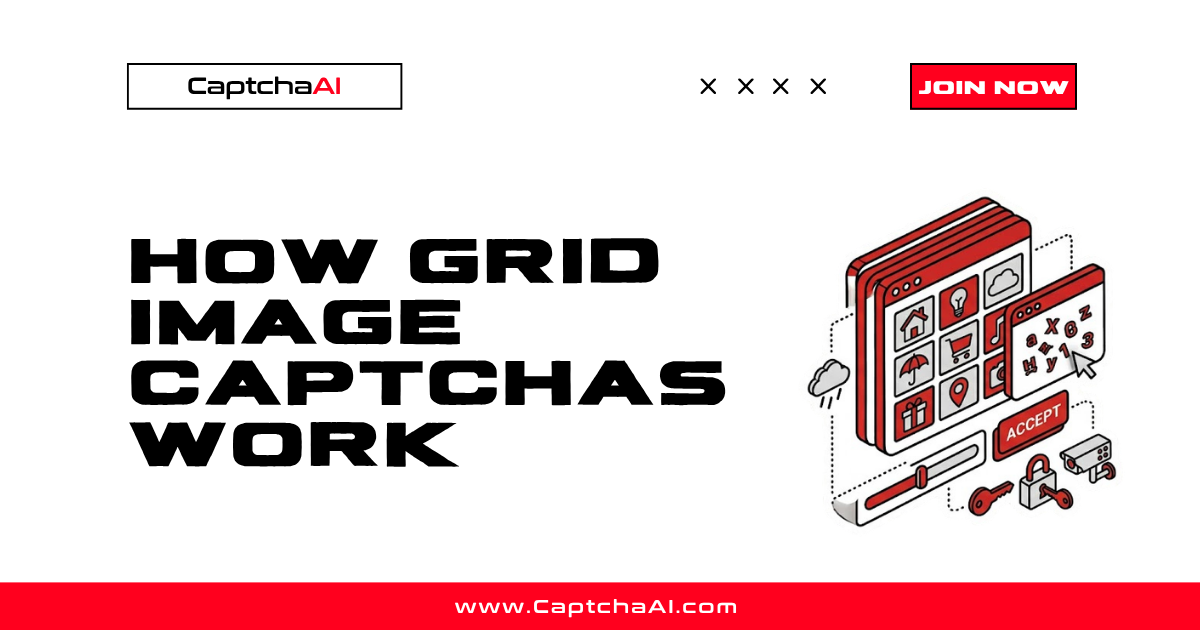
Grid image CAPTCHAs present a photo divided into tiles and ask users to select the tiles containing a specific object — traffic lights, crosswalks, buses. This is the visual challenge behind reCAPTCHA v2's image grid. Understanding how these grids work is essential for building reliable solving workflows.
The grid structure
A single image is divided into a grid of equal-sized tiles:
3×3 Grid (9 tiles):          4×4 Grid (16 tiles):
┌───┬───┬───┐                ┌───┬───┬───┬───┐
│ 1 │ 2 │ 3 │                │ 1 │ 2 │ 3 │ 4 │
├───┼───┼───┤                ├───┼───┼───┼───┤
│ 4 │ 5 │ 6 │                │ 5 │ 6 │ 7 │ 8 │
├───┼───┼───┤                ├───┼───┼───┼───┤
│ 7 │ 8 │ 9 │                │ 9 │10 │11 │12 │
└───┴───┴───┘                ├───┼───┼───┼───┤
                             │13 │14 │15 │16 │
                             └───┴───┴───┴───┘
Tiles are numbered left-to-right, top-to-bottom. The user selects tiles that contain the target object.
How the challenge works
- Image generated — The server selects a photo containing identifiable objects
- Grid applied — The photo is divided into a 3×3 or 4×4 grid
- Instruction shown — "Select all squares with traffic lights"
- User selects tiles — Clicking tiles that contain the target object
- Verification — The server checks whether the correct tiles were selected
The instruction always names a single object category. Common targets include: crosswalks, traffic lights, cars, buses, motorcycles, bicycles, fire hydrants, stairs, bridges, boats, and parking meters.
Single-step vs multi-step challenges
Single-step
One image, one instruction, one selection. Select the matching tiles and submit. This is the simpler format.
Multi-step (dynamic grids)
After selecting tiles and submitting, new tiles appear in the selected positions. The user must select again if the new tiles also match the instruction. This continues until no matching tiles remain.
Step 1: Select tiles 2, 5, 8 (traffic lights)
Step 2: Tiles 2, 5, 8 refresh with new images
        → Select tile 5 (still has traffic light)
Step 3: Tile 5 refreshes again
        → No traffic lights → Done
Multi-step challenges are harder to automate because each step requires a new image analysis.
How reCAPTCHA v2 uses grids
reCAPTCHA v2 uses grid challenges as a fallback when the checkbox risk score is too high. The flow:
- User clicks "I'm not a robot" checkbox
- reCAPTCHA evaluates browser behavior and risk score
- Low risk → Checkbox passes immediately (no grid)
- High risk → Grid image challenge appears
- User solves the grid → reCAPTCHA generates a token
The grid difficulty scales with risk. Higher-risk sessions get:
- 4×4 grids instead of 3×3
- Multi-step challenges instead of single-step
- Harder-to-distinguish objects (crosswalks in shadows, partial traffic lights)
Grid vs individual images
Grid CAPTCHAs split a single photo into tiles. This is different from CAPTCHAs that show multiple distinct images (like BLS CAPTCHA).
| Feature | Grid (reCAPTCHA) | Individual images (BLS) |
|---|---|---|
| Source | One photo, divided | Separate distinct images |
| Context | Objects span multiple tiles | Each image is independent |
| Partial objects | Yes (corner of a car in one tile) | No |
| Multi-step | Yes (tiles refresh) | No |
The key challenge with grid CAPTCHAs is that objects can span tile boundaries. A traffic light might appear across tiles 2 and 5, requiring both to be selected even though neither shows the complete object.
What makes grid CAPTCHAs difficult
| Challenge | Description |
|---|---|
| Partial visibility | Object appears in only a corner of a tile |
| Ambiguous boundaries | Object is partially in the tile — include it or not? |
| Similar objects | Street lights vs traffic lights, vans vs buses |
| Perspective | Objects at unusual angles or distances |
| Occlusion | Objects partially hidden behind others |
| Multi-step dynamics | New tiles introduce new classification per step |
How CaptchaAI solves grid CAPTCHAs
CaptchaAI processes grid CAPTCHAs using these parameters:
| Parameter | Value |
|---|---|
method |
post (file upload) |
grid_size |
3x3 or 4x4 |
img_type |
recaptcha |
instructions |
The target object (e.g., "crosswalks") |
CaptchaAI analyzes the full image contextually — understanding that objects span tiles and using the surrounding context to make selections. The response is an array of tile indices: [1, 3, 6, 9].
Accuracy factors
| Factor | Higher accuracy | Lower accuracy |
|---|---|---|
| Image quality | Clear, well-lit photos | Dark, blurry, compressed |
| Object clarity | Obvious objects (large car) | Partial/distant objects |
| Grid size | 3×3 (larger tiles) | 4×4 (smaller tiles, less context) |
| Instruction specificity | Common objects (cars, lights) | Ambiguous objects |
FAQ
Are 4×4 grids harder than 3×3?
Yes. Smaller tiles provide less visual context per cell, and objects are more likely to be partially visible. 4×4 grids are used for higher-risk sessions.
How many tiles are usually correct?
Typically 2–5 tiles out of 9 (3×3) or 3–6 tiles out of 16 (4×4). Selecting all tiles or no tiles is almost never correct.
Can I solve multi-step grid CAPTCHAs with CaptchaAI?
For single-step grids, submit the image with instructions and get the result. Multi-step grids require submitting each new image state separately as tiles refresh.
Solve grid image CAPTCHAs with CaptchaAI
Get accurate grid solutions at captchaai.com.


Discussions (0)
Join the conversation
Sign in to share your opinion.
Sign InNo comments yet.