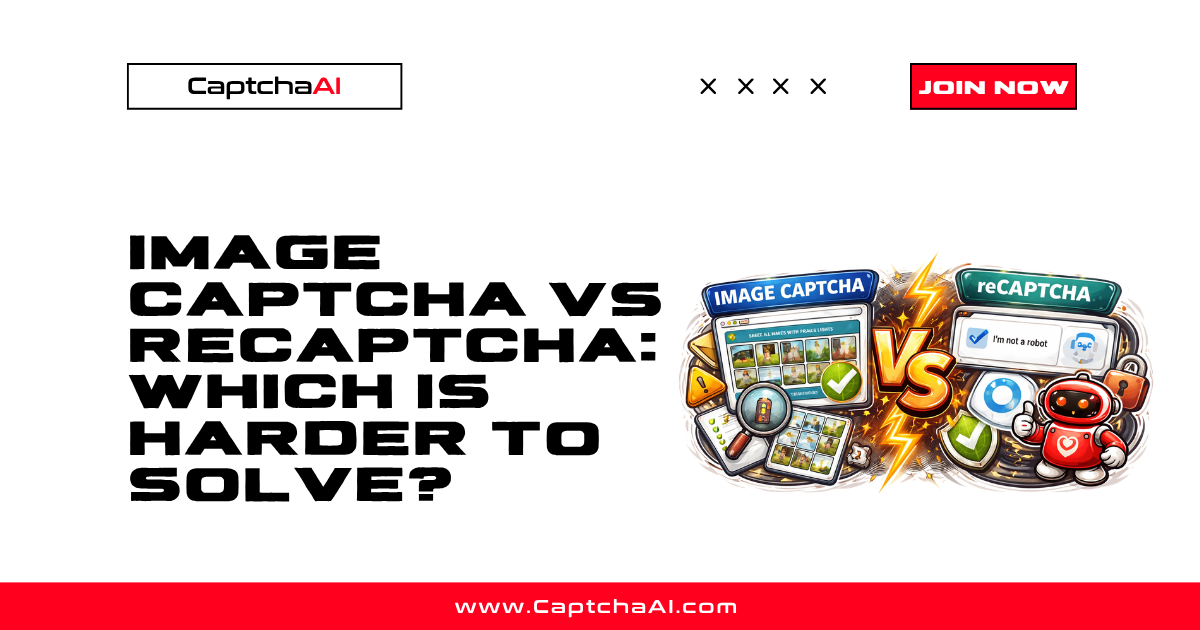
Image CAPTCHAs (distorted text, math problems, character recognition) and reCAPTCHA (Google's checkbox + image grid challenges) are both widely used, but they work very differently. This comparison covers solve difficulty, speed, cost, and when you will encounter each.
Quick comparison
| Feature | Image/OCR CAPTCHA | reCAPTCHA v2 |
|---|---|---|
| Provider | Various (custom implementations) | |
| Challenge type | Distorted text, characters, math | Checkbox, image grid selection |
| Solve method | OCR / text recognition | Token-based verification |
| CaptchaAI method | base64 or post |
userrecaptcha |
| Average solve time | 2–5 seconds | 10–30 seconds |
| Accuracy | 90–98% (depends on distortion) | 95–99% |
| Cost per solve | Lower | Higher |
| Proxy required | No | No (optional) |
| Response format | Plain text answer | Token string |
How they work
Image/OCR CAPTCHA
A server generates a distorted image containing text, numbers, or a math problem. The user reads the image and types the answer. The image is self-contained — no external service is needed.
Examples:
- "Type the characters you see:
A3xK9m" - "What is 7 + 3?"
- Custom drawn characters with noise and distortion
Submission to CaptchaAI:
import base64
import requests

with open("captcha.png", "rb") as f:
    body = base64.b64encode(f.read()).decode()

data = {
    "key": "YOUR_API_KEY",
    "method": "base64",
    "body": body,
    "json": 1
}
resp = requests.post("https://ocr.captchaai.com/in.php", data=data).json()
reCAPTCHA v2
Google provides a JavaScript widget that evaluates browser behavior, mouse movements, and sometimes presents image grids ("select all traffic lights"). The response is a token that the server validates with Google's API.
Submission to CaptchaAI:
data = {
    "key": "YOUR_API_KEY",
    "method": "userrecaptcha",
    "googlekey": "SITE_KEY",
    "pageurl": "https://example.com",
    "json": 1
}
resp = requests.post("https://ocr.captchaai.com/in.php", data=data).json()
Solve difficulty
| Factor | Image/OCR | reCAPTCHA v2 |
|---|---|---|
| Complexity | Depends on distortion level | Consistent (Google controls difficulty) |
| Rotating challenges | Usually static per request | Can escalate (more image grids) |
| Anti-bot detection | None (image-only check) | Behavior analysis + IP scoring |
| Browser required | No | No (for API solving) |
| Parameters needed | Just the image | Sitekey + page URL |
Image CAPTCHAs are technically simpler — there is no behavior analysis, no token verification, and no risk scoring. The difficulty is purely in the OCR accuracy.
reCAPTCHA is more complex because Google evaluates the entire request context. A low risk score solves instantly (checkbox only). A high risk score triggers multiple image challenges.
Speed comparison
| Metric | Image/OCR | reCAPTCHA v2 |
|---|---|---|
| Typical solve | 2–5 seconds | 10–30 seconds |
| Fast solves | Under 2 seconds | 8–15 seconds |
| Slow solves | 5–10 seconds (heavy distortion) | 30–60 seconds (multiple challenges) |
Image CAPTCHAs solve dramatically faster because there is no token generation or behavior simulation — just text recognition.
Cost comparison
| Factor | Image/OCR | reCAPTCHA v2 |
|---|---|---|
| Per-solve cost | Lower | Higher |
| Volume pricing | Better margins at scale | Relatively constant |
Image/OCR CAPTCHAs are the most cost-effective to solve because the process is simpler and faster.
When you will encounter each
Image/OCR CAPTCHAs are common on:
- Legacy web applications
- Government and institutional sites
- Custom-built login pages
- Forums and comment systems
- Sites that want a simple anti-bot check
reCAPTCHA v2 is common on:
- Modern web applications
- E-commerce checkout flows
- Registration and login forms
- Sites using Google services
- Any site wanting behavioral analysis
Which is harder to automate?
reCAPTCHA v2 is harder overall because:
- You need the sitekey and page URL (not just an image)
- Google evaluates behavioral signals, not just the answer
- Tokens expire quickly and are single-use
- Enterprise variants add additional complexity
Image/OCR CAPTCHAs are easier to automate because:
- You only need the image — no external parameters
- No behavioral analysis or risk scoring
- Answers do not expire
- No token injection step (just type the answer)
However, heavily distorted image CAPTCHAs with noise, overlapping characters, and warping can have lower OCR accuracy. The difficulty scales with the distortion level.
CaptchaAI handles both
CaptchaAI solves both types through the same API. The only difference is the submission parameters:
| CAPTCHA type | Method | Key parameter |
|---|---|---|
| Image/OCR | base64 |
body (base64 image) |
| Image file upload | post |
File attachment |
| reCAPTCHA v2 | userrecaptcha |
googlekey, pageurl |
FAQ
Can I use the same code for both types?
The submission and polling logic is the same. Only the submit parameters differ. Build a router function that detects the CAPTCHA type and sends the right parameters.
Which has better accuracy with CaptchaAI?
reCAPTCHA v2 typically has 95–99% accuracy. Image/OCR accuracy varies — simple text is 95%+, heavily distorted characters may drop to 85–90%.
Are image CAPTCHAs being phased out?
Slowly. Many sites are migrating to reCAPTCHA, Turnstile, or invisible challenges. But image CAPTCHAs remain common on legacy systems, government sites, and custom applications.
Solve any CAPTCHA type at CaptchaAI
Handle both image/OCR and reCAPTCHA challenges at captchaai.com.


Discussions (0)
Join the conversation
Sign in to share your opinion.
Sign InNo comments yet.