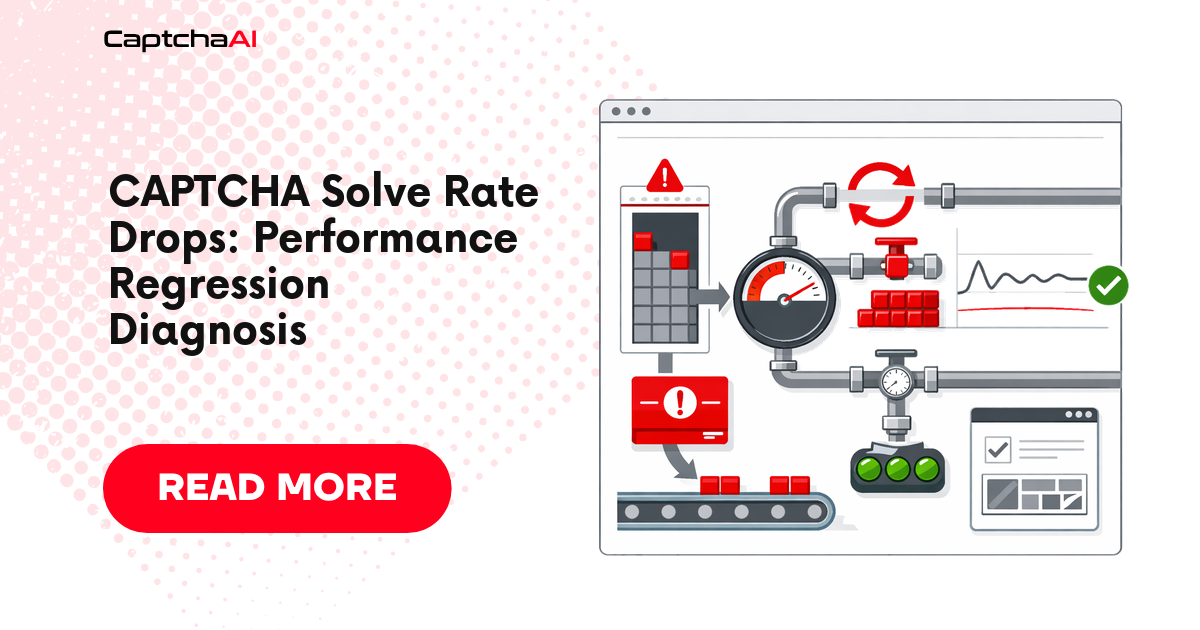
Your CAPTCHA solve rate dropped from 95% to 60% overnight. Before contacting support, this guide walks through a structured diagnosis to pinpoint the root cause — whether it's your code, proxy, target site, or CaptchaAI service.
Diagnostic Decision Tree
Solve rate dropped
├── Is the API returning errors? → Check error codes
│   ├── ERROR_WRONG_USER_KEY → API key issue
│   ├── ERROR_ZERO_BALANCE → Balance depleted
│   ├── ERROR_NO_SLOT_AVAILABLE → Rate limiting
│   └── ERROR_CAPTCHA_UNSOLVABLE → CAPTCHA changed
├── Are tokens returned but rejected by the target site?
│   ├── Token expired before submission → Speed up injection
│   ├── Sitekey changed → Re-extract from page
│   └── Domain mismatch → Check pageurl parameter
├── Are proxies failing?
│   ├── Proxy banned by target → Rotate proxies
│   └── Proxy timeout → Check proxy health
└── Did the target site change?
    ├── New CAPTCHA type → Update method parameter
    ├── JavaScript changes → Re-analyze page
    └── Rate limiting by site → Reduce frequency
Step 1: Check CaptchaAI Error Codes
Run a quick diagnostic script:
# diagnose_solve_rate.py
import os
import requests
from collections import Counter

API_KEY = os.environ.get("CAPTCHAAI_KEY", "YOUR_API_KEY")

def check_balance():
    """Verify API key and balance."""
    resp = requests.get("https://ocr.captchaai.com/res.php", params={
        "key": API_KEY, "action": "getbalance", "json": "1",
    })
    result = resp.json()
    print(f"Balance: {result}")
    return result

def test_solve(sitekey, pageurl, runs=5):
    """Run test solves and collect error statistics."""
    errors = Counter()
    successes = 0

    for i in range(runs):
        # Submit
        resp = requests.get("https://ocr.captchaai.com/in.php", params={
            "key": API_KEY,
            "method": "userrecaptcha",
            "googlekey": sitekey,
            "pageurl": pageurl,
            "json": "1",
        })
        result = resp.json()

        if result.get("status") != 1:
            errors[result.get("request", "UNKNOWN")] += 1
            print(f"  Run {i+1}: Submit error: {result.get('request')}")
            continue

        task_id = result["request"]
        import time
        time.sleep(15)

        # Poll
        for _ in range(25):
            poll = requests.get("https://ocr.captchaai.com/res.php", params={
                "key": API_KEY, "action": "get",
                "id": task_id, "json": "1",
            })
            poll_result = poll.json()

            if poll_result.get("status") == 1:
                successes += 1
                print(f"  Run {i+1}: Solved")
                break
            if poll_result.get("request") != "CAPCHA_NOT_READY":
                errors[poll_result.get("request", "UNKNOWN")] += 1
                print(f"  Run {i+1}: Error: {poll_result.get('request')}")
                break
            time.sleep(5)
        else:
            errors["TIMEOUT"] += 1
            print(f"  Run {i+1}: Timeout")

    print(f"\nResults: {successes}/{runs} solved")
    if errors:
        print(f"Errors: {dict(errors)}")

# Run diagnostics
print("=== Balance Check ===")
check_balance()

print("\n=== Test Solves ===")
test_solve("YOUR_SITEKEY", "https://your-target-site.com", runs=5)
Step 2: Verify Target Site Parameters
The most common cause of solve rate drops is a changed sitekey or page structure.
Check if the sitekey changed
Visit the target page, open DevTools (F12), and search for:
- reCAPTCHA:
data-sitekeyorgrecaptcha.rendercall - Cloudflare Turnstile:
data-sitekeyin the Turnstile widget - GeeTest:
gtparameter in the GeeTest initialization
Compare with the sitekey in your code. A single changed character causes 100% failure.
Check if the CAPTCHA type changed
Some sites migrate between CAPTCHA providers:
- reCAPTCHA v2 → reCAPTCHA v3 (invisible)
- reCAPTCHA → Cloudflare Turnstile
- Image CAPTCHA → reCAPTCHA Enterprise
If the type changed, update your method parameter accordingly.
Step 3: Evaluate Proxy Health
Proxy quality directly affects solve rates, especially for token-based CAPTCHAs where CaptchaAI uses your proxy.
| Proxy Issue | Symptom | Fix |
|---|---|---|
| Proxy banned by target | Token solved but rejected | Rotate to fresh residential proxies |
| Proxy returning errors | ERROR_PROXY_NOT_FOUND |
Verify proxy is alive and accessible |
| Datacenter proxy detected | Lower solve rates | Switch to residential proxies |
| Proxy geo mismatch | Inconsistent results | Match proxy country to target site |
Test without a proxy first (if the CAPTCHA type supports proxyless solving) to isolate whether the proxy is the issue.
Step 4: Check Token Timing
CAPTCHA tokens have limited validity:
| CAPTCHA Type | Token Lifetime |
|---|---|
| reCAPTCHA v2 | ~120 seconds |
| reCAPTCHA v3 | ~120 seconds |
| Cloudflare Turnstile | ~300 seconds |
| GeeTest v3 | ~60 seconds |
If your pipeline takes too long between receiving the token and injecting it into the form, the token expires and the site rejects it.
Fix: Measure the time between getTaskResult and form submission. If > 60 seconds, optimize your pipeline.
Step 5: Analyze Error Distribution
Sort your errors by frequency to find the root cause:
| Error | Meaning | Action |
|---|---|---|
ERROR_CAPTCHA_UNSOLVABLE |
CAPTCHA too complex or changed | Report to CaptchaAI; check if sitekey is correct |
ERROR_WRONG_CAPTCHA_ID |
Polling wrong task ID | Fix task ID tracking in your code |
ERROR_ZERO_BALANCE |
Out of credits | Top up balance |
ERROR_NO_SLOT_AVAILABLE |
Rate limited | Reduce concurrency or add delay |
CAPCHA_NOT_READY (timeout) |
Solve taking too long | Increase poll timeout; check if sitekey is valid |
Step 6: Compare Against Baseline
If you ran benchmarks previously, compare current metrics against your baseline:
| Metric | Baseline | Current | Delta | Concern? |
|---|---|---|---|---|
| Solve rate | 95% | ? | > 5% drop = investigate | |
| Median solve time | 15s | ? | > 50% increase = investigate | |
| Error rate | 2% | ? | > 5% = investigate | |
| Token acceptance rate | 98% | ? | > 3% drop = site changed |
When to Contact Support
Contact CaptchaAI support if:
- All diagnostic steps pass but solve rate remains low
ERROR_CAPTCHA_UNSOLVABLErate exceeds 20% on previously working sitekeys- Balance shows correct but solves still fail
- The issue persists for more than 2 hours
Include in your report:
- CAPTCHA type and sitekey
- Target site URL
- Error distribution (from diagnostic script)
- When the issue started
- Any changes you made to your code
Troubleshooting Quick Reference
| Scenario | Most Likely Cause | First Action |
|---|---|---|
100% failures, all ERROR_WRONG_USER_KEY |
Invalid API key | Re-check API key |
| Gradual decline over days | Proxy degradation | Rotate proxies |
| Sudden drop to 0% | Sitekey or page changed | Re-extract CAPTCHA parameters |
| Solved but tokens rejected by site | Token expiry or domain mismatch | Check timing and pageurl |
| Works on test site, fails on target | Site-specific restrictions | Compare parameters between sites |
FAQ
Can CaptchaAI's solve rate change for a specific site?
Yes. If a site upgrades its CAPTCHA configuration (e.g., harder challenges, enterprise features), solve rates can temporarily decrease until CaptchaAI's solvers adapt.
Should I report every ERROR_CAPTCHA_UNSOLVABLE?
No. A 2–5% unsolvable rate is normal for complex CAPTCHAs. Report only if the rate exceeds 15–20% consistently.
How quickly should I expect solve rates to recover?
If the issue is on CaptchaAI's side, recovery typically happens within hours. If the target site changed, you may need to update your integration parameters.
Related Articles
- Captcha Solve Rate Sli Slo Monitoring
- Time Series Captcha Solve Performance Trends
- Captcha Solve Success Rate Dropping Diagnosis
Next Steps
Keep your CAPTCHA pipeline healthy — get your CaptchaAI API key.
Related guides:


Discussions (0)
Join the conversation
Sign in to share your opinion.
Sign InNo comments yet.