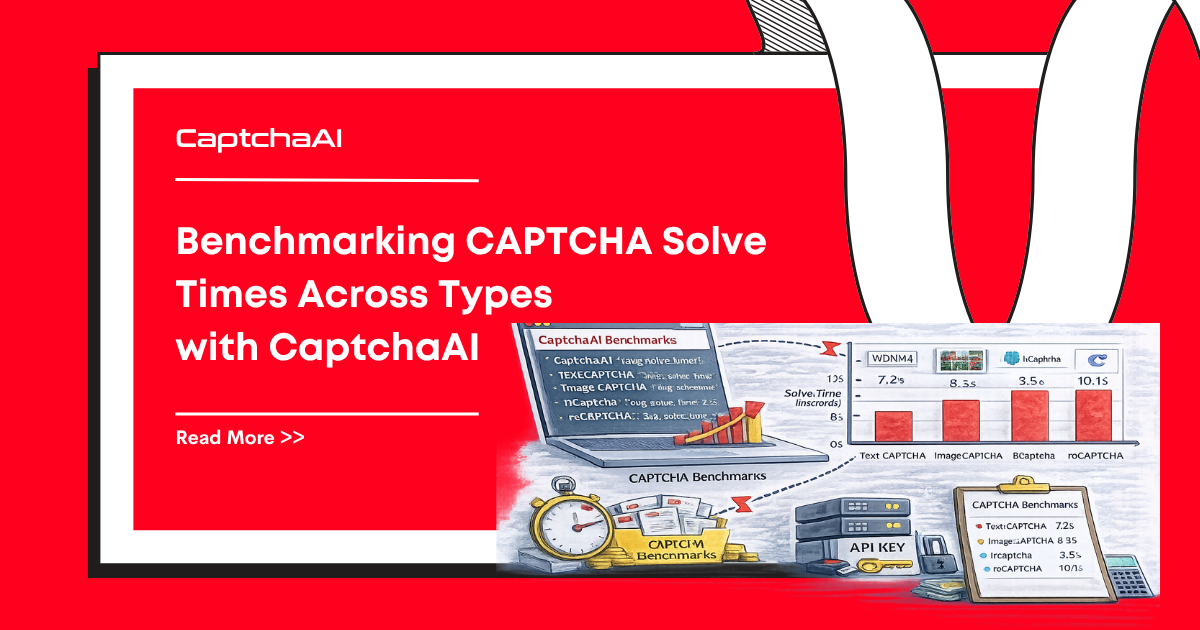
Solve time matters. A 10-second difference per solve compounds into hours of delay across thousands of tasks. This guide provides reproducible benchmarks for every CAPTCHA type CaptchaAI supports, plus scripts to run your own measurements.
Typical Solve Times
These benchmarks reflect median times from 100 consecutive solves per type, measured from API submission to result retrieval. The Spec ceiling column is the SLA cap from reference/captchaai-solve-metrics.md; Median and percentiles are observed in production with realistic proxies and warm-up:
| CAPTCHA Type | Spec ceiling | Median Solve | P90 Solve | P99 Solve | Success Rate |
|---|---|---|---|---|---|
| reCAPTCHA v2 | <60s | 12–18s | 25s | 40s | High |
| reCAPTCHA v2 Invisible | <30s | 10–15s | 20s | 28s | High |
| reCAPTCHA v3 | <4s | 1–3s | 3s | 4s | High |
| reCAPTCHA Enterprise | <60s | 15–25s | 35s | 50s | High |
| Cloudflare Turnstile | <10s | 4–8s | 9s | 10s | High |
| GeeTest v3 | <12s | 6–10s | 11s | 12s | High |
| Image/OCR | <0.5s | 0.2–0.4s | 0.5s | 0.8s | High |
| BLS CAPTCHA | <1s | 0.3–0.7s | 0.9s | 1s | High |
Times vary based on proxy quality, server load, and CAPTCHA complexity. The spec ceiling is the contractual cap — if you see solves taking longer, file a support ticket.
Factors Affecting Solve Time
Network Latency
Your distance from CaptchaAI's API endpoints adds round-trip time. A 200ms RTT adds ~1 second total (submit + 3–4 polls × 200ms).
Proxy Quality
When using proxies, residential proxies typically produce faster solves than datacenter proxies because they trigger fewer secondary challenges.
CAPTCHA Complexity
reCAPTCHA v2 image challenges vary in difficulty. A "select traffic lights" challenge with fading images takes longer than a simple checkbox verification.
Polling Strategy
Aggressive polling (every 2 seconds) detects results faster but increases API calls. Conservative polling (every 10 seconds) reduces load but adds latency.
Python Benchmark Script
# benchmark_captchaai.py
import os
import time
import statistics
import requests

API_KEY = os.environ.get("CAPTCHAAI_KEY", "YOUR_API_KEY")

def benchmark_solve(method, params, runs=10):
    """Benchmark a CAPTCHA type over multiple runs."""
    times = []
    successes = 0

    for i in range(runs):
        start = time.time()

        # Submit
        submit_params = {"key": API_KEY, "json": "1", **params}
        resp = requests.get("https://ocr.captchaai.com/in.php",
                            params=submit_params)
        result = resp.json()

        if result.get("status") != 1:
            print(f"  Run {i+1}: Submit failed - {result.get('request')}")
            continue

        task_id = result["request"]

        # Poll
        time.sleep(10)
        solved = False
        for _ in range(30):
            poll = requests.get("https://ocr.captchaai.com/res.php", params={
                "key": API_KEY, "action": "get",
                "id": task_id, "json": "1",
            })
            poll_result = poll.json()

            if poll_result.get("status") == 1:
                elapsed = time.time() - start
                times.append(elapsed)
                successes += 1
                solved = True
                print(f"  Run {i+1}: {elapsed:.1f}s")
                break
            if poll_result.get("request") != "CAPCHA_NOT_READY":
                print(f"  Run {i+1}: Error - {poll_result.get('request')}")
                break

            time.sleep(5)

        if not solved and poll_result.get("request") == "CAPCHA_NOT_READY":
            print(f"  Run {i+1}: Timeout")

    if times:
        return {
            "runs": runs,
            "successes": successes,
            "success_rate": f"{successes/runs*100:.0f}%",
            "median": f"{statistics.median(times):.1f}s",
            "p90": f"{sorted(times)[int(len(times)*0.9)]:.1f}s" if len(times) >= 10 else "N/A",
            "min": f"{min(times):.1f}s",
            "max": f"{max(times):.1f}s",
        }
    return {"error": "No successful solves"}

# Benchmark reCAPTCHA v2
print("=== reCAPTCHA v2 ===")
recaptcha_v2 = benchmark_solve("userrecaptcha", {
    "method": "userrecaptcha",
    "googlekey": "6Le-wvkSAAAAAPBMRTvw0Q4Muexq9bi0DJwx_mJ-",
    "pageurl": "https://www.google.com/recaptcha/api2/demo",
})
print(recaptcha_v2)

# Benchmark Image/OCR
print("\n=== Image CAPTCHA ===")
# Submit a base64-encoded test image
import base64
# Use a test image for benchmarking
image_result = benchmark_solve("post", {
    "method": "base64",
    "body": "BASE64_ENCODED_CAPTCHA_IMAGE",
})
print(image_result)
JavaScript Benchmark Script
// benchmark_captchaai.js
const axios = require('axios');

const API_KEY = process.env.CAPTCHAAI_KEY || 'YOUR_API_KEY';

async function benchmarkSolve(params, runs = 10) {
  const times = [];
  let successes = 0;

  for (let i = 0; i < runs; i++) {
    const start = Date.now();

    // Submit
    const submit = await axios.get('https://ocr.captchaai.com/in.php', {
      params: { key: API_KEY, json: '1', ...params },
    });

    if (submit.data.status !== 1) {
      console.log(`  Run ${i + 1}: Submit failed - ${submit.data.request}`);
      continue;
    }

    // Poll
    await new Promise(r => setTimeout(r, 10000));
    let solved = false;

    for (let j = 0; j < 30; j++) {
      const poll = await axios.get('https://ocr.captchaai.com/res.php', {
        params: { key: API_KEY, action: 'get', id: submit.data.request, json: '1' },
      });

      if (poll.data.status === 1) {
        const elapsed = (Date.now() - start) / 1000;
        times.push(elapsed);
        successes++;
        solved = true;
        console.log(`  Run ${i + 1}: ${elapsed.toFixed(1)}s`);
        break;
      }
      if (poll.data.request !== 'CAPCHA_NOT_READY') {
        console.log(`  Run ${i + 1}: Error - ${poll.data.request}`);
        break;
      }
      await new Promise(r => setTimeout(r, 5000));
    }

    if (!solved) console.log(`  Run ${i + 1}: Timeout`);
  }

  if (times.length === 0) return { error: 'No successful solves' };

  times.sort((a, b) => a - b);
  return {
    runs, successes,
    successRate: `${((successes / runs) * 100).toFixed(0)}%`,
    median: `${times[Math.floor(times.length / 2)].toFixed(1)}s`,
    min: `${times[0].toFixed(1)}s`,
    max: `${times[times.length - 1].toFixed(1)}s`,
  };
}

(async () => {
  console.log('=== reCAPTCHA v2 ===');
  const v2 = await benchmarkSolve({
    method: 'userrecaptcha',
    googlekey: '6Le-wvkSAAAAAPBMRTvw0Q4Muexq9bi0DJwx_mJ-',
    pageurl: 'https://www.google.com/recaptcha/api2/demo',
  });
  console.log(v2);

  console.log('\n=== Cloudflare Turnstile ===');
  const turnstile = await benchmarkSolve({
    method: 'turnstile',
    sitekey: 'YOUR_TURNSTILE_SITEKEY',
    pageurl: 'https://example.com',
  });
  console.log(turnstile);
})();
Interpreting Results
Median vs P90
- Median — The typical experience. Use this for capacity planning.
- P90 — The "worst case" for 9 out of 10 solves. Use this for timeout settings.
- P99 — The true edge case. Set your maximum timeout higher than this.
Optimal Polling Intervals
Based on the benchmarks above, configure polling per CAPTCHA type:
| CAPTCHA Type | Initial Wait | Poll Interval | Max Attempts |
|---|---|---|---|
| Image/OCR | 5s | 3s | 15 |
| Cloudflare Turnstile | 5s | 3s | 15 |
| BLS CAPTCHA | 5s | 3s | 15 |
| reCAPTCHA v2 | 15s | 5s | 20 |
| reCAPTCHA v3 | 10s | 5s | 20 |
| GeeTest v3 | 12s | 5s | 20 |
| reCAPTCHA Enterprise | 15s | 5s | 25 |
Troubleshooting
| Issue | Cause | Fix |
|---|---|---|
| Solve times higher than listed | Network latency or proxy issues | Test from a region closer to CaptchaAI servers |
| Inconsistent results between runs | CAPTCHA difficulty variation | Increase sample size to 50+ runs |
| Many timeouts | Invalid sitekey or page URL | Verify parameters with a single manual test |
ERROR_ZERO_BALANCE during benchmark |
Insufficient balance for all runs | Top up before running large benchmarks |
FAQ
Do solve times vary by time of day?
Yes. Peak hours (US business hours) may show slightly longer solve times due to higher demand. Run benchmarks at different times for a complete picture.
Should I use this data for production timeout settings?
Use P90 values for standard timeouts and P99 for maximum timeouts. Add a 20% buffer to account for network variability.
How do proxy settings affect solve times?
If you supply a proxy, CaptchaAI routes the solve through it. Slow or distant proxies can add 5–15 seconds to total solve time. For benchmarking, test with and without proxies separately.
Related Articles
Next Steps
Run the benchmark scripts against your own account and CAPTCHA targets — get your CaptchaAI API key.
Related guides: