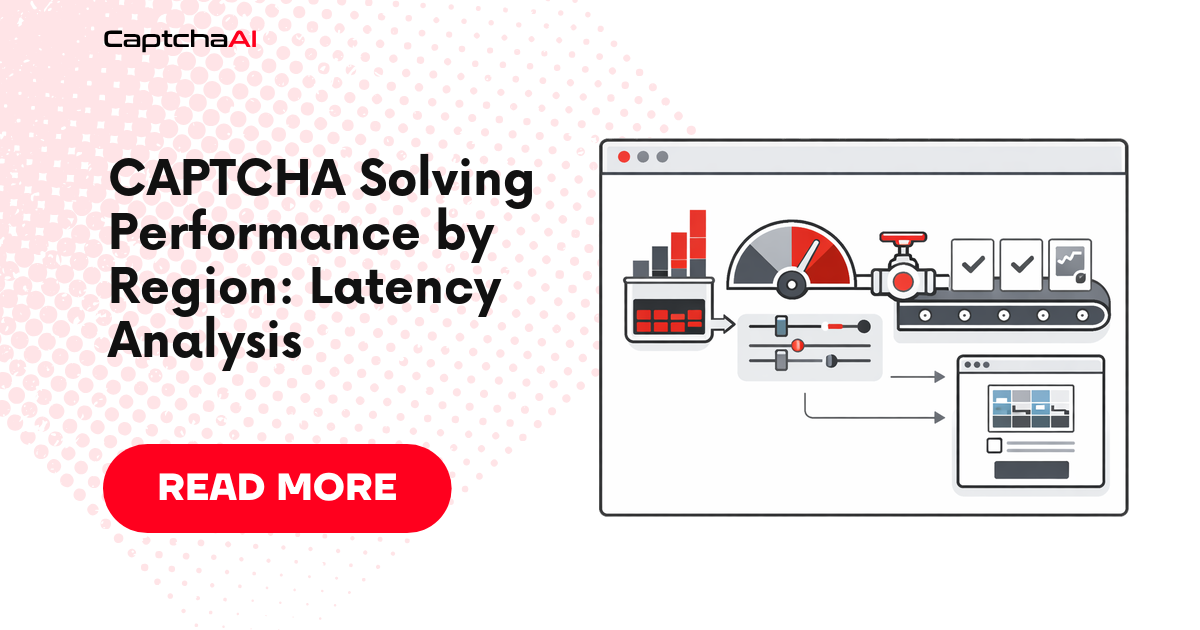
Your server's location relative to CaptchaAI's API endpoints adds measurable latency to every solve. A European server calling a US-based API adds 100–150ms per round trip — and a single CAPTCHA solve involves 5–7 round trips. This guide quantifies the impact and shows how to minimize it.
Latency Components
Total solve time = CaptchaAI processing time + network latency × number of round trips
| Component | Typical Range | Controllable? |
|---|---|---|
| CaptchaAI processing | 5–25s (varies by CAPTCHA type) | No |
| Network latency (per round trip) | 5–300ms | Yes (server placement) |
| DNS resolution | 5–200ms (first call only) | Yes (DNS caching) |
| TLS handshake | 30–100ms (first connection only) | Yes (keep-alive) |
Estimated Latency Overhead by Region
Network latency from your server to CaptchaAI's API, measured as round-trip time (RTT):
| Your server region | Estimated RTT | Overhead per solve (6 round trips) | Total impact |
|---|---|---|---|
| US East (Virginia) | 10–30ms | 60–180ms | Minimal |
| US West (Oregon) | 30–60ms | 180–360ms | Low |
| Europe (Frankfurt) | 80–120ms | 480–720ms | Moderate |
| Asia (Singapore) | 150–250ms | 900–1,500ms | Significant |
| Asia (Tokyo) | 120–200ms | 720–1,200ms | Moderate–High |
| South America (São Paulo) | 130–200ms | 780–1,200ms | Moderate–High |
| Australia (Sydney) | 200–300ms | 1,200–1,800ms | High |
RTT values are estimates. Actual latency depends on ISP routing and network conditions.
Measuring Your Latency
Quick Test
# measure_latency.py
import os
import time
import requests
import statistics

API_KEY = os.environ.get("CAPTCHAAI_KEY", "YOUR_API_KEY")

session = requests.Session()

# Warm up connection (TLS + DNS)
session.get("https://ocr.captchaai.com/res.php", params={
    "key": API_KEY, "action": "getbalance", "json": "1",
})

# Measure latency over 20 calls
latencies = []
for i in range(20):
    start = time.time()
    session.get("https://ocr.captchaai.com/res.php", params={
        "key": API_KEY, "action": "getbalance", "json": "1",
    })
    latency = (time.time() - start) * 1000
    latencies.append(latency)

print(f"Median RTT: {statistics.median(latencies):.0f}ms")
print(f"P90 RTT: {sorted(latencies)[int(len(latencies)*0.9)]:.0f}ms")
print(f"Min: {min(latencies):.0f}ms, Max: {max(latencies):.0f}ms")

# Estimate per-solve overhead (6 round trips typical)
median_overhead = statistics.median(latencies) * 6
print(f"\nEstimated per-solve overhead: {median_overhead:.0f}ms")
Optimization Strategies
1. Use Connection Keep-Alive
Eliminates DNS and TLS overhead after the first request. Saves 100–300ms on first connect and ~5ms per subsequent call.
session = requests.Session()
session.headers.update({"Connection": "keep-alive"})
2. Optimize Polling Strategy
Reduce the number of round trips by adjusting initial wait and poll interval based on your CAPTCHA type:
| CAPTCHA Type | Initial Wait | Poll Interval | Typical Polls | Total Round Trips |
|---|---|---|---|---|
| Image/OCR | 5s | 3s | 2–3 | 3–4 |
| Cloudflare Turnstile | 5s | 3s | 2–3 | 3–4 |
| reCAPTCHA v2 | 15s | 5s | 2–4 | 3–5 |
| reCAPTCHA v3 | 10s | 5s | 2–3 | 3–4 |
| GeeTest v3 | 12s | 5s | 2–4 | 3–5 |
Longer initial waits mean fewer polls and fewer round trips.
3. Use Callback URL Instead of Polling
Eliminate polling round trips entirely by using CaptchaAI's callback URL feature:
# Submit with callback — zero polling round trips
resp = requests.get("https://ocr.captchaai.com/in.php", params={
    "key": API_KEY,
    "method": "userrecaptcha",
    "googlekey": "SITEKEY",
    "pageurl": "https://example.com",
    "pingback": "https://your-server.com/captcha-callback",
    "json": "1",
})
# CaptchaAI will POST the result to your callback URL
# Total round trips: 1 (submit only)
4. Deploy Closer to CaptchaAI
If latency is critical, deploy your workers in a US East region. This reduces RTT to < 30ms.
5. Pre-Submit CAPTCHAs
Start solving before you need the token. If you know a page will require a CAPTCHA, submit the solve request while the page loads.
Impact on Different Architectures
| Architecture | Latency Impact | Mitigation |
|---|---|---|
| Single server, sequential | Full overhead per solve | Keep-alive + callback |
| Single server, parallel | Overhead amortized across concurrent solves | Keep-alive + fewer polls |
| Multi-region deployment | Some servers high, some low | Route to nearest workers |
| Serverless (Lambda, Cloud Functions) | Cold start + DNS on each invocation | Pre-warm + regional deployment |
| Edge workers (Cloudflare Workers) | Depends on region | Use callback URL |
Troubleshooting
| Issue | Cause | Fix |
|---|---|---|
| Solve times 2–3s longer than expected | High RTT from your region | Measure RTT; deploy closer or use callbacks |
| Inconsistent solve times | Routing changes between requests | Use keep-alive to maintain stable path |
| High latency in Asia/Australia | Long network path | Deploy proxy workers in US East |
| Serverless cold start latency | DNS + TLS on every invocation | Use provisioned concurrency |
FAQ
Does CaptchaAI have multiple API regions?
CaptchaAI's API is accessible from a single set of endpoints. Your network latency to those endpoints depends on your server location.
Should I use a proxy closer to CaptchaAI?
The proxy parameter in CaptchaAI is for the CAPTCHA target site, not for the API connection. Your API calls always go directly to CaptchaAI's endpoints.
How much does regional latency matter at low volume?
At low volume (< 100 solves/day), regional latency adds seconds, not minutes. It becomes significant at high volumes where cumulative overhead stacks up.
Next Steps
Measure your regional latency and optimize accordingly — get your CaptchaAI API key.
Related guides:

Discussions (0)
Join the conversation
Sign in to share your opinion.
Sign InNo comments yet.