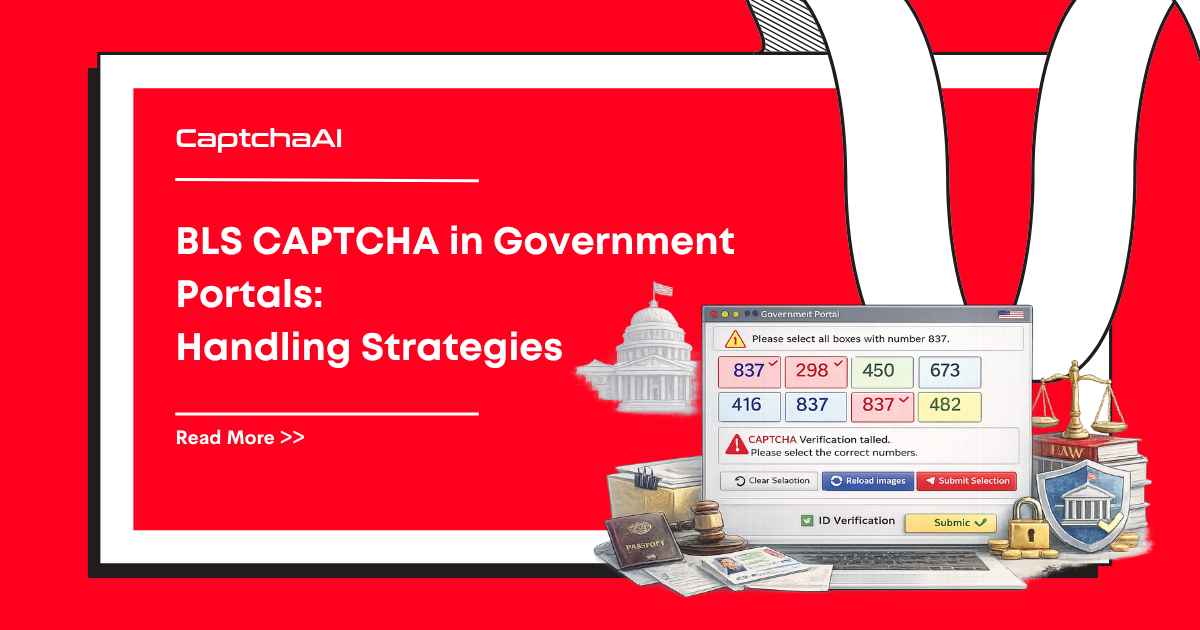
Government portals that process visa appointments, permit applications, and document submissions commonly use BLS CAPTCHAs. These CAPTCHAs protect high-demand appointment slots and form submissions. CaptchaAI solves BLS CAPTCHAs with a high success rate, making it possible to automate interactions with these portals.
Where BLS CAPTCHAs Appear
BLS CAPTCHAs are found on government service portals, particularly:
| Portal type | CAPTCHA placement | Purpose |
|---|---|---|
| Visa appointment booking | Before slot selection | Prevent automated appointment grabbing |
| Document upload forms | Before submission | Verify human interaction |
| Appointment status check | Before displaying status | Rate-limit automated checks |
| Application forms | Before form submission | Prevent automated submissions |
BLS CAPTCHA Characteristics
BLS CAPTCHAs typically present as:
- Image-based challenges with distorted text
- Mathematical expression challenges
- Custom image selection tasks
- Text-based puzzles
Each challenge requires a specific instructions code that tells CaptchaAI how to process the CAPTCHA.
Solving with CaptchaAI
Step 1: Get the CAPTCHA Image and Instructions
import requests
from bs4 import BeautifulSoup
import base64

session = requests.Session()

# Load the portal page
page = session.get("https://portal.example.gov/appointment")
soup = BeautifulSoup(page.text, "html.parser")

# Find the CAPTCHA image
captcha_img = soup.select_one("img#captcha-image, img.captcha")
captcha_url = captcha_img["src"]

# Download the CAPTCHA image
if captcha_url.startswith("data:"):
    # Base64 encoded inline image
    img_data = captcha_url.split(",")[1]
else:
    # URL-referenced image
    img_response = session.get(captcha_url)
    img_data = base64.b64encode(img_response.content).decode()
Step 2: Submit to CaptchaAI
import time

def solve_bls_captcha(image_base64, instructions=""):
    resp = requests.post("https://ocr.captchaai.com/in.php", data={
        "key": "YOUR_API_KEY",
        "method": "base64",
        "body": image_base64,
        "instructions": instructions,
        "json": 1
    })
    task_id = resp.json()["request"]

    for _ in range(30):
        time.sleep(3)
        result = requests.get("https://ocr.captchaai.com/res.php", params={
            "key": "YOUR_API_KEY",
            "action": "get",
            "id": task_id,
            "json": 1
        })
        data = result.json()
        if data["status"] == 1:
            return data["request"]
    raise TimeoutError("BLS solve timed out")

# Solve
captcha_answer = solve_bls_captcha(img_data)
Step 3: Submit the Form
# Find form fields
form_data = {
    "captcha_response": captcha_answer,
    "appointment_type": "visa",
    "location": "embassy-city",
    # ... other form fields
}

# Submit with the same session (cookies preserved)
result = session.post(
    "https://portal.example.gov/appointment/submit",
    data=form_data
)

if "success" in result.text.lower():
    print("Form submitted successfully")
Government Portal Patterns
Pattern 1: Multi-Step Forms
Government portals often use multi-step forms where the CAPTCHA appears at the final step:
# Step 1: Select service type
session.post(url, data={"service": "passport"})

# Step 2: Fill personal details
session.post(url, data={"name": "...", "dob": "..."})

# Step 3: Select appointment slot
session.post(url, data={"slot": "2026-04-10-09:00"})

# Step 4: Solve CAPTCHA and confirm
captcha_answer = solve_bls_captcha(get_captcha_image(session))
session.post(url, data={"captcha": captcha_answer, "confirm": "true"})
Pattern 2: CAPTCHA Refresh on Error
If the CAPTCHA answer is wrong, the portal generates a new CAPTCHA:
max_attempts = 3
for attempt in range(max_attempts):
    # Get fresh CAPTCHA for each attempt
    captcha_image = get_captcha_image(session)
    answer = solve_bls_captcha(captcha_image)

    result = session.post(submit_url, data={"captcha": answer})
    if "incorrect" not in result.text.lower():
        break
    print(f"Attempt {attempt + 1} — CAPTCHA refreshed, retrying")
Pattern 3: Time-Limited Sessions
Government portals often expire sessions after a set period:
import time

session_start = time.time()
SESSION_TIMEOUT = 600  # 10 minutes typical

def check_session_valid():
    elapsed = time.time() - session_start
    if elapsed > SESSION_TIMEOUT - 60:  # 1 min safety margin
        print("Session expiring — refresh needed")
        return False
    return True

# Before CAPTCHA submission
if not check_session_valid():
    # Start a fresh session
    session = requests.Session()
    session.get(portal_url)
    session_start = time.time()
Browser Automation Approach (JavaScript)
For portals that require JavaScript execution:
const puppeteer = require('puppeteer');

async function handleBLSPortal() {
  const browser = await puppeteer.launch({ headless: false });
  const page = await browser.newPage();

  await page.goto('https://portal.example.gov/appointment');

  // Wait for CAPTCHA to load
  await page.waitForSelector('img#captcha-image');

  // Get CAPTCHA image as base64
  const imgBase64 = await page.evaluate(() => {
    const img = document.querySelector('img#captcha-image');
    const canvas = document.createElement('canvas');
    canvas.width = img.naturalWidth;
    canvas.height = img.naturalHeight;
    const ctx = canvas.getContext('2d');
    ctx.drawImage(img, 0, 0);
    return canvas.toDataURL('image/png').split(',')[1];
  });

  // Solve with CaptchaAI
  const answer = await solveBLSCaptcha(imgBase64);

  // Type the answer
  await page.type('#captcha-input', answer);

  // Submit
  await page.click('#submit-button');

  // Wait for result
  await page.waitForNavigation();
}
Session Management Tips
Government portals are strict about session state:
| Requirement | Implementation |
|---|---|
| Maintain cookies exactly | Use requests.Session() or browser persistent context |
| Don't exceed rate limits | Add delays between page loads (2–5 seconds) |
| Handle CSRF tokens | Extract and include CSRF tokens in every POST |
| Respect session timeouts | Complete workflows within the timeout window |
| Follow redirect chains | Allow automatic redirects in your HTTP client |
Troubleshooting
| Issue | Cause | Fix |
|---|---|---|
| "Session expired" after solving | Took too long to solve + submit | Solve CAPTCHA just before submission |
| CAPTCHA image doesn't load | Requires specific Referer header | Set Referer to the portal page URL |
| Answer correct but form rejected | Missing CSRF token or hidden fields | Extract all hidden inputs from the form |
| Portal blocks after multiple attempts | Rate limiting | Space attempts and rotate IPs if needed |
| Different CAPTCHA each time | Portal generates new CAPTCHA per request | Get fresh image and solve each time |
FAQ
Does CaptchaAI work with all government BLS portals?
CaptchaAI solves BLS CAPTCHAs with a high success rate. The specific portal's session management and form structure may require additional handling, but the CAPTCHA solving itself is reliable.
How fast are BLS CAPTCHA solutions?
BLS CAPTCHAs typically solve in 5–15 seconds. Factor this into your session timeout calculations — ensure you have enough time to solve and submit before the portal session expires.
Should I use browser automation or HTTP requests?
HTTP requests with requests.Session() are faster and lighter. Use browser automation only when the portal requires JavaScript rendering or has complex client-side validation.
Related Articles
Next Steps
Handle BLS CAPTCHAs on government portals — get your CaptchaAI API key for high success rate.