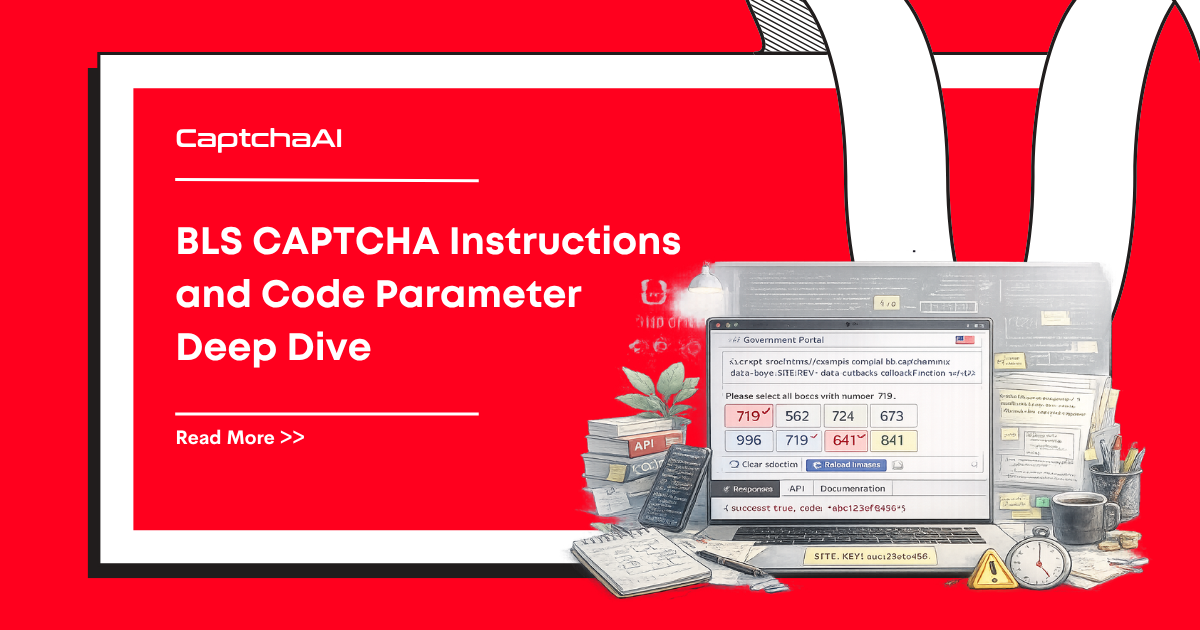
BLS CAPTCHAs use specific parameters for challenge submission. Understanding instructions, code, and response handling is critical for reliable solving.
BLS CAPTCHA Parameter Reference
| Parameter | Required | Type | Description |
|---|---|---|---|
method |
Yes | String | Must be bls |
sitekey |
Yes | String | The site's BLS CAPTCHA key |
pageurl |
Yes | String | URL of the page showing the CAPTCHA |
instructions |
No | String | Text instructions from the CAPTCHA image |
code |
No | String | BLS CAPTCHA code/type identifier |
json |
No | Integer | Set to 1 for JSON responses |
Extracting BLS Parameters
# extract_bls.py
import re
from selenium import webdriver
from selenium.webdriver.common.by import By


def extract_bls_params(url):
    """Extract BLS CAPTCHA parameters from a page."""
    driver = webdriver.Chrome()
    driver.get(url)

    params = {"pageurl": url}

    # Extract sitekey
    captcha_el = driver.find_element(By.CSS_SELECTOR, "[data-sitekey], .bls-captcha")
    sitekey = captcha_el.get_attribute("data-sitekey")
    if sitekey:
        params["sitekey"] = sitekey

    # Extract instructions if visible
    try:
        instructions_el = driver.find_element(
            By.CSS_SELECTOR, ".captcha-instructions, .captcha-text"
        )
        params["instructions"] = instructions_el.text.strip()
    except Exception:
        pass

    # Extract code from hidden input or script
    page_source = driver.page_source
    code_match = re.search(r'captcha_code["\']?\s*[:=]\s*["\']([^"\']+)', page_source)
    if code_match:
        params["code"] = code_match.group(1)

    driver.quit()
    return params


# Usage
params = extract_bls_params("https://bls-example.com/appointment")
print(params)
Submitting BLS CAPTCHA to CaptchaAI
Basic Submission
# solve_bls_basic.py
import requests
import time
import os


def solve_bls(sitekey, pageurl, instructions=None, code=None):
    """Solve BLS CAPTCHA via CaptchaAI API."""
    api_key = os.environ["CAPTCHAAI_API_KEY"]

    payload = {
        "key": api_key,
        "method": "bls",
        "sitekey": sitekey,
        "pageurl": pageurl,
        "json": 1,
    }

    # Add optional parameters for higher accuracy
    if instructions:
        payload["instructions"] = instructions
    if code:
        payload["code"] = code

    resp = requests.post(
        "https://ocr.captchaai.com/in.php",
        data=payload,
        timeout=30,
    )
    result = resp.json()

    if result.get("status") != 1:
        raise RuntimeError(f"Submit failed: {result.get('request')}")

    task_id = result["request"]

    # Poll for result
    time.sleep(10)
    for _ in range(30):
        resp = requests.get("https://ocr.captchaai.com/res.php", params={
            "key": api_key,
            "action": "get",
            "id": task_id,
            "json": 1,
        }, timeout=15)
        data = resp.json()

        if data.get("status") == 1:
            return data["request"]
        if data["request"] != "CAPCHA_NOT_READY":
            raise RuntimeError(data["request"])
        time.sleep(5)

    raise TimeoutError("BLS solve timeout")


# Usage
solution = solve_bls(
    sitekey="your-bls-sitekey",
    pageurl="https://bls-example.com/appointment",
    instructions="Select images in the correct order",
)
print(f"Solution: {solution}")
Instructions Parameter
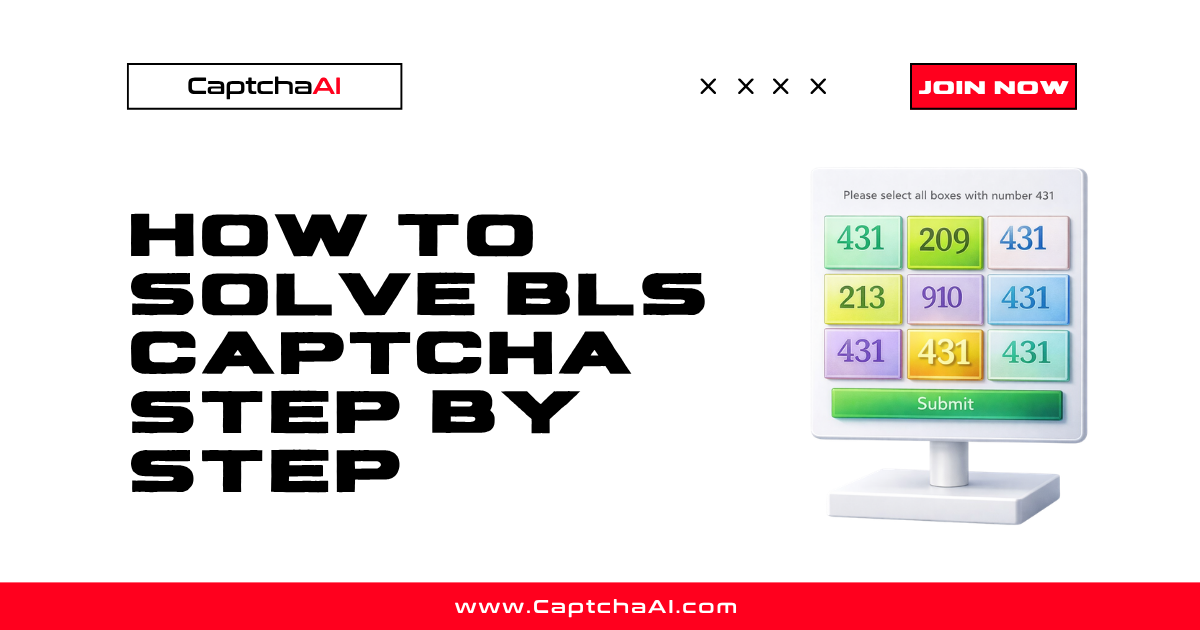
The instructions parameter tells CaptchaAI what the CAPTCHA is asking. This improves accuracy when the challenge text isn't embedded in the image.
# Common BLS instruction patterns:
instructions_examples = [
    "Select images in the correct order",
    "Click the images in order from left to right",
    "Arrange the images by number",
    "Select the matching image",
    "Click in the order shown",
]

# Extract instructions from the CAPTCHA image area
def get_instructions_from_page(driver):
    """Try multiple selectors to find instruction text."""
    selectors = [
        ".captcha-instructions",
        ".bls-captcha-text",
        "#captcha-prompt",
        ".challenge-text",
    ]

    for sel in selectors:
        try:
            el = driver.find_element(By.CSS_SELECTOR, sel)
            text = el.text.strip()
            if text:
                return text
        except Exception:
            continue

    return None
Code Parameter
The code parameter specifies the BLS CAPTCHA variant. Some BLS implementations use different challenge types identified by a code.
# Detect BLS CAPTCHA code from page
def detect_bls_code(page_source):
    """Detect which BLS CAPTCHA code/type is being used."""
    patterns = [
        (r'captchaType["\']?\s*[:=]\s*["\'](\w+)', "captchaType"),
        (r'data-captcha-code["\']?\s*=\s*["\'](\w+)', "data attribute"),
        (r'bls_code["\']?\s*[:=]\s*["\'](\w+)', "bls_code"),
    ]

    for pattern, source in patterns:
        match = re.search(pattern, page_source)
        if match:
            return match.group(1)

    return None
Complete BLS Flow with Selenium
# full_bls_flow.py
from selenium import webdriver
from selenium.webdriver.common.by import By
from selenium.webdriver.support.ui import WebDriverWait
from selenium.webdriver.support import expected_conditions as EC
import os
import re


def solve_bls_with_selenium(url, form_data=None):
    """Complete BLS CAPTCHA flow using Selenium."""
    driver = webdriver.Chrome()
    driver.get(url)

    wait = WebDriverWait(driver, 15)

    # Fill any form fields before CAPTCHA
    if form_data:
        for field_id, value in form_data.items():
            el = wait.until(EC.presence_of_element_located((By.ID, field_id)))
            el.clear()
            el.send_keys(value)

    # Extract CAPTCHA parameters
    captcha_container = wait.until(
        EC.presence_of_element_located((By.CSS_SELECTOR, "[data-sitekey], .bls-captcha"))
    )
    sitekey = captcha_container.get_attribute("data-sitekey")

    # Get instructions
    instructions = None
    try:
        inst_el = driver.find_element(By.CSS_SELECTOR, ".captcha-instructions")
        instructions = inst_el.text.strip()
    except Exception:
        pass

    # Solve via API
    solution = solve_bls(
        sitekey=sitekey,
        pageurl=driver.current_url,
        instructions=instructions,
    )

    # Inject solution
    driver.execute_script("""
        var input = document.querySelector('input[name="captcha-response"], #captcha-response');
        if (input) {
            input.value = arguments[0];
        } else {
            var hidden = document.createElement('input');
            hidden.type = 'hidden';
            hidden.name = 'captcha-response';
            hidden.value = arguments[0];
            document.forms[0].appendChild(hidden);
        }
    """, solution)

    # Submit form
    submit_btn = driver.find_element(By.CSS_SELECTOR, "button[type='submit'], #submit")
    submit_btn.click()

    # Wait for confirmation
    wait.until(EC.url_changes(url))
    result_url = driver.current_url
    driver.quit()

    return result_url
Troubleshooting
| Issue | Cause | Fix |
|---|---|---|
ERROR_BAD_PARAMETERS |
Missing sitekey or pageurl |
Verify both are extracted correctly |
| Solution rejected | Instructions not passed | Include instructions parameter for ambiguous challenges |
| Wrong CAPTCHA type | Not a BLS CAPTCHA | Check if it's actually reCAPTCHA or a custom type |
sitekey not found |
Dynamic loading | Wait for CAPTCHA element to render before extracting |
FAQ
Are instructions always needed?
No. CaptchaAI can solve most BLS CAPTCHAs without instructions. However, passing instructions improves accuracy for ambiguous challenges.
What if the code parameter changes between sessions?
Re-extract it each time. The code may change based on session or geographic location.
How fast does BLS CAPTCHA solve?
Typically 10-20 seconds. CaptchaAI reports a high success rate for BLS CAPTCHAs.
Related Guides
Master BLS CAPTCHA parameters — start with CaptchaAI.