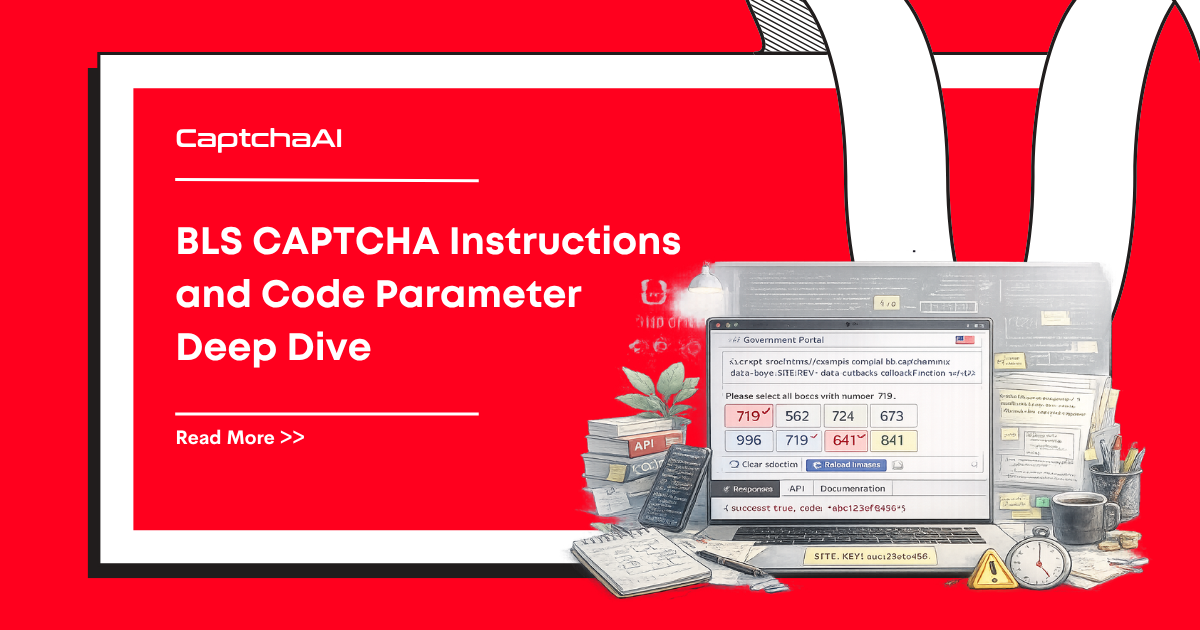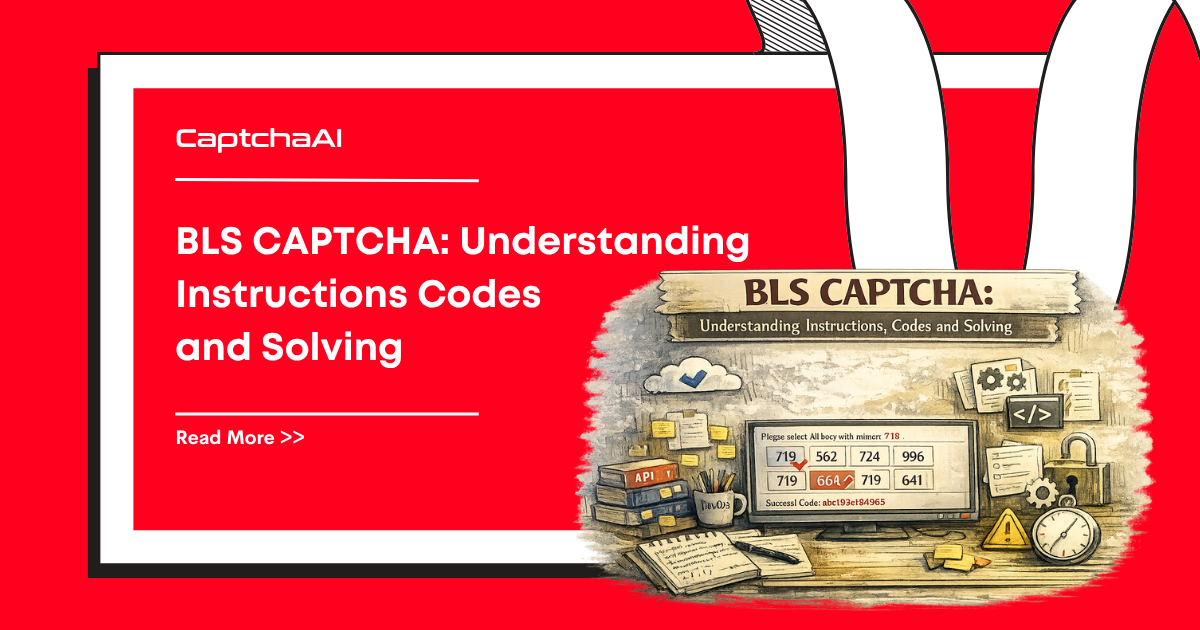
BLS CAPTCHAs present a 3×3 grid of images with a numeric instruction code. The user must select cells that match the instruction. CaptchaAI solves BLS CAPTCHAs with a high success rate — this guide covers how to extract the grid, read the instruction code, and submit everything to the API.
How BLS CAPTCHAs work
A BLS CAPTCHA displays:
- A 3×3 grid containing 9 image cells
- A numeric instruction code (e.g., 664, 123, 546) specifying which cells to select
- Cells are numbered left-to-right, top-to-bottom:
1  2  3
4  5  6
7  8  9
The instruction code tells the solver which pattern to look for. The response is an array of cell indices (1–9) that match.
Step 1: Extract grid images and instruction code
Python (Selenium)
import base64
from selenium import webdriver
from selenium.webdriver.common.by import By

driver = webdriver.Chrome()
driver.get("https://example.com/bls-protected-page")

# Find the grid container
grid_cells = driver.find_elements(By.CSS_SELECTOR, ".captcha-grid img")

images = []
for cell in grid_cells:
    src = cell.get_attribute("src")
    if src.startswith("data:image"):
        images.append(src)
    else:
        # Download and convert to base64
        import requests
        img_data = requests.get(src).content
        b64 = base64.b64encode(img_data).decode()
        images.append(f"data:image/png;base64,{b64}")

# Extract the instruction code
instruction_el = driver.find_element(By.CSS_SELECTOR, ".captcha-instruction")
instruction_code = instruction_el.text.strip()
# e.g., "664" or parsed from "Select all boxes with number 664"

import re
code_match = re.search(r'(\d{3,})', instruction_code)
instruction = code_match.group(1) if code_match else instruction_code

print(f"Instruction: {instruction}")
print(f"Images extracted: {len(images)}")
JavaScript (Puppeteer)
const puppeteer = require('puppeteer');

const browser = await puppeteer.launch();
const page = await browser.newPage();
await page.goto('https://example.com/bls-protected-page');

// Extract grid images as base64
const images = await page.evaluate(() => {
  const cells = document.querySelectorAll('.captcha-grid img');
  return Array.from(cells).map(img => {
    const canvas = document.createElement('canvas');
    canvas.width = img.naturalWidth;
    canvas.height = img.naturalHeight;
    canvas.getContext('2d').drawImage(img, 0, 0);
    return canvas.toDataURL('image/png');
  });
});

// Extract instruction code
const instruction = await page.evaluate(() => {
  const el = document.querySelector('.captcha-instruction');
  const match = el.textContent.match(/(\d{3,})/);
  return match ? match[1] : el.textContent.trim();
});

console.log(`Instruction: ${instruction}, Images: ${images.length}`);
Step 2: Submit to CaptchaAI
The BLS solver requires method=bls, the instructions code, and all 9 images as image_base64_1 through image_base64_9.
Python
import requests
import time
import json

API_KEY = "YOUR_API_KEY"

# Prepare submission data
data = {
    "key": API_KEY,
    "method": "bls",
    "instructions": instruction,
    "json": "1",
}

# Add all 9 images
files = {}
for i, img in enumerate(images):
    files[f"image_base64_{i+1}"] = (None, img)

# Submit
resp = requests.post(
    "https://ocr.captchaai.com/in.php",
    data=data,
    files=files
).json()

if resp["status"] != 1:
    raise Exception(f"Submit error: {resp['request']}")

task_id = resp["request"]
print(f"Task ID: {task_id}")

# Poll for result
for _ in range(20):
    time.sleep(5)
    result = requests.get("https://ocr.captchaai.com/res.php", params={
        "key": API_KEY, "action": "get", "id": task_id, "json": "1"
    }).json()

    if result["status"] == 1:
        solution = json.loads(result["request"])
        print(f"Selected cells: {solution}")  # e.g., [1, 4, 7, 8]
        break
    if result["request"] != "CAPCHA_NOT_READY":
        raise Exception(f"Error: {result['request']}")
JavaScript
const axios = require('axios');
const FormData = require('form-data');

const form = new FormData();
form.append('key', 'YOUR_API_KEY');
form.append('method', 'bls');
form.append('instructions', instruction);
form.append('json', '1');

images.forEach((img, i) => {
  form.append(`image_base64_${i + 1}`, img);
});

const submit = await axios.post('https://ocr.captchaai.com/in.php', form, {
  headers: form.getHeaders(),
});
const taskId = submit.data.request;

// Poll
let solution = null;
for (let i = 0; i < 20; i++) {
  await new Promise(r => setTimeout(r, 5000));
  const poll = await axios.get('https://ocr.captchaai.com/res.php', {
    params: { key: 'YOUR_API_KEY', action: 'get', id: taskId, json: 1 }
  });
  if (poll.data.status === 1) {
    solution = JSON.parse(poll.data.request);
    break;
  }
}
console.log('Selected cells:', solution); // e.g., [2, 4, 7]
Step 3: Click the solved cells
# Selenium — click the cells returned by CaptchaAI
grid_cells = driver.find_elements(By.CSS_SELECTOR, ".captcha-grid .cell")

for cell_index in solution:
    # cell_index is 1-based
    grid_cells[cell_index - 1].click()

# Submit the form
submit_btn = driver.find_element(By.CSS_SELECTOR, ".captcha-submit")
submit_btn.click()
// Puppeteer
const cells = await page.$$('.captcha-grid .cell');
for (const idx of solution) {
  await cells[idx - 1].click();
}
await page.click('.captcha-submit');
Complete workflow
def solve_bls_captcha(driver, api_key):
    """Extract, solve, and submit a BLS CAPTCHA."""
    import base64, requests, time, json, re

    # 1. Extract images
    grid_cells = driver.find_elements(By.CSS_SELECTOR, ".captcha-grid img")
    images = []
    for cell in grid_cells:
        src = cell.get_attribute("src")
        if src.startswith("data:image"):
            images.append(src)
        else:
            img_data = requests.get(src).content
            b64 = base64.b64encode(img_data).decode()
            images.append(f"data:image/png;base64,{b64}")

    # 2. Extract instruction
    el = driver.find_element(By.CSS_SELECTOR, ".captcha-instruction")
    match = re.search(r'(\d{3,})', el.text)
    instruction = match.group(1)

    # 3. Submit to CaptchaAI
    data = {"key": api_key, "method": "bls", "instructions": instruction, "json": "1"}
    files = {f"image_base64_{i+1}": (None, img) for i, img in enumerate(images)}
    resp = requests.post("https://ocr.captchaai.com/in.php", data=data, files=files).json()
    task_id = resp["request"]

    # 4. Poll
    for _ in range(20):
        time.sleep(5)
        result = requests.get("https://ocr.captchaai.com/res.php", params={
            "key": api_key, "action": "get", "id": task_id, "json": "1"
        }).json()
        if result["status"] == 1:
            solution = json.loads(result["request"])
            break

    # 5. Click cells
    clickable = driver.find_elements(By.CSS_SELECTOR, ".captcha-grid .cell")
    for idx in solution:
        clickable[idx - 1].click()

    return solution
Troubleshooting
| Problem | Cause | Fix |
|---|---|---|
ERROR_BAD_PARAMETERS |
Missing images or no instruction | Ensure all 9 images are valid base64 data URIs |
| Wrong cells selected | Incorrect cell-to-index mapping | Verify cells are numbered 1-9 left-to-right, top-to-bottom |
| Images not loading | Cross-origin restriction | Download images server-side and convert to base64 |
| Empty instruction code | Instruction hidden in image | Extract instruction text or OCR the instruction image |
FAQ
What does the BLS instruction code mean?
The instruction code (e.g., "664") tells the CAPTCHA which cells contain matching content. CaptchaAI analyzes it — you don't need to interpret the code yourself.
How accurate is CaptchaAI for BLS?
CaptchaAI reports a high success rate for BLS CAPTCHAs.
Solve BLS CAPTCHAs with CaptchaAI — a high success rate
Get your API key at captchaai.com.