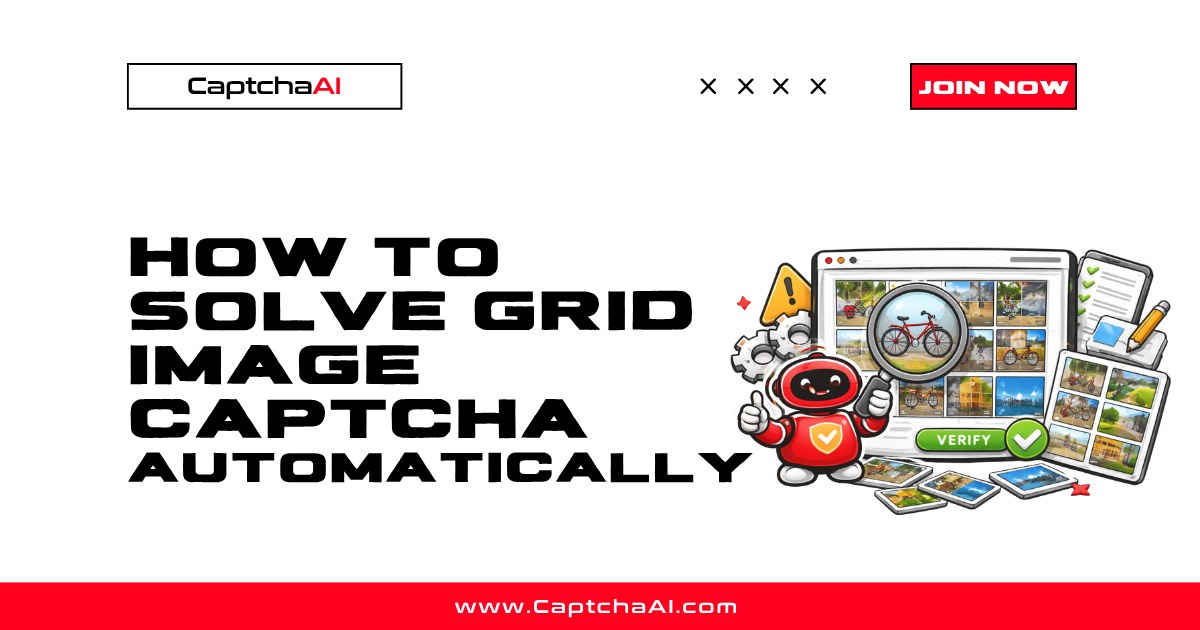
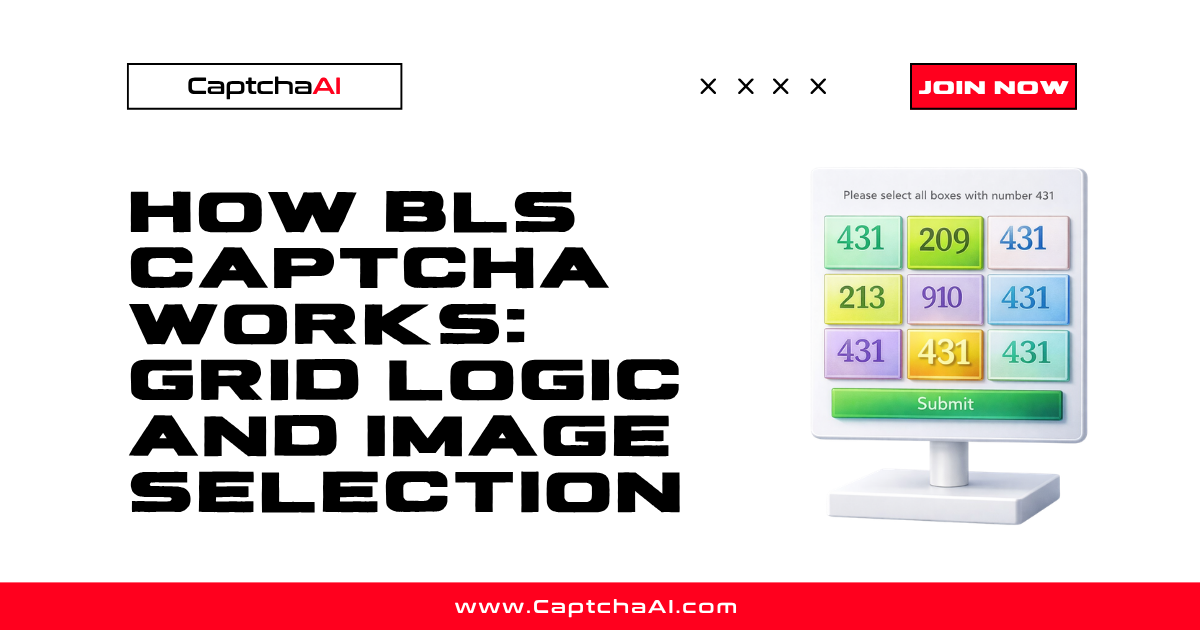
Grid image CAPTCHAs display an image divided into cells and ask users to select specific cells based on visual content. This format is used by reCAPTCHA, custom CAPTCHA systems, and various website protection services.
The core mechanism
- A large image is split into a grid (3×3, 4×4, or custom)
- Text instructions describe what to find ("Select all squares with traffic lights")
- The user clicks cells containing the target object
- The server verifies the selection against known correct answers
- If correct, access is granted; if wrong, a new challenge appears
Grid formats
Standard 3×3 grid (9 cells)
The most common format. One image is divided into 9 equal sections:
┌─────┬─────┬─────┐
│  1  │  2  │  3  │
├─────┼─────┼─────┤
│  4  │  5  │  6  │
├─────┼─────┼─────┤
│  7  │  8  │  9  │
└─────┴─────┴─────┘
4×4 grid (16 cells)
Used for higher security. Smaller cells make object identification harder:
┌────┬────┬────┬────┐
│ 1  │ 2  │ 3  │ 4  │
├────┼────┼────┼────┤
│ 5  │ 6  │ 7  │ 8  │
├────┼────┼────┼────┤
│ 9  │ 10 │ 11 │ 12 │
├────┼────┼────┼────┤
│ 13 │ 14 │ 15 │ 16 │
└────┴────┴────┴────┘
Custom grids
Some systems use irregular layouts — different-sized cells, non-square grids, or overlapping images.
Types of grid challenges
| Type | Description | Example |
|---|---|---|
| Single object | Select all cells containing one object type | "Select all buses" |
| Multi-round | New tiles replace selected ones | reCAPTCHA dynamic grids |
| Ordered selection | Click items in a specific sequence | "Click the cars from left to right" |
| Negative selection | Identify cells that do NOT contain the object | "Select cells without text" |
Who uses grid image CAPTCHAs
| Provider | Grid format | Key characteristics |
|---|---|---|
| Google reCAPTCHA v2 | 3×3 and 4×4 | Dynamic tiles, behavioral analysis |
| BLS CAPTCHA | Variable (3-9 separate images) | Custom instructions, visa systems |
| hCaptcha | 3×3 and 4×4 | Similar to reCAPTCHA, privacy-focused |
| Custom implementations | Variable | Site-specific, no standardized API |
How grid CAPTCHAs detect bots
| Signal | What it reveals |
|---|---|
| Click accuracy | Bots click exact cell centers; humans are imprecise |
| Click timing | Bots click too fast or at perfectly regular intervals |
| Mouse trajectory | Bots move in straight lines; humans curve naturally |
| Selection correctness | ML models flag edge-case errors that humans make vs binary bot errors |
| Challenge completion time | Too fast = bot; too slow = bot giving up |
Solving grid CAPTCHAs with CaptchaAI
For reCAPTCHA grids, use the token method for better reliability:
import requests, time

# Token method — CaptchaAI handles the grid internally
resp = requests.get("https://ocr.captchaai.com/in.php", params={
    "key": "YOUR_API_KEY",
    "method": "userrecaptcha",
    "googlekey": "SITE_KEY",
    "pageurl": "https://example.com",
    "json": 1
}).json()
task_id = resp["request"]

for _ in range(30):
    time.sleep(5)
    result = requests.get("https://ocr.captchaai.com/res.php", params={
        "key": "YOUR_API_KEY", "action": "get", "id": task_id, "json": 1
    }).json()
    if result.get("status") == 1:
        print(f"Token: {result['request'][:50]}...")
        break
For non-reCAPTCHA grids, use the image method:
import base64

with open("grid.png", "rb") as f:
    img_b64 = base64.b64encode(f.read()).decode()

resp = requests.post("https://ocr.captchaai.com/in.php", data={
    "key": "YOUR_API_KEY",
    "method": "post",
    "body": img_b64,
    "recaptcha": 1,
    "json": 1
}).json()
FAQ
What is the difference between grid CAPTCHA and image CAPTCHA?
Grid CAPTCHA divides an image into cells for selection. Image CAPTCHA (OCR) shows distorted text that the user types. Grid challenges require object recognition; image CAPTCHAs require text recognition.
Can AI solve grid CAPTCHAs without human help?
Modern image classification models can identify objects in grid cells, but success rates vary. CaptchaAI combines AI models with human verification for high accuracy.
Why do some grid CAPTCHAs show new images after clicking?
Dynamic grids (used by reCAPTCHA) replace clicked tiles to prevent screenshot-based solving and to require sustained attention. This increases the difficulty for automated systems.
Are 4×4 grids harder to solve than 3×3?
Yes. Smaller cells contain less visual information, making object identification harder. 4×4 grids also require selecting more cells correctly.



Discussions (0)
Join the conversation
Sign in to share your opinion.
Sign InNo comments yet.