No SDK needed. Solve CAPTCHAs directly from your terminal with cURL and the CaptchaAI REST API. Perfect for quick testing, CI/CD pipelines, and shell scripts.
Requirements
| Requirement | Details |
|---|---|
| cURL | Any modern version |
| jq (optional) | For parsing responses |
| CaptchaAI API key | Get one here |
Basic Commands
Check Balance
curl -s "https://ocr.captchaai.com/res.php?key=YOUR_API_KEY&action=getbalance"
Output: 1.234
Submit reCAPTCHA v2
curl -s "https://ocr.captchaai.com/in.php?key=YOUR_API_KEY&method=userrecaptcha&googlekey=6Le-wvkS...&pageurl=https://example.com"
Output: OK|73548291
Poll for Result
curl -s "https://ocr.captchaai.com/res.php?key=YOUR_API_KEY&action=get&id=73548291"
Output: OK|03AGdBq24PBCbw... or CAPCHA_NOT_READY
Bash Solver Script
Create solve_captcha.sh:
#!/bin/bash
set -euo pipefail

API_KEY="${CAPTCHAAI_API_KEY:?Set CAPTCHAAI_API_KEY environment variable}"
BASE_URL="https://ocr.captchaai.com"

solve_recaptcha() {
    local site_key="$1"
    local page_url="$2"
    local timeout="${3:-300}"

    # Submit
    local response
    response=$(curl -s "${BASE_URL}/in.php?key=${API_KEY}&method=userrecaptcha&googlekey=${site_key}&pageurl=${page_url}")

    if [[ ! "$response" == OK|* ]]; then
        echo "ERROR: Submit failed: $response" >&2
        return 1
    fi

    local task_id="${response#OK|}"
    echo "Submitted task: $task_id" >&2

    # Poll
    local deadline=$((SECONDS + timeout))
    while (( SECONDS < deadline )); do
        sleep 5
        local result
        result=$(curl -s "${BASE_URL}/res.php?key=${API_KEY}&action=get&id=${task_id}")

        if [[ "$result" == "CAPCHA_NOT_READY" ]]; then
            echo "Waiting..." >&2
            continue
        fi

        if [[ "$result" == OK|* ]]; then
            echo "${result#OK|}"
            return 0
        fi

        echo "ERROR: Solve failed: $result" >&2
        return 1
    done

    echo "ERROR: Timeout after ${timeout}s" >&2
    return 1
}

# Usage: ./solve_captcha.sh SITE_KEY PAGE_URL
if [[ $# -ge 2 ]]; then
    solve_recaptcha "$1" "$2"
fi
Make it executable:
chmod +x solve_captcha.sh
Run:
export CAPTCHAAI_API_KEY="your_key_here"
./solve_captcha.sh "6Le-wvkS..." "https://example.com"
Solve Cloudflare Turnstile
curl -s "https://ocr.captchaai.com/in.php?key=${CAPTCHAAI_API_KEY}&method=turnstile&sitekey=0x4AAAAA...&pageurl=https://example.com"
Solve Image CAPTCHA
# Encode image to base64
IMAGE_B64=$(base64 -w 0 captcha.png)

# Submit
curl -s "https://ocr.captchaai.com/in.php?key=${CAPTCHAAI_API_KEY}&method=base64&body=${IMAGE_B64}"
For large images, use POST:
curl -s -X POST "https://ocr.captchaai.com/in.php" \
  -F "key=${CAPTCHAAI_API_KEY}" \
  -F "method=post" \
  -F "[email protected]"
Solve and Use Token in One Pipeline
#!/bin/bash
# Solve CAPTCHA and submit form in one pipeline

API_KEY="${CAPTCHAAI_API_KEY}"
SITE_KEY="6Le-wvkS..."
TARGET_URL="https://example.com/login"

# Solve
TOKEN=$(./solve_captcha.sh "$SITE_KEY" "$TARGET_URL")

if [[ -z "$TOKEN" ]]; then
    echo "Failed to solve CAPTCHA"
    exit 1
fi

# Submit form with token
curl -s -X POST "$TARGET_URL" \
  -d "username=user" \
  -d "password=pass" \
  -d "g-recaptcha-response=${TOKEN}"
Batch Processing
Solve multiple CAPTCHAs from a file:
#!/bin/bash
# Input file: urls.txt (one URL per line)

while IFS= read -r url; do
    echo "Processing: $url"
    TOKEN=$(./solve_captcha.sh "6Le-wvkS..." "$url")
    if [[ -n "$TOKEN" ]]; then
        echo "$url,$TOKEN" >> results.csv
        echo "  Solved ✓"
    else
        echo "  Failed ✗"
    fi
done < urls.txt
PowerShell (Windows)
$ApiKey = $env:CAPTCHAAI_API_KEY
$BaseUrl = "https://ocr.captchaai.com"

# Submit
$response = Invoke-RestMethod "${BaseUrl}/in.php?key=${ApiKey}&method=userrecaptcha&googlekey=6Le-wvkS...&pageurl=https://example.com"

if ($response -match '^OK\|(.+)$') {
    $taskId = $Matches[1]
    Write-Host "Task: $taskId"
} else {
    Write-Error "Submit failed: $response"
    exit 1
}

# Poll
do {
    Start-Sleep -Seconds 5
    $result = Invoke-RestMethod "${BaseUrl}/res.php?key=${ApiKey}&action=get&id=${taskId}"
} while ($result -eq 'CAPCHA_NOT_READY')

if ($result -match '^OK\|(.+)$') {
    $token = $Matches[1]
    Write-Host "Token: $token"
} else {
    Write-Error "Solve failed: $result"
}
Troubleshooting
| Error | Cause | Fix |
|---|---|---|
curl: (6) Could not resolve host |
DNS issue | Check network |
ERROR_WRONG_USER_KEY |
Bad API key | Check for spaces/newlines in key |
| Response is empty | Network timeout | Add --connect-timeout 30 |
base64: invalid input |
Binary file issue | Use base64 -w 0 (no wrapping) |
FAQ
Can I use this in CI/CD pipelines?
Yes. Set CAPTCHAAI_API_KEY as a CI secret, and call the script in your pipeline. Works with GitHub Actions, GitLab CI, Jenkins, etc.
Is cURL slower than using an SDK?
The HTTP overhead is identical. cURL adds no latency compared to Python or Node.js HTTP clients. The CAPTCHA solve time dominates.
How do I handle special characters in URLs?
URL-encode parameters: use --data-urlencode with cURL POST, or curl -G --data-urlencode "pageurl=...".
Related Guides
Full Working Code
Complete runnable examples for this article in Python, Node.js, PHP, Go, Java, C#, Ruby, Rust, Kotlin & Bash.
View on GitHub →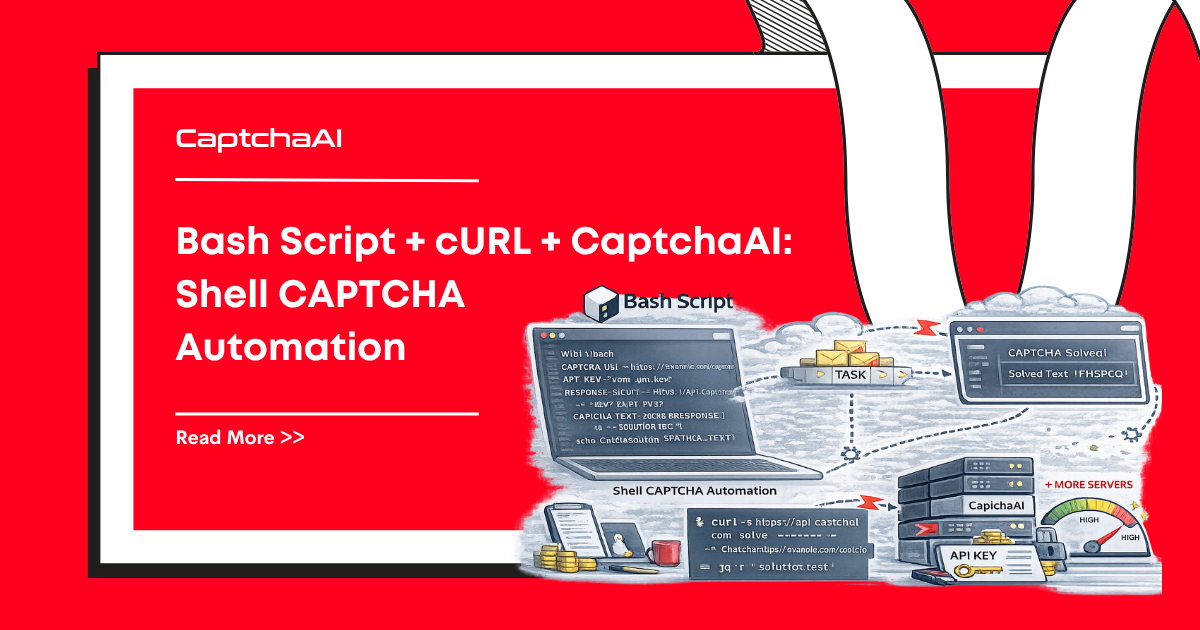

Discussions (0)
Join the conversation
Sign in to share your opinion.
Sign InNo comments yet.