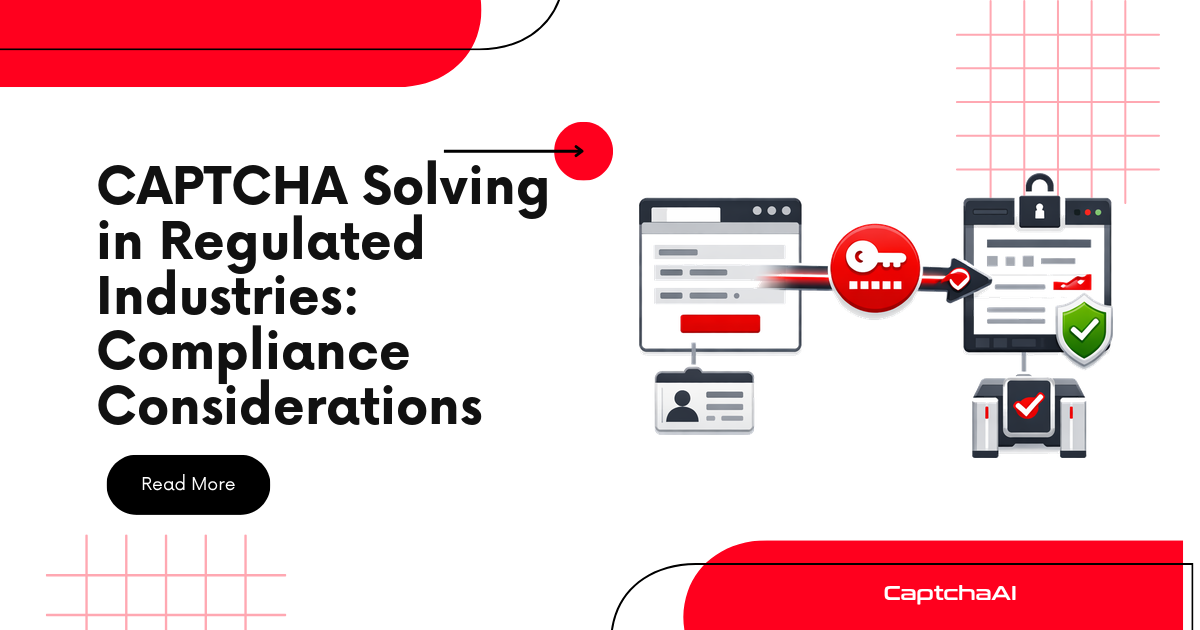
Automated CAPTCHA solving is a technical capability. Whether it creates compliance risk depends on what you're automating and what data flows through the process. This guide covers the considerations for using CaptchaAI in regulated industries.
What Data Flows to CaptchaAI
Before evaluating compliance impact, understand what CaptchaAI actually receives:
| Sent to CaptchaAI | Not sent to CaptchaAI |
|---|---|
| CAPTCHA sitekey (public) | Form field values |
| Page URL (domain only needed) | Login credentials |
| CAPTCHA image (for image types) | Personal data from pages |
| Proxy credentials (if provided) | Database records |
| API key | Business logic |
CaptchaAI receives CAPTCHA challenge parameters — not the data your automation collects afterward. The CAPTCHA token is returned to you, and you use it to submit forms on your own servers.
Industry-Specific Considerations
Healthcare (HIPAA)
| Concern | Assessment |
|---|---|
| Is PHI sent to CaptchaAI? | No — CAPTCHA parameters don't contain patient data |
| Is CaptchaAI a Business Associate? | Unlikely — no PHI is processed or stored |
| Audit trail required? | Yes — implement solve logging for compliance |
| Encryption in transit? | CaptchaAI uses HTTPS (TLS) by default |
Key action: Ensure your automation pipeline doesn't accidentally include PHI in CAPTCHA request parameters. The pageurl field should not contain patient identifiers in query strings.
Financial Services (SOC 2, PCI DSS)
| Concern | Assessment |
|---|---|
| Is cardholder data sent? | No — CAPTCHA parameters are technical metadata |
| Is CaptchaAI in PCI scope? | Only if processing occurs within the cardholder data environment |
| Access controls required? | Yes — protect API keys with secrets management |
| Audit trail required? | Yes — log all CAPTCHA solve requests |
Key action: Store API keys in a secrets manager (Vault, AWS Secrets Manager). Implement rate limiting to prevent unauthorized balance consumption. Log every solve for audit.
Government Applications
| Concern | Assessment |
|---|---|
| Data sovereignty | CaptchaAI processes data on their infrastructure |
| FedRAMP requirements | CaptchaAI is not FedRAMP certified |
| NIST 800-53 controls | Implement logging, access control, encryption |
| Authorized use | Ensure CAPTCHA solving is authorized for your use case |
Key action: For government portals (e.g., BLS data collection), verify that your automation is authorized by the portal's terms of use. Implement the full security stack: audit logging, key rotation, TLS verification.
Education (FERPA)
| Concern | Assessment |
|---|---|
| Student data sent to CaptchaAI? | No — CAPTCHA parameters don't contain student records |
| Third-party data sharing? | No student data is shared with CaptchaAI |
| Institutional approval needed? | Yes — most institutions require vendor review |
Risk Mitigation Framework
Level 1: Basic (All Industries)
- [ ] Use HTTPS for all API calls (default)
- [ ] Store API keys in environment variables (never in code)
- [ ] Use the minimum required parameters per CAPTCHA type
Level 2: Standard (Regulated Industries)
Everything in Level 1, plus:
- [ ] Implement audit logging for every solve request
- [ ] Use secrets management (Vault, AWS Secrets Manager)
- [ ] Rotate API keys quarterly
- [ ] Strip query parameters from
pageurlbefore sending - [ ] Filter cookies to CAPTCHA-relevant ones only
Level 3: Strict (Highly Regulated)
Everything in Level 2, plus:
- [ ] Network segmentation — CAPTCHA solving in isolated environment
- [ ] IP whitelisting for API key usage
- [ ] Budget limits with alerts
- [ ] Quarterly access reviews for API key holders
- [ ] Documented acceptable use policy
Acceptable Use Patterns
CAPTCHA solving in regulated industries commonly applies to:
| Use Case | Industry | Compliance Risk |
|---|---|---|
| Authorized QA testing of own portals | All | Low |
| Price monitoring of public insurance data | Healthcare | Low |
| Public record search automation | Government | Low–Medium |
| Competitor pricing data collection | Finance | Low |
| Accessibility testing automation | Education | Low |
| Authorized data migration between systems | All | Low |
Documentation Checklist
For compliance audits, maintain:
- Data flow diagram — Show what data reaches CaptchaAI (see above)
- Audit log samples — Demonstrate request-level logging
- Access control documentation — Who has API key access
- Key management policy — How keys are stored, rotated, revoked
- Acceptable use policy — What CAPTCHA solving is authorized for
- Vendor assessment — CaptchaAI's security posture and data handling
Troubleshooting
| Compliance Question | Answer |
|---|---|
| "Does CaptchaAI process our customer data?" | No — only CAPTCHA challenge parameters are sent |
| "Is CaptchaAI SOC 2 certified?" | Check CaptchaAI's current certifications on their website |
| "Can we use CaptchaAI in our FedRAMP environment?" | Evaluate — CAPTCHA solving may be outside the authorization boundary if no sensitive data is transmitted |
| "Do we need a BAA with CaptchaAI?" | Typically no — CAPTCHA solving doesn't involve PHI processing |
FAQ
Does using CaptchaAI create a vendor dependency for compliance purposes?
CaptchaAI is a utility service (like a CDN or email provider). It should be included in your vendor inventory but typically doesn't require the same level of assessment as a data processor.
Can the CAPTCHA token itself be considered sensitive?
No. Tokens are single-use, expire in 60–300 seconds, and can only be validated by the specific site that generated the CAPTCHA. They have no value outside that narrow context.
Should we get legal review before deploying CAPTCHA solving?
For regulated industries, yes. Have your legal team review the specific use case, data flows, and CaptchaAI's terms of service.
Next Steps
Deploy CAPTCHA solving with confidence in regulated environments — get your CaptchaAI API key.
Related guides:

Discussions (0)
Join the conversation
Sign in to share your opinion.
Sign InNo comments yet.