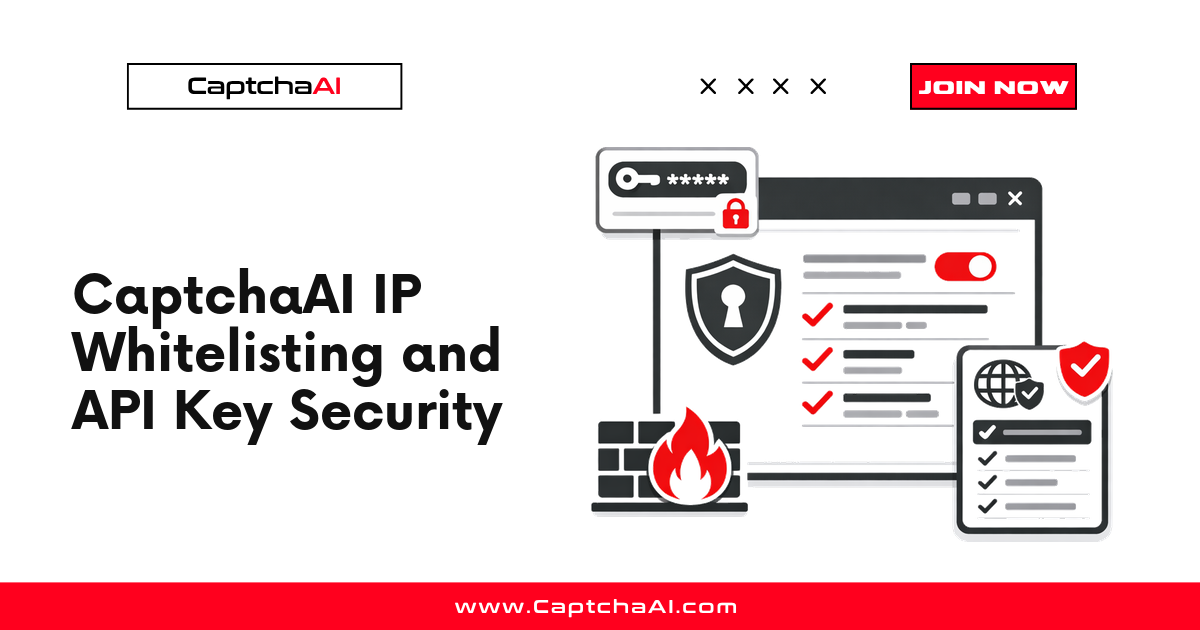
Your CaptchaAI API key controls access to your balance. A leaked key means unauthorized usage and drained funds. This guide covers IP whitelisting, secure storage, and access control.
API Key Threats
Exposed API key:
  ├── Leaked in Git repository
  ├── Hardcoded in client-side code
  ├── Shared in documentation
  └── Visible in logs

Impact:
  ├── Balance drained by unauthorized users
  ├── Usage spikes from abuse
  └── Key disabled by service provider
Secure Key Storage
Never Hardcode Keys
# BAD — key in source code
API_KEY = "abc123def456"  # DO NOT DO THIS

# GOOD — environment variable
import os
API_KEY = os.environ["CAPTCHAAI_API_KEY"]

# GOOD — .env file (not committed to Git)
from dotenv import load_dotenv
load_dotenv()
API_KEY = os.environ["CAPTCHAAI_API_KEY"]
.env File
# .env (add to .gitignore!)
CAPTCHAAI_API_KEY=your_api_key_here
.gitignore
# Always ignore .env files
.env
.env.local
.env.production
Environment-Based Configuration
import os


class CaptchaConfig:
    """Load CaptchaAI config from environment."""

    def __init__(self):
        self.api_key = os.environ.get("CAPTCHAAI_API_KEY")
        if not self.api_key:
            raise EnvironmentError(
                "CAPTCHAAI_API_KEY not set. "
                "Set it in your environment or .env file."
            )
        self.base_url = os.environ.get(
            "CAPTCHAAI_URL", "https://ocr.captchaai.com"
        )

    def validate(self):
        """Verify the API key works."""
        import requests
        resp = requests.get(f"{self.base_url}/res.php", params={
            "key": self.api_key,
            "action": "getbalance",
            "json": 1,
        }, timeout=10)
        data = resp.json()
        if data.get("status") != 1:
            raise RuntimeError(f"Invalid API key: {data.get('request')}")
        return float(data["request"])


# Usage
config = CaptchaConfig()
balance = config.validate()
print(f"Key valid, balance: ${balance:.2f}")
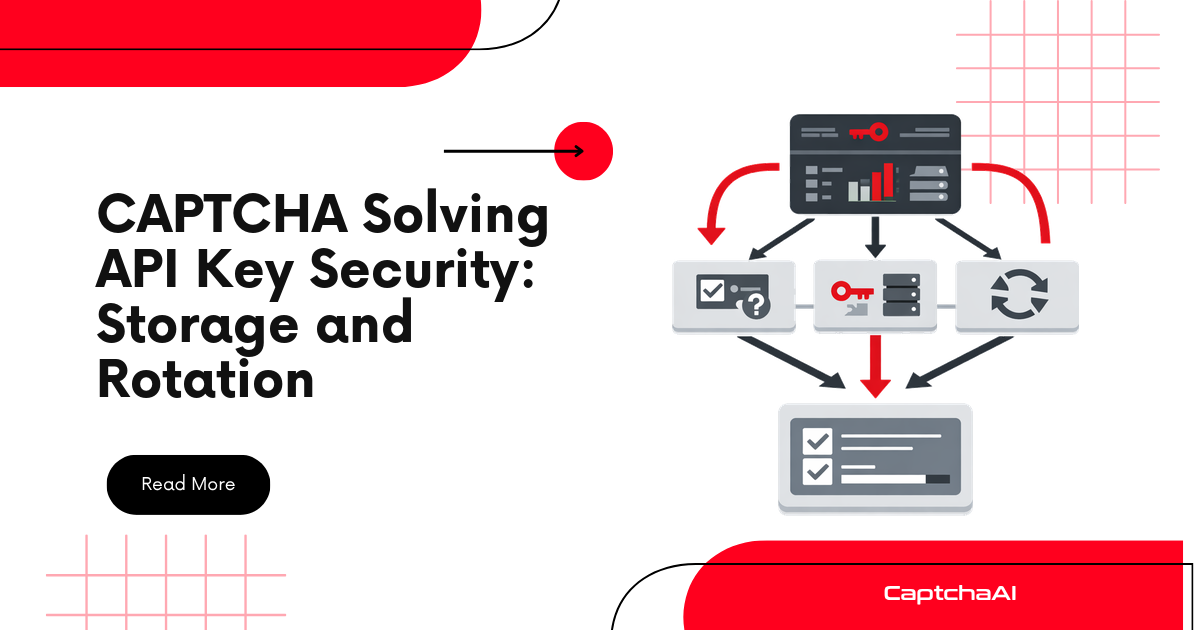
Key Rotation
Rotate API keys periodically:
import os
import datetime


class KeyManager:
    """Manage API key rotation."""

    def __init__(self):
        self.primary_key = os.environ.get("CAPTCHAAI_API_KEY")
        self.secondary_key = os.environ.get("CAPTCHAAI_API_KEY_BACKUP")
        self.active_key = self.primary_key

    def get_key(self):
        return self.active_key

    def rotate(self):
        """Switch to secondary key."""
        if self.secondary_key:
            self.active_key = self.secondary_key
            print("Rotated to secondary key")
        else:
            print("No secondary key configured")

    def test_key(self, key):
        """Verify a key is valid."""
        import requests
        resp = requests.get("https://ocr.captchaai.com/res.php", params={
            "key": key, "action": "getbalance", "json": 1,
        }, timeout=10)
        return resp.json().get("status") == 1


# Usage
keys = KeyManager()

# If primary fails, rotate to secondary
if not keys.test_key(keys.get_key()):
    keys.rotate()
Request Validation
Validate requests before sending to prevent accidental key exposure:
import requests
import logging

logger = logging.getLogger(__name__)


class SecureSolver:
    """Solver with security best practices."""

    def __init__(self, api_key):
        self.api_key = api_key
        self.base = "https://ocr.captchaai.com"

    def solve(self, method, **params):
        # Validate inputs
        self._validate_params(method, params)

        data = {"key": self.api_key, "method": method, "json": 1}
        data.update(params)

        # Log without exposing key
        logger.info(
            "Submitting %s solve for %s",
            method, params.get("pageurl", "unknown"),
        )

        resp = requests.post(
            f"{self.base}/in.php", data=data, timeout=30,
        )
        return resp.json()

    def _validate_params(self, method, params):
        """Prevent common security mistakes."""
        # Ensure pageurl is a valid URL
        pageurl = params.get("pageurl", "")
        if pageurl and not pageurl.startswith(("http://", "https://")):
            raise ValueError(f"Invalid pageurl: {pageurl}")

        # Ensure method is valid
        valid_methods = {
            "userrecaptcha", "turnstile", "geetest",
            "base64", "post", "bls", "cloudflare_challenge",
        }
        if method not in valid_methods:
            raise ValueError(f"Unknown method: {method}")
Logging Without Exposing Keys
import logging
import re

logger = logging.getLogger(__name__)


class SafeFormatter(logging.Formatter):
    """Redact API keys from log messages."""

    KEY_PATTERN = re.compile(r'[a-f0-9]{32}', re.IGNORECASE)

    def format(self, record):
        msg = super().format(record)
        return self.KEY_PATTERN.sub("[REDACTED]", msg)


# Configure safe logging
handler = logging.StreamHandler()
handler.setFormatter(SafeFormatter("%(levelname)s: %(message)s"))
logger.addHandler(handler)
logger.setLevel(logging.INFO)

# Key is automatically redacted in logs
logger.info(f"Using key: abc123def456ghi789jkl012mno345pq")
# Output: INFO: Using key: [REDACTED]
Docker Secrets
For containerized deployments:
# Dockerfile — DO NOT embed keys here
FROM python:3.11-slim
WORKDIR /app
COPY . .
RUN pip install requests
CMD ["python", "solver.py"]
# docker-compose.yml
services:
  solver:
    build: .
    environment:

      - CAPTCHAAI_API_KEY=${CAPTCHAAI_API_KEY}
    # Or use Docker secrets:
    secrets:

      - captchaai_key

secrets:
  captchaai_key:
    file: ./secrets/captchaai_key.txt
CI/CD Security
GitHub Actions
# .github/workflows/test.yml
jobs:
  test:
    runs-on: ubuntu-latest
    steps:

      - uses: actions/checkout@v4
      - name: Run tests
        env:
          CAPTCHAAI_API_KEY: ${{ secrets.CAPTCHAAI_API_KEY }}
        run: python test_solver.py
Never log or echo the secret in CI output.
Troubleshooting
| Issue | Cause | Fix |
|---|---|---|
ERROR_WRONG_USER_KEY |
Key incorrect or expired | Verify key from CaptchaAI dashboard |
| Unexpected balance drain | Key leaked or shared | Rotate key immediately, audit access |
| Key works locally but not in CI | Environment variable not set | Add to CI/CD secrets |
| Key in Git history | Committed .env file | Rotate key, add .env to .gitignore, use git filter-branch |
Security Checklist
| Practice | Status |
|---|---|
| API key in environment variable | ☐ |
| .env added to .gitignore | ☐ |
| No keys in source code | ☐ |
| Keys redacted in logs | ☐ |
| CI/CD uses secrets manager | ☐ |
| Key rotation schedule | ☐ |
| Balance monitoring active | ☐ |
FAQ
What if my API key is leaked?
Generate a new key immediately from the CaptchaAI dashboard. Update all applications using the old key. Check your balance for unauthorized usage.
Can I restrict API key by IP address?
Check your CaptchaAI dashboard for IP restriction settings. If available, whitelist only your server IPs to prevent unauthorized usage.
Should I use different keys for development and production?
Yes. Use separate keys for dev, staging, and production. This limits the blast radius if a dev key is leaked.
Related Guides
Protect your investment — secure your CaptchaAI API key today.
Full Working Code
Complete runnable examples for this article in Python, Node.js, PHP, Go, Java, C#, Ruby, Rust, Kotlin & Bash.
View on GitHub →

Discussions (0)
Join the conversation
Sign in to share your opinion.
Sign InNo comments yet.