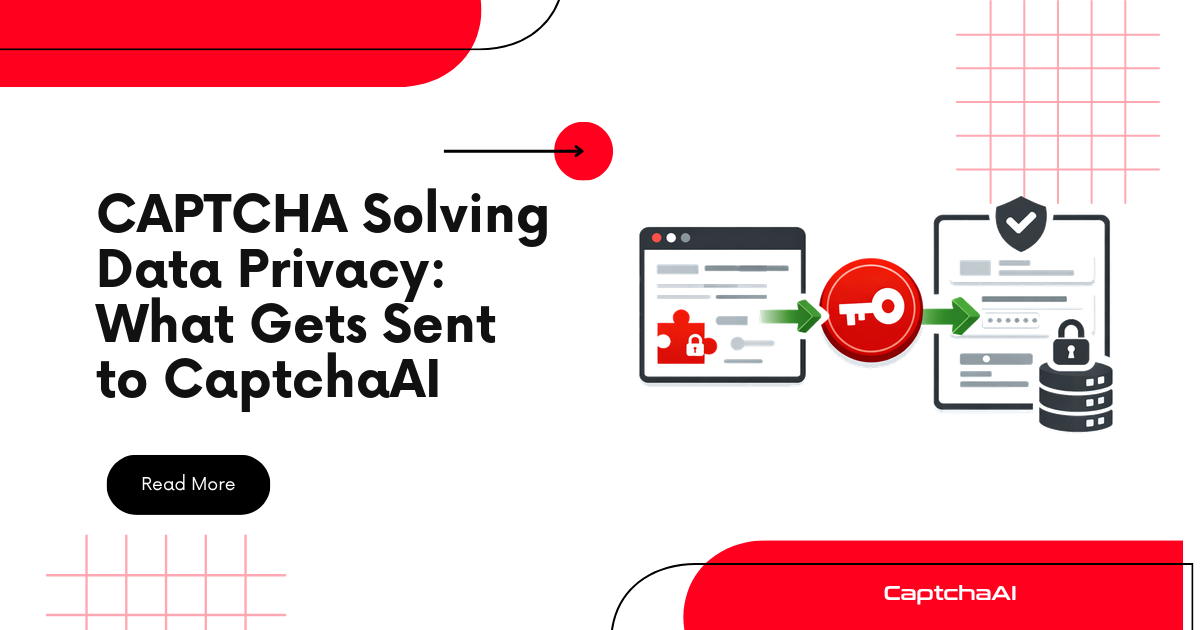
Before integrating any third-party service, you should know exactly what data leaves your infrastructure. This guide catalogs every piece of data transmitted to CaptchaAI per CAPTCHA type, what the API does with it, and how to minimize data exposure.
Data Sent Per CAPTCHA Type
reCAPTCHA v2/v3
| Parameter | Data Sent | Sensitivity |
|---|---|---|
key |
Your CaptchaAI API key | Secret — never share |
googlekey |
The reCAPTCHA sitekey (public) | Low — visible in page source |
pageurl |
The target page URL | Medium — reveals which site you're automating |
proxy (optional) |
Your proxy IP/credentials | High — contains authentication |
cookies (optional) |
Session cookies | High — may contain session tokens |
userAgent (optional) |
Browser user-agent string | Low |
Not sent: Page content, user credentials, form data, browser screenshots, DOM content.
Cloudflare Turnstile
| Parameter | Data Sent | Sensitivity |
|---|---|---|
key |
CaptchaAI API key | Secret |
sitekey |
Turnstile widget sitekey (public) | Low |
pageurl |
Target page URL | Medium |
action (optional) |
Turnstile action name | Low |
cdata (optional) |
Custom data parameter | Low |
Image/OCR CAPTCHA
| Parameter | Data Sent | Sensitivity |
|---|---|---|
key |
CaptchaAI API key | Secret |
body |
Base64-encoded CAPTCHA image | Medium — contains the challenge image |
numeric (optional) |
Expected character type | Low |
min_len/max_len (optional) |
Expected length constraints | Low |
language (optional) |
Character language hint | Low |
Important: The image body only contains the CAPTCHA challenge itself. It does not contain screenshots of your page, user data, or form fields — unless you accidentally include them.
GeeTest v3
| Parameter | Data Sent | Sensitivity |
|---|---|---|
key |
CaptchaAI API key | Secret |
gt |
GeeTest public key | Low |
challenge |
GeeTest challenge string | Low — generated per request |
pageurl |
Target page URL | Medium |
api_server (optional) |
GeeTest API server | Low |
What CaptchaAI Does Not Receive
CaptchaAI solvers never receive:
- Your login credentials for target sites
- Form field values (names, emails, passwords)
- Page content or DOM structure
- Browser history or local storage
- Files from your system
- Other API keys or tokens
The API is stateless — each request contains only the parameters you explicitly include.
Data Flow Diagram
Your Server                    CaptchaAI API                    CAPTCHA Provider
    │                              │                                  │
    │──── API key + sitekey ──────▶│                                  │
    │     + pageurl                │──── Solves CAPTCHA ─────────────▶│
    │                              │◀──── Challenge response ─────────│
    │◀──── CAPTCHA token ─────────│                                  │
    │                              │                                  │
    │ (Token used to submit form)  │                                  │
Minimizing Data Exposure
1. Don't Send Unnecessary Parameters
Only include required parameters. Optional fields like cookies, userAgent, and proxy should only be sent when they improve solve rates for your specific target.
2. Use the Minimum Required pageurl
The pageurl tells CaptchaAI which domain the CAPTCHA is on. You can use the base domain instead of the full path:
- Full:
https://example.com/account/login?ref=campaign123 - Minimal:
https://example.com/account/login
Avoid including query parameters with tracking data or user identifiers.
3. Strip Sensitive Cookies
If you send cookies for better solve rates, filter out session tokens and authentication cookies. Only send cookies required by the CAPTCHA provider:
# Only send CAPTCHA-relevant cookies
captcha_cookies = {k: v for k, v in cookies.items()
                   if k.startswith("_g") or k.startswith("cf_")}
4. Use HTTPS (Default)
CaptchaAI's API endpoint (https://ocr.captchaai.com) uses TLS encryption. All data in transit is encrypted. Never downgrade to HTTP.
5. Rotate API Keys
If a key is compromised, it only grants access to your CaptchaAI balance — not to your target sites or data. Rotate keys periodically and revoke old ones.
Common Privacy Concerns
| Concern | Reality |
|---|---|
| "CaptchaAI sees my target site's content" | No. Only the sitekey and URL are sent. Page content stays on your server. |
| "CaptchaAI stores my CAPTCHA images" | Image CAPTCHAs are processed and discarded. They're not stored for training. |
| "CaptchaAI can use my proxy for other purposes" | Proxies are only used for the specific solve request. |
| "Solved tokens can be replayed" | Tokens expire in 60–300 seconds and are single-use. |
| "CaptchaAI knows what I'm automating" | Only the pageurl domain is visible. No context about your business logic. |
Compliance Considerations
| Regulation | Relevance to CAPTCHA Solving |
|---|---|
| GDPR | If pageurl or cookies contain PII, minimize what you send |
| SOC 2 | Audit trail recommended — log what's sent and when |
| CCPA | CAPTCHA images rarely contain consumer data |
| HIPAA | Never include PHI in CAPTCHA requests (shouldn't happen naturally) |
For most CAPTCHA solving scenarios, the data transmitted is technical metadata (sitekeys, URLs, challenge images) — not personal data. However, audit logging helps demonstrate compliance.
Troubleshooting
| Concern | Action |
|---|---|
| Need to verify what's being sent | Log request parameters before sending (exclude API key) |
| Proxy credentials in request | Use IP-whitelisted proxies to avoid sending credentials |
| Cookies with session tokens | Filter to CAPTCHA-relevant cookies only |
| Full URL with PII in query string | Strip query parameters before sending |
FAQ
Does CaptchaAI use my data to train AI models?
CaptchaAI processes CAPTCHA challenges to return solutions. Specific data retention and usage policies are available in their terms of service.
Can I use CaptchaAI without sending a proxy?
Yes. Many CAPTCHA types support proxyless solving. Only send a proxy when required for specific targets.
Is the API key the only authentication?
Yes. The API key authenticates your requests. Protect it like any other credential — use environment variables, Vault, or secrets management.
Related Articles
- Build Multi Site Data Aggregation Captchaai
- Notion Api Captchaai Data Entry
- Bright Data Captchaai Proxy Integration
Next Steps
Make informed decisions about your CAPTCHA solving integration — get your CaptchaAI API key.
Related guides:


Discussions (0)
Join the conversation
Sign in to share your opinion.
Sign InNo comments yet.