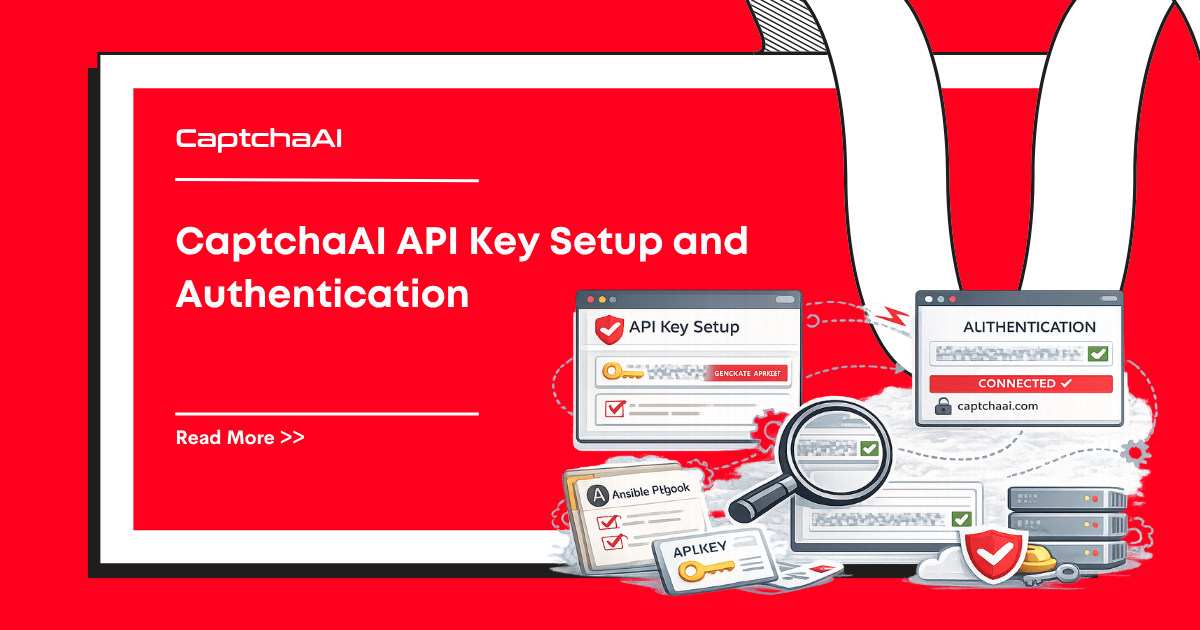
Every CaptchaAI API request requires an API key. This guide covers how to get your key, authenticate requests, check your balance, and keep your credentials secure.
Getting Your API Key
- Create an account at captchaai.com
- Log in to your dashboard
- Navigate to API Settings or Account
- Copy your API key — it looks like:
abc123def456... - Add funds to your balance (starting from $1)
Authentication
Every API call includes your key as a key parameter:
Submit a CAPTCHA
GET https://ocr.captchaai.com/in.php?key=YOUR_API_KEY&method=userrecaptcha&googlekey=SITE_KEY&pageurl=URL
Poll for Results
GET https://ocr.captchaai.com/res.php?key=YOUR_API_KEY&action=get&id=TASK_ID
Check Balance
GET https://ocr.captchaai.com/res.php?key=YOUR_API_KEY&action=getbalance
Code Examples
Python
import requests
import os

# Load from environment variable (recommended)
API_KEY = os.environ.get("CAPTCHAAI_API_KEY")

# Check balance
balance = requests.get("https://ocr.captchaai.com/res.php", params={
    "key": API_KEY,
    "action": "getbalance"
})
print(f"Balance: ${balance.text}")

# Submit a CAPTCHA
resp = requests.get("https://ocr.captchaai.com/in.php", params={
    "key": API_KEY,
    "method": "userrecaptcha",
    "googlekey": "6Le-wvkS...",
    "pageurl": "https://example.com"
})
print(f"Response: {resp.text}")
Node.js
const axios = require("axios");

const API_KEY = process.env.CAPTCHAAI_API_KEY;

// Check balance
const balance = await axios.get("https://ocr.captchaai.com/res.php", {
  params: { key: API_KEY, action: "getbalance" },
});
console.log(`Balance: $${balance.data}`);

// Submit a CAPTCHA
const resp = await axios.get("https://ocr.captchaai.com/in.php", {
  params: {
    key: API_KEY,
    method: "userrecaptcha",
    googlekey: "6Le-wvkS...",
    pageurl: "https://example.com",
  },
});
console.log(`Response: ${resp.data}`);
cURL
# Check balance
curl "https://ocr.captchaai.com/res.php?key=YOUR_API_KEY&action=getbalance"

# Submit reCAPTCHA v2
curl "https://ocr.captchaai.com/in.php?key=YOUR_API_KEY&method=userrecaptcha&googlekey=SITE_KEY&pageurl=https://example.com"
API Key Security
Use Environment Variables
Never hardcode your API key in source code:
# ❌ Bad — key in source code
API_KEY = "abc123def456"

# ✅ Good — key from environment
API_KEY = os.environ["CAPTCHAAI_API_KEY"]
Set the variable:
# Linux/macOS
export CAPTCHAAI_API_KEY="abc123def456"

# Windows PowerShell
$env:CAPTCHAAI_API_KEY = "abc123def456"

# Windows CMD
set CAPTCHAAI_API_KEY=abc123def456
Use .env Files
For development, use a .env file:
# .env
CAPTCHAAI_API_KEY=abc123def456
# Python
from dotenv import load_dotenv
load_dotenv()
API_KEY = os.environ["CAPTCHAAI_API_KEY"]
// Node.js
require("dotenv").config();
const API_KEY = process.env.CAPTCHAAI_API_KEY;
Add .env to your .gitignore to prevent committing credentials:
# .gitignore
.env
Rotate Keys Regularly
If you suspect a key is compromised:
- Log in to your CaptchaAI dashboard
- Generate a new API key
- Update your environment variables
- Revoke the old key
Error Responses
| Response | Meaning | Action |
|---|---|---|
ERROR_WRONG_USER_KEY |
Invalid API key | Check key for typos |
ERROR_KEY_DOES_NOT_EXIST |
Key not found | Verify key from dashboard |
ERROR_ZERO_BALANCE |
No funds | Add balance |
ERROR_IP_NOT_ALLOWED |
IP restriction active | Add your IP to allowed list |
IP_BANNED |
Too many invalid key attempts | Wait 5 minutes; fix your key |
FAQ
Do I need a different key for each CAPTCHA type?
No. One API key works for all CAPTCHA types and all API endpoints.
Is there a rate limit on API calls?
CaptchaAI allows high request rates. For very high volumes (100K+/day), contact support for dedicated capacity.
Can I use the same key across multiple projects?
Yes. One key works across all your projects and servers. For separate billing, create additional accounts.












Discussions (0)
Join the conversation
Sign in to share your opinion.
Sign InNo comments yet.