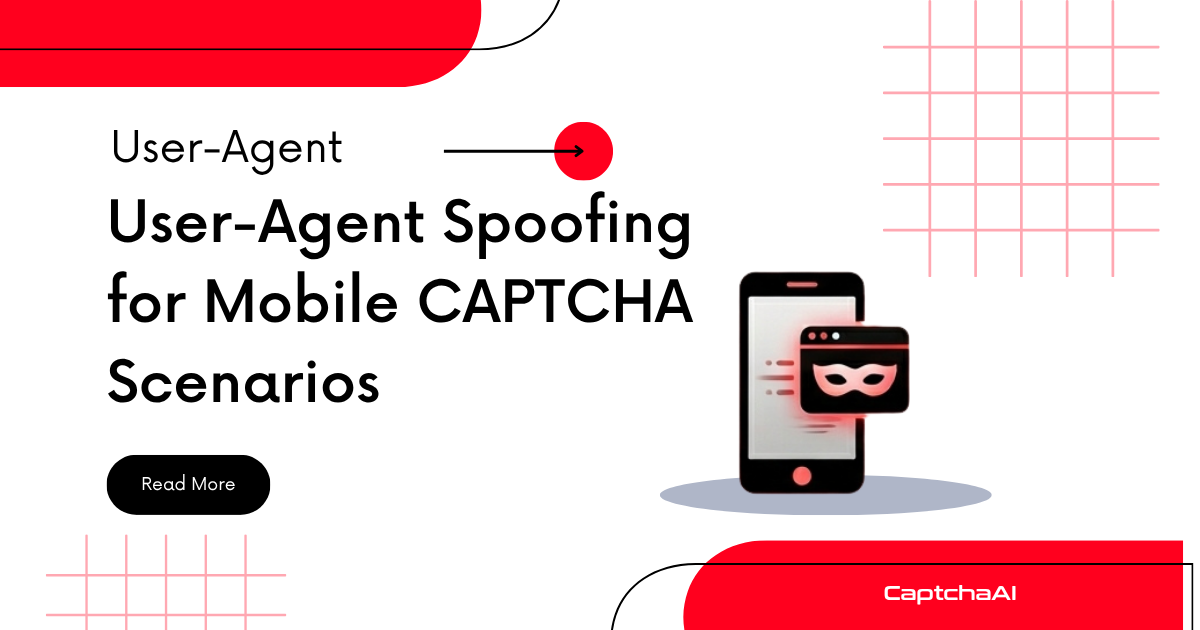
The User-Agent string is one of the first signals CAPTCHA providers check when assessing a browser session. Mismatched or obviously automated User-Agents lead to harder challenges, higher CAPTCHA trigger rates, and outright blocks. CaptchaAI solves the CAPTCHA regardless, but using a consistent, realistic User-Agent reduces how often CAPTCHAs appear in the first place.
How User-Agents Affect CAPTCHA Behavior
CAPTCHA providers like Google reCAPTCHA and Cloudflare use User-Agent strings for several checks:
| Check | What's Evaluated | Impact |
|---|---|---|
| Device consistency | Does UA match viewport size and touch capabilities? | Mismatch triggers CAPTCHA |
| Browser signature | Does UA match JavaScript API availability? | Automated browsers detected |
| UA freshness | Is the browser version current? | Outdated versions flagged |
| UA frequency | How many requests use this exact UA? | Rare UAs get more scrutiny |
| UA-proxy correlation | Does the UA match the proxy's expected traffic? | Mobile UA + datacenter IP is suspicious |
Common Mistakes
Desktop UA on Mobile Viewport
Running a Playwright mobile emulation with the default desktop User-Agent creates an obvious mismatch:
# Bad: Desktop Chrome UA with 390x844 viewport
Mozilla/5.0 (Windows NT 10.0; Win64; x64) AppleWebKit/537.36 Chrome/120.0.0.0

# Good: iPhone Safari UA matching the device profile
Mozilla/5.0 (iPhone; CPU iPhone OS 17_0 like Mac OS X) AppleWebKit/605.1.15 Version/17.0 Mobile/15E148 Safari/604.1
Headless Browser Markers
Some automation tools send UAs containing HeadlessChrome or Puppeteer. CAPTCHA providers immediately flag these:
# Detected as automated
Mozilla/5.0 (X11; Linux x86_64) AppleWebKit/537.36 HeadlessChrome/120.0.0.0
Static User-Agents Across Sessions
Using the exact same UA string for thousands of requests is suspicious. Rotate between a small set of realistic mobile UAs.
Realistic Mobile User-Agent Examples
iOS Safari (Current)
Mozilla/5.0 (iPhone; CPU iPhone OS 17_4 like Mac OS X) AppleWebKit/605.1.15 (KHTML, like Gecko) Version/17.4 Mobile/15E148 Safari/604.1
Android Chrome (Current)
Mozilla/5.0 (Linux; Android 14; Pixel 8) AppleWebKit/537.36 (KHTML, like Gecko) Chrome/122.0.0.0 Mobile Safari/537.36
Samsung Internet
Mozilla/5.0 (Linux; Android 14; SM-S928B) AppleWebKit/537.36 (KHTML, like Gecko) SamsungBrowser/24.0 Chrome/122.0.0.0 Mobile Safari/537.36
Consistency Is More Important Than Spoofing
CAPTCHA providers don't just check the UA string — they verify that other browser properties match. A mobile UA should be accompanied by:
| Property | Expected for Mobile UA | How to Set |
|---|---|---|
navigator.platform |
iPhone, Linux armv8l |
--platform flag or CDP override |
navigator.maxTouchPoints |
> 0 | CDP Emulation.setTouchEmulationEnabled |
screen.width × height |
Mobile resolution (e.g., 390×844) | Viewport configuration |
window.orientation |
Defined (0, 90, -90, 180) | Device emulation profile |
navigator.connection |
4g or similar |
Network emulation |
If any of these contradict the User-Agent, the inconsistency increases the CAPTCHA provider's bot confidence score.
How CaptchaAI Handles User-Agent Context
When you submit a CAPTCHA task to CaptchaAI, the API solves based on the sitekey and page URL — not the User-Agent. However, there are two scenarios where UA matters:
-
Proxy-based solving: If you pass your own proxy to CaptchaAI, the proxy's traffic pattern should be consistent with the UA you're using in your browser.
-
Post-solve token submission: After CaptchaAI returns the token, your browser submits it to the target site. If the site validates that the solving session's characteristics (via cookies set during reCAPTCHA loading) match the submitting session, UA consistency between page load and form submission is critical.
Best Practices
-
Match UA to device emulation. If using Playwright's
iPhone 13device profile, it includes the correct UA automatically. Don't override it. -
Keep UAs current. Use browser versions released within the last 3 months. Outdated versions draw attention.
-
Rotate within device families. Rotate between 3-5 variations of the same device family (e.g., different iPhone models) rather than mixing iOS and Android.
-
Match UA to proxy type. Mobile UA + mobile proxy is the strongest combination. Mobile UA + residential proxy is acceptable. Mobile UA + datacenter proxy is suspicious.
-
Don't fabricate UAs. Use real strings from actual devices. Custom or creatively modified UAs are easily detected.
FAQ
Does the User-Agent affect CaptchaAI's solve rate?
No. CaptchaAI solves based on the sitekey and page URL. The User-Agent only affects whether the target site serves a CAPTCHA in the first place and whether it accepts the token after solving.
Should I use a mobile UA even when running desktop automation?
Only if the target site serves fewer or easier CAPTCHAs to mobile users. Otherwise, use a desktop UA that matches your actual browser viewport.
How often should I update my User-Agent strings?
Every 1-2 months, or whenever a major browser version is released. Check browser version release dates and update accordingly.
Can CAPTCHA providers detect User-Agent spoofing?
Yes, if other browser properties don't match. Providers use JavaScript-based fingerprinting to verify that navigator.userAgent, navigator.platform, touch capabilities, and screen dimensions are all consistent.
Next Steps
Use consistent browser identities with your CAPTCHA solving workflow — get your CaptchaAI API key and reduce unnecessary CAPTCHA triggers.
Related guides:

Discussions (0)
Join the conversation
Sign in to share your opinion.
Sign InNo comments yet.