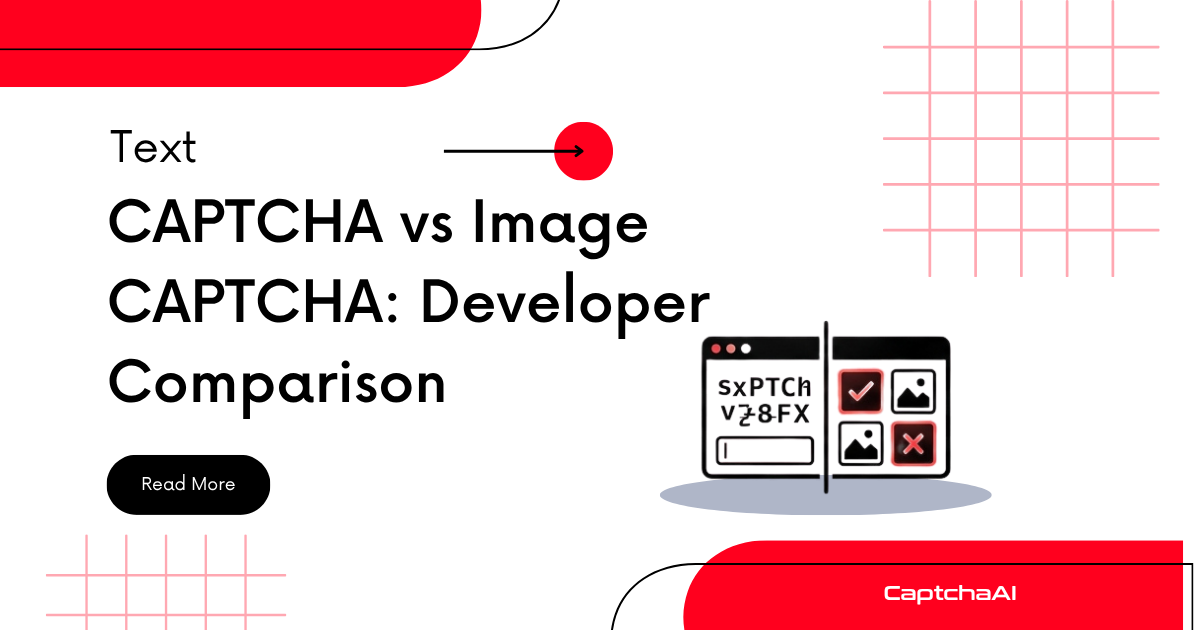
Text CAPTCHAs ask users to type distorted letters and numbers. Image CAPTCHAs ask users to select specific objects from photos (traffic lights, crosswalks, buses). Both aim to block bots, but they differ in security strength, user experience, accessibility, and automation complexity. This comparison helps developers understand which type they are facing and how each integrates into their workflow.
How text CAPTCHAs work
Text CAPTCHAs render distorted characters as an image. The user reads the characters and types them into a text field.
Common text CAPTCHA techniques
| Technique | Purpose |
|---|---|
| Character warping | Bends letters to prevent simple OCR |
| Background noise | Adds lines, dots, or color gradients behind text |
| Character overlap | Overlaps adjacent letters to prevent segmentation |
| Font randomization | Uses multiple fonts and sizes per challenge |
| Color variation | Randomizes character and background colors |
Text CAPTCHA flow
Server generates random string (e.g., "X7mK9p")
    ↓
Applies distortion: warping, noise, overlap
    ↓
Renders as PNG/JPEG image
    ↓
User reads characters, types into input field
    ↓
Server compares input against stored string (case-insensitive usually)
How image CAPTCHAs work
Image CAPTCHAs present a grid of photographs and ask the user to select images matching a category.
Common image CAPTCHA types
| Type | Challenge | Provider |
|---|---|---|
| Grid selection | "Select all squares with traffic lights" | reCAPTCHA v2 |
| Image labeling | "Click on all images containing a bus" | hCaptcha |
| Object counting | "How many bicycles are in this image?" | Custom |
| Rotation | "Rotate the image to the correct orientation" | FunCaptcha |
Image CAPTCHA flow
Server selects images from a labeled dataset
    ↓
Presents 3×3 or 4×4 grid with a text prompt
    ↓
User clicks matching images
    ↓
Server validates selections against ground truth
    ↓
If fading images: new images load in place of selected ones (multi-round)
Head-to-head comparison
| Dimension | Text CAPTCHA | Image CAPTCHA |
|---|---|---|
| Security level | Low — modern OCR solves 95%+ | High — requires object recognition |
| User solve time | 5-10 seconds | 10-30 seconds |
| Failure rate (humans) | 15-20% | 8-15% |
| Accessibility | Poor for visually impaired | Very poor for visually impaired |
| Mobile friendliness | Moderate (small characters) | Good (tap-based selection) |
| Automation difficulty | Easy (OCR) | Hard (image classification) |
| Cost to deploy | Free (self-hosted) | Free to paid (third-party API) |
| Bot bypass cost | $0.50-$1.00 per 1,000 | $1.50-$3.00 per 1,000 |
| Data collection | None | May train ML models (reCAPTCHA) |
| Implementation effort | Minimal (server-side image generation) | Moderate (JavaScript SDK integration) |
Detecting text vs image CAPTCHAs
Python detection
import requests
from bs4 import BeautifulSoup
import re

def detect_captcha_type(url):
    """Detect whether page uses text or image CAPTCHA."""
    response = requests.get(url, timeout=10)
    soup = BeautifulSoup(response.text, "html.parser")
    html = response.text

    result = {"text_captcha": False, "image_captcha": False, "provider": None}

    # Check for reCAPTCHA (image-based)
    if "google.com/recaptcha" in html or "g-recaptcha" in html:
        result["image_captcha"] = True
        result["provider"] = "reCAPTCHA"
        return result

    # Check for hCaptcha (image-based)
    if "hcaptcha.com" in html or "h-captcha" in html:
        result["image_captcha"] = True
        result["provider"] = "hCaptcha"
        return result

    # Check for text CAPTCHA patterns
    captcha_images = soup.find_all("img", attrs={
        "src": re.compile(r"captcha", re.I)
    })
    captcha_inputs = soup.find_all("input", attrs={
        "name": re.compile(r"captcha", re.I)
    })

    if captcha_images and captcha_inputs:
        # Image with text input = text CAPTCHA
        result["text_captcha"] = True
        result["provider"] = "custom text CAPTCHA"
        return result

    # Check for FunCaptcha (image-based rotation)
    if "funcaptcha" in html.lower() or "arkoselabs" in html.lower():
        result["image_captcha"] = True
        result["provider"] = "FunCaptcha"
        return result

    return result

captcha = detect_captcha_type("https://example.com/login")
print(captcha)
Node.js detection
const axios = require("axios");
const cheerio = require("cheerio");

async function detectCaptchaType(url) {
    const { data: html } = await axios.get(url, { timeout: 10000 });
    const $ = cheerio.load(html);

    const result = { textCaptcha: false, imageCaptcha: false, provider: null };

    // reCAPTCHA detection
    if (html.includes("google.com/recaptcha") || html.includes("g-recaptcha")) {
        result.imageCaptcha = true;
        result.provider = "reCAPTCHA";
        return result;
    }

    // hCaptcha detection
    if (html.includes("hcaptcha.com") || html.includes("h-captcha")) {
        result.imageCaptcha = true;
        result.provider = "hCaptcha";
        return result;
    }

    // Text CAPTCHA: image + input with "captcha" in name/class
    const captchaImgs = $("img[src*='captcha' i]").length;
    const captchaInputs = $("input[name*='captcha' i]").length;

    if (captchaImgs > 0 && captchaInputs > 0) {
        result.textCaptcha = true;
        result.provider = "custom text CAPTCHA";
        return result;
    }

    return result;
}

detectCaptchaType("https://example.com/login").then(console.log);
Solving text CAPTCHAs with CaptchaAI
Text CAPTCHAs are image-based at their core — the distorted text is rendered as a PNG or JPEG. CaptchaAI's Image OCR API handles these directly.
import requests
import base64
import time

API_KEY = "YOUR_API_KEY"

# Get the CAPTCHA image
captcha_url = "https://example.com/captcha.png"
image_data = requests.get(captcha_url).content
b64 = base64.b64encode(image_data).decode()

# Submit to CaptchaAI
submit = requests.post("https://ocr.captchaai.com/in.php", data={
    "key": API_KEY,
    "method": "base64",
    "body": b64,
    "json": 1,
})
task_id = submit.json()["request"]

# Poll for result
for _ in range(30):
    time.sleep(3)
    resp = requests.get("https://ocr.captchaai.com/res.php", params={
        "key": API_KEY,
        "action": "get",
        "id": task_id,
        "json": 1,
    }).json()

    if resp.get("status") == 1:
        print(f"CAPTCHA text: {resp['request']}")
        break
CaptchaAI supports 27,500+ image CAPTCHA types, including distorted text, math equations, and character recognition challenges.
When to use which CAPTCHA type
Choose text CAPTCHAs when:
- You need a zero-dependency, self-hosted solution
- Your user base has accessibility requirements (text CAPTCHAs can have audio alternatives)
- Bot traffic is low and you need basic spam prevention
- You want to avoid third-party data collection
Choose image CAPTCHAs when:
- You need strong bot protection
- Your application handles sensitive data (login, payments)
- You can accept higher user friction
- You want a managed solution with continuous updates
Choose neither when:
- Invisible CAPTCHAs (reCAPTCHA v3, Cloudflare Turnstile) can handle your traffic without any user interaction
Frequently asked questions
Which CAPTCHA type is more accessible?
Neither type is truly accessible. Text CAPTCHAs are difficult for visually impaired users unless an audio alternative is provided. Image CAPTCHAs are worse — grid selection tasks are unusable with screen readers. Invisible CAPTCHAs (reCAPTCHA v3, Cloudflare Turnstile) are the most accessible option because they require no user interaction.
Are text CAPTCHAs still effective in 2025?
No. Modern OCR engines solve standard text CAPTCHAs with over 95% accuracy. Heavily distorted text CAPTCHAs can reduce this to 80-85%, but at the cost of human readability. Text CAPTCHAs now block more legitimate users than bots.
Which type is cheaper to solve with an API?
Text CAPTCHAs are cheaper. OCR-based solving costs approximately $0.50-$1.00 per 1,000 solves. Image CAPTCHAs (reCAPTCHA, hCaptcha) cost $1.50-$3.00 per 1,000 solves because they require more complex processing.
Can CaptchaAI solve both text and image CAPTCHAs?
Yes. CaptchaAI solves text CAPTCHAs through its Image OCR API (27,500+ types supported) and image CAPTCHAs through its reCAPTCHA and grid image solvers.
Summary
Text CAPTCHAs are simple, cheap to deploy, and easy to bypass with OCR. Image CAPTCHAs are harder to automate and provide stronger bot protection at the cost of higher user friction. For developers building automation workflows, text CAPTCHAs require only OCR (easily handled by CaptchaAI's Image OCR), while image CAPTCHAs require specialized solvers like CaptchaAI's reCAPTCHA and grid image APIs. In 2025, the trend is toward invisible CAPTCHAs that eliminate user friction entirely.