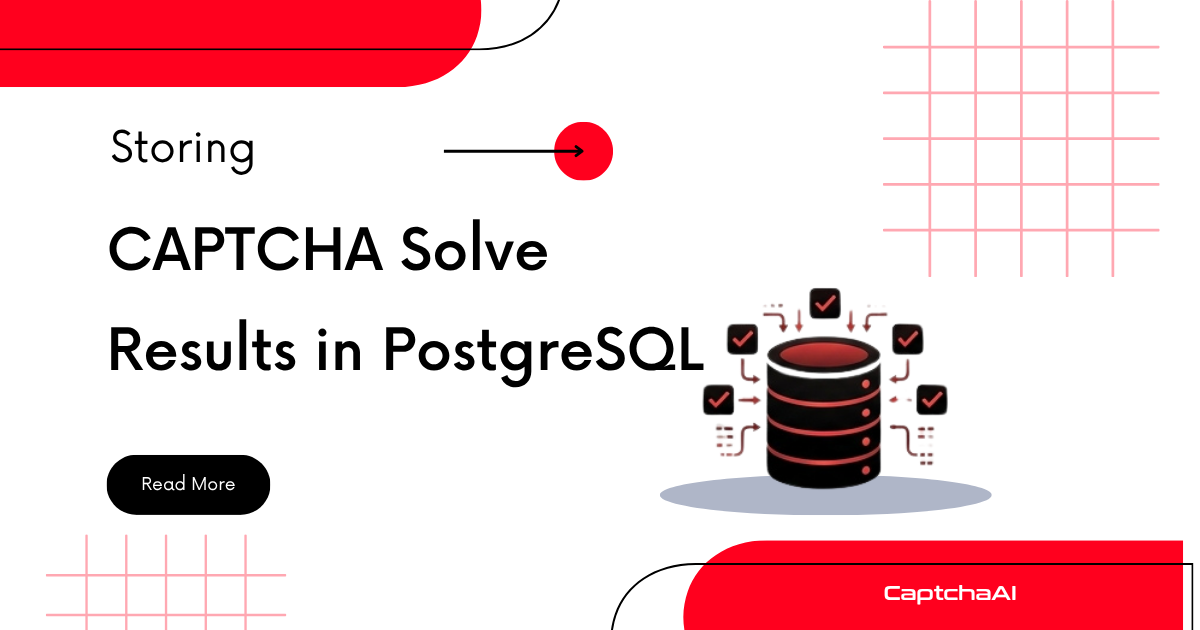
Logging every CAPTCHA solve to a database gives you performance metrics, cost tracking, and debugging data. This guide shows how to design a PostgreSQL schema, insert results after each solve, and query for insights.
Schema design
CREATE TABLE captcha_tasks (
    id            SERIAL PRIMARY KEY,
    task_id       VARCHAR(32) NOT NULL,
    captcha_type  VARCHAR(32) NOT NULL,    -- recaptcha_v2, turnstile, image, etc.
    site_url      TEXT,
    sitekey       VARCHAR(128),
    status        VARCHAR(16) NOT NULL,    -- submitted, solved, failed, timeout
    answer        TEXT,
    error_code    VARCHAR(64),
    submitted_at  TIMESTAMPTZ NOT NULL DEFAULT NOW(),
    solved_at     TIMESTAMPTZ,
    solve_time_ms INTEGER,
    cost          DECIMAL(10, 6),
    proxy_used    VARCHAR(128),
    metadata      JSONB DEFAULT '{}'::jsonb
);

CREATE INDEX idx_captcha_tasks_status ON captcha_tasks(status);
CREATE INDEX idx_captcha_tasks_type ON captcha_tasks(captcha_type);
CREATE INDEX idx_captcha_tasks_submitted ON captcha_tasks(submitted_at);
Python: Log results with psycopg2
import psycopg2
import psycopg2.extras
import time
import json

DB_CONFIG = {
    "host": "localhost",
    "port": 5432,
    "dbname": "captcha_ops",
    "user": "app",
    "password": "your_db_password",
}


class CaptchaLogger:
    def __init__(self, db_config):
        self.conn = psycopg2.connect(**db_config)
        self.conn.autocommit = True

    def log_submit(self, task_id, captcha_type, site_url, sitekey=None, proxy=None):
        with self.conn.cursor() as cur:
            cur.execute("""
                INSERT INTO captcha_tasks (task_id, captcha_type, site_url, sitekey, status, proxy_used)
                VALUES (%s, %s, %s, %s, 'submitted', %s)
                RETURNING id
            """, (task_id, captcha_type, site_url, sitekey, proxy))
            return cur.fetchone()[0]

    def log_solved(self, task_id, answer, solve_time_ms, cost=None):
        with self.conn.cursor() as cur:
            cur.execute("""
                UPDATE captcha_tasks
                SET status = 'solved',
                    answer = %s,
                    solved_at = NOW(),
                    solve_time_ms = %s,
                    cost = %s
                WHERE task_id = %s
            """, (answer, solve_time_ms, cost, task_id))

    def log_failed(self, task_id, error_code):
        with self.conn.cursor() as cur:
            cur.execute("""
                UPDATE captcha_tasks
                SET status = 'failed',
                    error_code = %s,
                    solved_at = NOW()
                WHERE task_id = %s
            """, (error_code, task_id))

    def close(self):
        self.conn.close()
Using the logger
import requests

API_KEY = "YOUR_API_KEY"
logger = CaptchaLogger(DB_CONFIG)

# Submit
start = time.time()
resp = requests.post("https://ocr.captchaai.com/in.php", data={
    "key": API_KEY,
    "method": "userrecaptcha",
    "googlekey": "6Le-wvkSAAAAAPBMR...",
    "pageurl": "https://example.com/login",
    "json": "1",
}).json()

task_id = resp["request"]
logger.log_submit(task_id, "recaptcha_v2", "https://example.com/login", "6Le-wvkS...")

# Poll
for _ in range(24):
    time.sleep(5)
    result = requests.get("https://ocr.captchaai.com/res.php", params={
        "key": API_KEY, "action": "get", "id": task_id, "json": "1"
    }).json()

    if result["status"] == 1:
        solve_ms = int((time.time() - start) * 1000)
        logger.log_solved(task_id, result["request"], solve_ms)
        break
    if result["request"] != "CAPCHA_NOT_READY":
        logger.log_failed(task_id, result["request"])
        break

logger.close()
Node.js: Log results with pg
const { Pool } = require('pg');

const pool = new Pool({
  host: 'localhost',
  port: 5432,
  database: 'captcha_ops',
  user: 'app',
  password: 'your_db_password',
});

async function logSubmit(taskId, captchaType, siteUrl, sitekey = null) {
  const result = await pool.query(
    `INSERT INTO captcha_tasks (task_id, captcha_type, site_url, sitekey, status)
     VALUES ($1, $2, $3, $4, 'submitted')
     RETURNING id`,
    [taskId, captchaType, siteUrl, sitekey]
  );
  return result.rows[0].id;
}

async function logSolved(taskId, answer, solveTimeMs) {
  await pool.query(
    `UPDATE captcha_tasks
     SET status = 'solved', answer = $1, solved_at = NOW(), solve_time_ms = $2
     WHERE task_id = $3`,
    [answer, solveTimeMs, taskId]
  );
}

async function logFailed(taskId, errorCode) {
  await pool.query(
    `UPDATE captcha_tasks
     SET status = 'failed', error_code = $1, solved_at = NOW()
     WHERE task_id = $2`,
    [errorCode, taskId]
  );
}
Querying performance metrics
Success rate by CAPTCHA type
SELECT
    captcha_type,
    COUNT(*) AS total,
    COUNT(*) FILTER (WHERE status = 'solved') AS solved,
    ROUND(100.0 * COUNT(*) FILTER (WHERE status = 'solved') / COUNT(*), 1) AS success_pct
FROM captcha_tasks
WHERE submitted_at > NOW() - INTERVAL '24 hours'
GROUP BY captcha_type
ORDER BY total DESC;
Average solve time by type
SELECT
    captcha_type,
    ROUND(AVG(solve_time_ms)) AS avg_ms,
    ROUND(PERCENTILE_CONT(0.50) WITHIN GROUP (ORDER BY solve_time_ms)) AS p50_ms,
    ROUND(PERCENTILE_CONT(0.95) WITHIN GROUP (ORDER BY solve_time_ms)) AS p95_ms
FROM captcha_tasks
WHERE status = 'solved'
    AND submitted_at > NOW() - INTERVAL '7 days'
GROUP BY captcha_type;
Error distribution
SELECT
    error_code,
    COUNT(*) AS occurrences,
    MAX(submitted_at) AS last_seen
FROM captcha_tasks
WHERE status = 'failed'
    AND submitted_at > NOW() - INTERVAL '24 hours'
GROUP BY error_code
ORDER BY occurrences DESC;
Hourly throughput
SELECT
    DATE_TRUNC('hour', submitted_at) AS hour,
    COUNT(*) AS tasks,
    COUNT(*) FILTER (WHERE status = 'solved') AS solved,
    ROUND(AVG(solve_time_ms) FILTER (WHERE status = 'solved')) AS avg_ms
FROM captcha_tasks
WHERE submitted_at > NOW() - INTERVAL '24 hours'
GROUP BY hour
ORDER BY hour;
Cost tracking
-- Daily cost summary
SELECT
    DATE(submitted_at) AS day,
    captcha_type,
    COUNT(*) AS tasks,
    SUM(cost) AS total_cost
FROM captcha_tasks
WHERE status = 'solved'
    AND submitted_at > NOW() - INTERVAL '30 days'
GROUP BY day, captcha_type
ORDER BY day DESC;
If your pricing is fixed per type, calculate cost with a lookup:
COST_PER_SOLVE = {
    "recaptcha_v2": 0.001,
    "recaptcha_v3": 0.001,
    "turnstile": 0.001,
    "image": 0.0005,
    "geetest": 0.002,
}

cost = COST_PER_SOLVE.get(captcha_type, 0.001)
logger.log_solved(task_id, answer, solve_ms, cost=cost)
Cleanup old records
-- Delete records older than 90 days
DELETE FROM captcha_tasks
WHERE submitted_at < NOW() - INTERVAL '90 days';

-- Or partition by month for large datasets
CREATE TABLE captcha_tasks_2025_07 PARTITION OF captcha_tasks
    FOR VALUES FROM ('2025-07-01') TO ('2025-08-01');
Troubleshooting
| Problem | Cause | Fix |
|---|---|---|
| Slow inserts under load | No connection pooling | Use connection pool (psycopg2.pool or pg Pool) |
| Table growing too large | No cleanup | Add partition or scheduled DELETE |
| Missing solve times | Not tracking start time | Record time.time() at submit |
| Duplicate task_id entries | Re-submitting same task | Add UNIQUE constraint on task_id |
FAQ
Should I store the CAPTCHA answer?
Yes — it's useful for debugging rejected tokens. You can purge answers after 30 days for storage efficiency.
Can I use this with SQLite instead?
Yes, the schema works with SQLite. Replace SERIAL with INTEGER PRIMARY KEY AUTOINCREMENT and TIMESTAMPTZ with TEXT.
Track your CAPTCHA operations with CaptchaAI
Get your API key at captchaai.com.
Related guides
- Batch Image CAPTCHA Solving
- Building a CaptchaAI Usage Dashboard
- Structured Logging for CAPTCHA Operations
Full Working Code
Complete runnable examples for this article in Python, Node.js, PHP, Go, Java, C#, Ruby, Rust, Kotlin & Bash.
View on GitHub →


Discussions (0)
Join the conversation
Sign in to share your opinion.
Sign InNo comments yet.