
CaptchaAI handles high concurrency, but you might want to limit yourself. Reasons: cost control, avoiding unintentional spikes from bugs, fair resource sharing across teams, or matching rate limits set by target sites. This guide implements three client-side rate limiting patterns for CaptchaAI.
Why Client-Side Rate Limiting
| Scenario | Without limit | With limit |
|---|---|---|
| Bug causes infinite solve loop | Burns through balance | Stops at configured cap |
| Multiple teams share one API key | Uncoordinated spending | Fair allocation per team |
| Target site bans at > 100 req/min | Accounts get blocked | Stays under threshold |
| Budget is $50/month | Could exceed in one afternoon | Hard cap enforced |
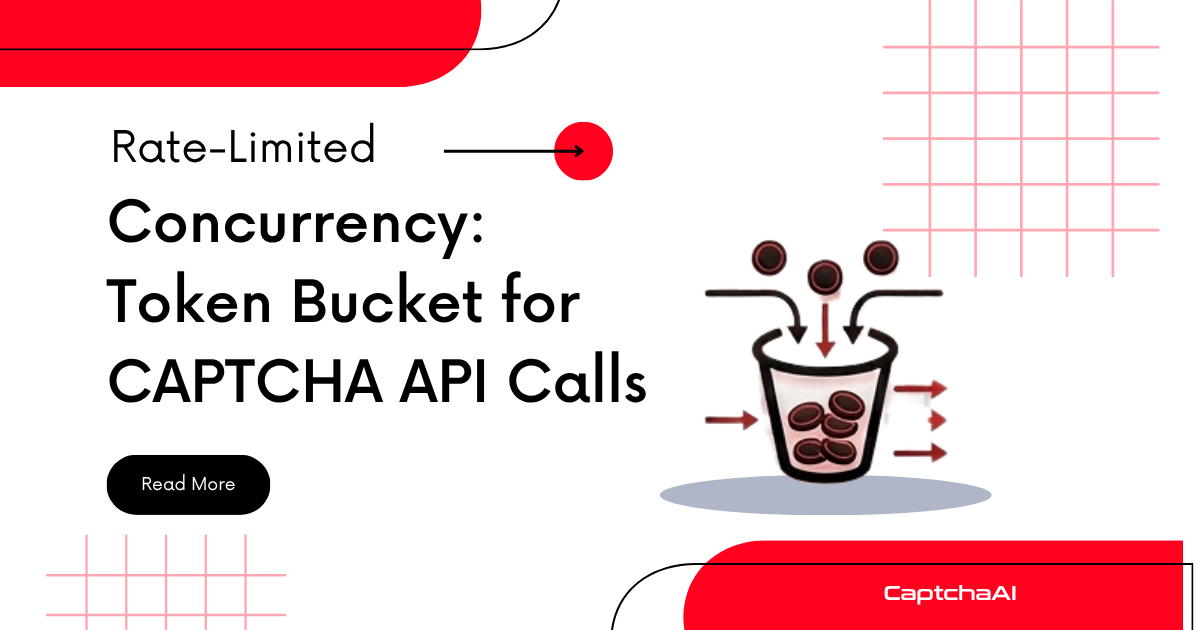
Pattern 1: Token Bucket
A token bucket allows bursts while enforcing an average rate. Tokens replenish at a fixed rate; each request consumes one token.
Python Token Bucket
# token_bucket_solver.py
import os
import time
import threading
import requests

API_KEY = os.environ.get("CAPTCHAAI_KEY", "YOUR_API_KEY")

class TokenBucket:
    """Token bucket rate limiter."""

    def __init__(self, rate, capacity):
        """
        rate: tokens added per second
        capacity: max tokens (burst size)
        """
        self.rate = rate
        self.capacity = capacity
        self.tokens = capacity
        self.last_refill = time.monotonic()
        self.lock = threading.Lock()

    def acquire(self, timeout=30):
        """Wait for a token. Returns True if acquired, False on timeout."""
        deadline = time.monotonic() + timeout
        while True:
            with self.lock:
                self._refill()
                if self.tokens >= 1:
                    self.tokens -= 1
                    return True

            if time.monotonic() >= deadline:
                return False
            time.sleep(0.1)

    def _refill(self):
        now = time.monotonic()
        elapsed = now - self.last_refill
        self.tokens = min(self.capacity, self.tokens + elapsed * self.rate)
        self.last_refill = now

# Allow 10 solves/minute with burst of 5
limiter = TokenBucket(rate=10/60, capacity=5)

def solve_rate_limited(sitekey, pageurl):
    """Solve with rate limiting."""
    if not limiter.acquire(timeout=60):
        raise Exception("Rate limit: could not acquire token within 60s")

    session = requests.Session()
    resp = session.get("https://ocr.captchaai.com/in.php", params={
        "key": API_KEY,
        "method": "userrecaptcha",
        "googlekey": sitekey,
        "pageurl": pageurl,
        "json": "1",
    })
    result = resp.json()

    if result.get("status") != 1:
        raise Exception(f"Submit failed: {result.get('request')}")

    task_id = result["request"]
    time.sleep(15)

    for _ in range(25):
        poll = session.get("https://ocr.captchaai.com/res.php", params={
            "key": API_KEY, "action": "get",
            "id": task_id, "json": "1",
        })
        poll_result = poll.json()
        if poll_result.get("status") == 1:
            return poll_result["request"]
        if poll_result.get("request") != "CAPCHA_NOT_READY":
            raise Exception(f"Error: {poll_result.get('request')}")
        time.sleep(5)

    raise Exception("Timeout")
Pattern 2: Sliding Window Counter
Tracks the number of requests within a fixed time window. Simpler than token bucket but no burst control.
JavaScript Sliding Window
// sliding_window_solver.js
const axios = require('axios');

const API_KEY = process.env.CAPTCHAAI_KEY || 'YOUR_API_KEY';

class SlidingWindowLimiter {
  constructor(maxRequests, windowMs) {
    this.maxRequests = maxRequests;
    this.windowMs = windowMs;
    this.timestamps = [];
  }

  async acquire(timeoutMs = 60000) {
    const deadline = Date.now() + timeoutMs;

    while (Date.now() < deadline) {
      // Remove expired timestamps
      const cutoff = Date.now() - this.windowMs;
      this.timestamps = this.timestamps.filter(t => t > cutoff);

      if (this.timestamps.length < this.maxRequests) {
        this.timestamps.push(Date.now());
        return true;
      }

      // Wait until the oldest request exits the window
      const waitMs = Math.min(
        this.timestamps[0] + this.windowMs - Date.now() + 10,
        deadline - Date.now()
      );
      if (waitMs > 0) await new Promise(r => setTimeout(r, waitMs));
    }
    return false;
  }
}

// Allow 20 solves per 5 minutes
const limiter = new SlidingWindowLimiter(20, 5 * 60 * 1000);

async function solveRateLimited(sitekey, pageurl) {
  const acquired = await limiter.acquire(60000);
  if (!acquired) throw new Error('Rate limit exceeded');

  const submit = await axios.get('https://ocr.captchaai.com/in.php', {
    params: {
      key: API_KEY, method: 'userrecaptcha',
      googlekey: sitekey, pageurl, json: '1',
    },
  });

  if (submit.data.status !== 1) throw new Error(submit.data.request);
  await new Promise(r => setTimeout(r, 15000));

  for (let i = 0; i < 25; i++) {
    const poll = await axios.get('https://ocr.captchaai.com/res.php', {
      params: { key: API_KEY, action: 'get', id: submit.data.request, json: '1' },
    });
    if (poll.data.status === 1) return poll.data.request;
    if (poll.data.request !== 'CAPCHA_NOT_READY') throw new Error(poll.data.request);
    await new Promise(r => setTimeout(r, 5000));
  }
  throw new Error('Timeout');
}
Pattern 3: Budget-Based Limiter
Set a daily cost budget and stop when it's reached:
# budget_limiter.py
import os
import time
from datetime import date

class BudgetLimiter:
    """Limit daily CAPTCHA spending."""

    def __init__(self, daily_budget, cost_per_solve=0.003):
        self.daily_budget = daily_budget
        self.cost_per_solve = cost_per_solve
        self.daily_spend = 0.0
        self.current_date = date.today()

    def can_solve(self):
        """Check if budget allows another solve."""
        if date.today() != self.current_date:
            self.daily_spend = 0.0
            self.current_date = date.today()

        return self.daily_spend + self.cost_per_solve <= self.daily_budget

    def record_solve(self):
        """Record a successful solve against the budget."""
        self.daily_spend += self.cost_per_solve

    @property
    def remaining_budget(self):
        return max(0, self.daily_budget - self.daily_spend)

    @property
    def remaining_solves(self):
        return int(self.remaining_budget / self.cost_per_solve)

# $5/day budget
budget = BudgetLimiter(daily_budget=5.00, cost_per_solve=0.003)

def solve_with_budget(sitekey, pageurl):
    if not budget.can_solve():
        raise Exception(
            f"Daily budget exhausted. Remaining: ${budget.remaining_budget:.2f}"
        )

    # ... solve logic ...
    token = "..."  # actual solve
    budget.record_solve()
    return token
Choosing a Pattern
| Pattern | Best For | Complexity |
|---|---|---|
| Token bucket | Smooth rate control with burst allowance | Medium |
| Sliding window | Simple request count per time window | Low |
| Budget limiter | Cost control per day/week/month | Low |
| Combined (rate + budget) | Production systems | Medium |
Troubleshooting
| Issue | Cause | Fix |
|---|---|---|
| All requests queued, none executing | Rate too low for demand | Increase rate or window size |
| Budget limiter resets mid-day | System clock change or restart | Persist daily spend to file or database |
| Token bucket drains in burst | Capacity too small for workflow | Increase capacity parameter |
| Rate limiter blocks polling requests | Limiter applied to polls too | Only limit submit requests, not polls |
FAQ
Should I rate limit the submit request or the poll request?
Rate limit only the submit (in.php) request. Polling (res.php) should run freely since it doesn't create new tasks or cost money.
How do I share rate limits across multiple workers?
Use Redis-backed rate limiting. Libraries like redis-rate-limiter (Python) or rate-limiter-flexible (Node.js) support distributed rate limiting with atomic operations.
Can CaptchaAI tell me my current usage rate?
Use the balance endpoint to track spending. For detailed usage, implement your own counters as shown in this guide.
Related Articles
Next Steps
Control your CAPTCHA solving rate and budget — get your CaptchaAI API key.
Related guides:
Full Working Code
Complete runnable examples for this article in Python, Node.js, PHP, Go, Java, C#, Ruby, Rust, Kotlin & Bash.
View on GitHub →



Discussions (0)
Join the conversation
Sign in to share your opinion.
Sign InNo comments yet.