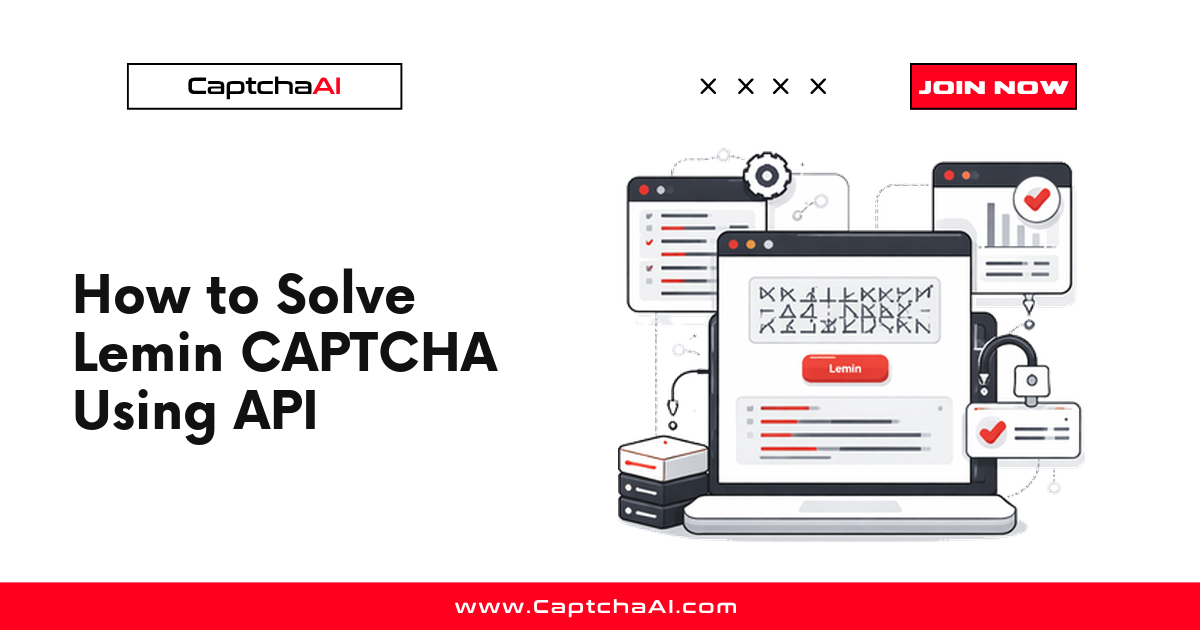
Takeaway up front: to solve a Lemin (cropped puzzle) CAPTCHA with CaptchaAI, you extract the page's captcha_id (and the optional div_id), submit a task to https://ocr.captchaai.com/in.php with method=lemin, poll https://ocr.captchaai.com/res.php for the solution token, and post that token back to the target site in the same session. Lemin is supported in beta on CaptchaAI, so this guide sets honest expectations along the way.
Lemin is a registration-style, cropped-puzzle CAPTCHA. Rather than a sitekey, the page exposes a captcha_id that ties the challenge to the current session, and the widget often lives inside a known container div. Once CaptchaAI returns a solution string, you submit it to the site alongside the rest of the form.
Before you start: Lemin is supported in beta
CaptchaAI added Lemin support in beta (rolled out mid-2026), alongside CaptchaFox (beta) and Friendly Captcha (beta). Beta means the solver works and is exposed through the same submit/poll API you already use for reCAPTCHA and Turnstile, but a few things follow from the beta label:
- There are no published solve-speed or success-rate figures for Lemin yet. Do not size a job around a fixed latency; measure it against your own traffic instead.
- The flow can change as the solver matures. Keep your integration small and observable so a change is a config tweak, not a rewrite.
- Build in retries and monitoring from day one. Beta types reward defensive code.
If you need a fully generally-available type for a hard SLA, use one of CaptchaAI's GA solvers (reCAPTCHA v2/v3, Cloudflare Turnstile and Challenge, GeeTest v3, image/OCR, grid, or BLS). Lemin sits in the beta tier and should be treated accordingly.
Requirements
| Item | Value |
|---|---|
| CaptchaAI API key | From captchaai.com — 32 characters |
Lemin captcha_id |
Extracted from the target page or its network traffic |
Lemin div_id |
Optional — the captcha container id, when the page uses a stable one |
| Page URL | The exact URL where Lemin appears |
| Language | Python 3.7+ or Node.js 14+ |
CaptchaAI uses thread-based plans with unlimited solves per thread (BASIC through VIP-3), so a single Lemin integration can share the same key and thread pool as the rest of your solves without per-solve fees. Start on BASIC ($15/month, 5 threads) and scale the plan up as your concurrency grows.
Step 1: Extract the captcha_id and div_id
Lemin identifies the challenge with a captcha_id rather than a static sitekey. You'll find it in the page HTML, an inline script, or a network request the widget makes when it loads. Depending on the integration, the value appears under names such as captcha_id, div_id, or challenge_id.
To locate it:
- Open DevTools on the target page and switch to the Elements tab.
- Search (
Ctrl+F) forlemin,captcha_id, orcropped. The widget commonly renders inside a container like<div id="lemin-cropped-captcha">. - If the id is not in the static HTML, open the Network tab, reload, and look at the Lemin script or XHR requests — the
captcha_idis usually passed there. - Note the container id as your
div_idwhen the page uses a stable one. It is optional but improves matching when present.
The same DevTools discipline you use for other challenges applies here — see extracting CAPTCHA parameters from page source for the general technique.
Capture a fresh
captcha_idfrom the current page session. A stale id tied to a previous session is the most common reason a submitted task never returns a usable token.
Step 2: Submit the task to CaptchaAI
Send method=lemin with the pageurl and captcha_id to https://ocr.captchaai.com/in.php. Include div_id when you have it, and always pass json=1 so you get a structured response.
Python
import requests

API_KEY = "YOUR_API_KEY"

resp = requests.get("https://ocr.captchaai.com/in.php", params={
    "key": API_KEY,
    "method": "lemin",
    "pageurl": "https://example.com/register",
    "captcha_id": "12345678-1234-1234-1234-123456789abc",
    "div_id": "lemin-cropped-captcha",  # optional, include when present
    "json": 1,
})

data = resp.json()
if data.get("status") != 1:
    raise RuntimeError(f"Submit failed: {data.get('request')}")

task_id = data["request"]
print(f"Task submitted: {task_id}")
Node.js
const axios = require('axios');

const API_KEY = 'YOUR_API_KEY';

async function submitLemin(pageurl, captchaId, divId) {
  const { data } = await axios.get('https://ocr.captchaai.com/in.php', {
    params: {
      key: API_KEY,
      method: 'lemin',
      pageurl: pageurl,
      captcha_id: captchaId,
      div_id: divId, // optional, pass when present
      json: 1,
    },
  });

  if (data.status !== 1) {
    throw new Error(`Submit failed: ${data.request}`);
  }
  return data.request; // task id
}
A successful submit returns {"status": 1, "request": "0123456789"}. Treat any other status as an error, log the full request value, and stop — do not start polling for a task that was never accepted.
Step 3: Poll for the solution (polling discipline)
Solving is asynchronous. Give the task time to complete, then poll https://ocr.captchaai.com/res.php with action=get and the task id. While the task is in flight, the API returns CAPCHA_NOT_READY; when it finishes, you get the solution token in request.
Follow these polling rules — they keep you off the API's bad side and keep your worker responsive:
- Wait ~15 seconds before the first poll. Polling immediately just burns requests on a
CAPCHA_NOT_READYresponse. - Poll every ~5 seconds after that, never in a tight loop.
- Cap the total wait (for example, 120 seconds). A task that hasn't returned by then should be treated as a timeout, not retried forever.
- Stop on any terminal error (a
requestvalue that isn'tCAPCHA_NOT_READY). Retrying aERROR_ZERO_BALANCEorERROR_WRONG_USER_KEYwon't help.
If you'd rather not manage the loop yourself, compare the trade-offs in callback vs polling.
Python
import time
import requests

def get_lemin_token(task_id):
    time.sleep(15)  # let the task start solving
    for _ in range(21):  # ~120s cap after the initial wait
        result = requests.get("https://ocr.captchaai.com/res.php", params={
            "key": API_KEY,
            "action": "get",
            "id": task_id,
            "json": 1,
        }).json()

        if result.get("status") == 1:
            return result["request"]  # the Lemin solution token
        if result.get("request") != "CAPCHA_NOT_READY":
            raise RuntimeError(f"Solve error: {result.get('request')}")

        time.sleep(5)

    raise TimeoutError("Lemin solution not ready within the time budget")

token = get_lemin_token(task_id)
print(f"Token: {token[:40]}...")
Node.js
async function getLeminToken(taskId) {
  await new Promise(r => setTimeout(r, 15000)); // initial wait
  for (let i = 0; i < 21; i++) {                // ~120s cap
    const { data } = await axios.get('https://ocr.captchaai.com/res.php', {
      params: { key: API_KEY, action: 'get', id: taskId, json: 1 },
    });

    if (data.status === 1) return data.request;          // solution token
    if (data.request !== 'CAPCHA_NOT_READY') {
      throw new Error(`Solve error: ${data.request}`);
    }
    await new Promise(r => setTimeout(r, 5000));
  }
  throw new Error('Lemin solution not ready within the time budget');
}
Step 4: Apply the answer to the target site
CaptchaAI returns a Lemin solution token in request. Submit it to the target site using the field names that site expects. A registration flow typically posts the token in a JSON body or form fields such as answer, challenge, alongside the rest of the payload (username, password, and so on).
submit = requests.post("https://example.com/register", json={
    "answer": token,        # field name depends on the target site
    "username": "[email protected]",
    "password": "s3cret-passphrase",
})

print(f"Registration status: {submit.status_code}")
Two rules make or break this step:
- Match the exact page URL you submitted with the challenge, especially for registration flows tied to a specific session.
- Apply the token in the same session that triggered the challenge — same cookie jar, same client. A solved task is not the same as an accepted submission; track downstream acceptance separately from solve success.
Complete Python example
import time
import requests

API_KEY = "YOUR_API_KEY"
PAGE_URL = "https://example.com/register"
CAPTCHA_ID = "12345678-1234-1234-1234-123456789abc"
DIV_ID = "lemin-cropped-captcha"  # optional

# 1. Submit
submit = requests.get("https://ocr.captchaai.com/in.php", params={
    "key": API_KEY, "method": "lemin", "pageurl": PAGE_URL,
    "captcha_id": CAPTCHA_ID, "div_id": DIV_ID, "json": 1,
}).json()

if submit.get("status") != 1:
    raise RuntimeError(f"Submit failed: {submit.get('request')}")
task_id = submit["request"]

# 2. Poll
token = None
time.sleep(15)
for _ in range(21):
    res = requests.get("https://ocr.captchaai.com/res.php", params={
        "key": API_KEY, "action": "get", "id": task_id, "json": 1,
    }).json()
    if res.get("status") == 1:
        token = res["request"]
        break
    if res.get("request") != "CAPCHA_NOT_READY":
        raise RuntimeError(f"Solve error: {res.get('request')}")
    time.sleep(5)

if not token:
    raise TimeoutError("No token within the time budget")

# 3. Apply the answer
final = requests.post(PAGE_URL, json={"answer": token, "username": "[email protected]"})
print(f"Done. Token: {token[:40]}...  HTTP {final.status_code}")
Keep YOUR_API_KEY out of source control — load it from an environment variable. See securing CaptchaAI credentials with environment variables for the pattern.
Troubleshooting
| Error | Cause | Fix |
|---|---|---|
ERROR_WRONG_USER_KEY |
Key missing, wrong, or not 32 characters | Re-copy the key from your dashboard; strip stray whitespace |
ERROR_KEY_DOES_NOT_EXIST |
Key was rotated or belongs to another account | Confirm the active key in the dashboard and update your secret |
ERROR_ZERO_BALANCE |
Balance or threads exhausted | Top up or lower concurrency, then retry |
ERROR_PAGEURL / ERROR_BAD_PARAMETERS |
Missing pageurl / captcha_id, or malformed values |
Re-validate every submit parameter against the live page |
CAPCHA_NOT_READY |
Task still solving | Keep polling every ~5s until the cap; this is normal, not an error |
ERROR_INTERNAL_SERVER_ERROR |
Transient server-side issue | Retry after ~10s with exponential backoff |
| Token rejected by the site | Stale captcha_id, wrong field name, or different session |
Capture a fresh captcha_id, match the site's field name, apply in the same session |
Cap retries at three attempts with exponential backoff, and log every terminal failure so a beta-type regression is visible in your monitoring rather than a silent stall.
FAQ
Is Lemin fully supported on CaptchaAI?
Lemin is supported in beta. The submit/poll API is the same one used for GA types, but there are no published solve-speed or success-rate figures for Lemin yet, and the flow may change as the solver matures. Build in retries and monitoring and measure latency against your own traffic.
Where do I find the captcha_id?
Look in the page HTML, the Lemin inline script, or the widget's network requests. The value may be labeled captcha_id, div_id, or challenge_id. The container often renders as <div id="lemin-cropped-captcha">. Always capture a fresh id from the current session.
Is div_id required?
No. captcha_id and pageurl are the required inputs; div_id is optional. Include it when the target page uses a stable captcha container id — it helps the solver match the challenge, but the task will submit without it.
How long should I wait before polling?
Wait about 15 seconds before your first poll, then poll every ~5 seconds with a hard cap (for example, 120 seconds). Polling immediately or in a tight loop just returns CAPCHA_NOT_READY and adds load without speeding anything up.
Why does the site reject a token that solved successfully?
A solved task and an accepted submission are different things. The usual causes are a stale captcha_id, submitting the token under the wrong field name, or applying it in a different session than the one that triggered the challenge. Match the exact page URL and keep the solve and submission inside the same session.
Related guides
- Extracting CAPTCHA Parameters from Page Source
- Callback vs Polling
- How to Solve reCAPTCHA v2 Using API
- Securing CaptchaAI Credentials with Environment Variables
Start solving CAPTCHAs with CaptchaAI
Point your Lemin extraction at a real page, run the submit/poll loop above, and apply the token in the same session — then wire the retry and latency metrics into your dashboard before you scale. Get your API key and start solving with CaptchaAI.