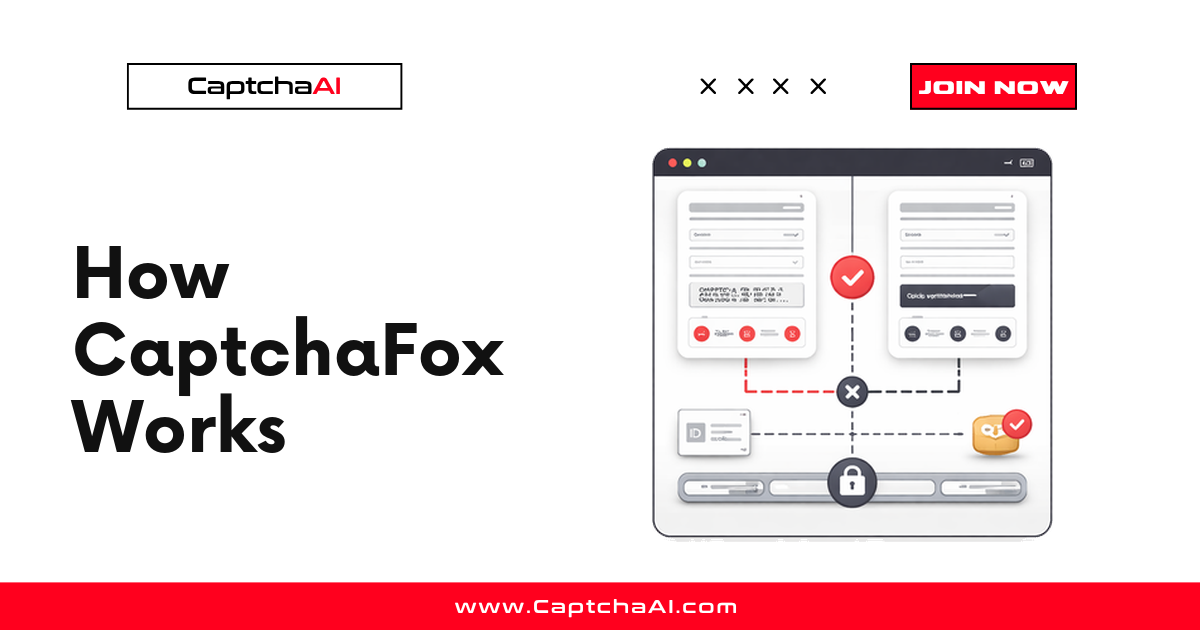
CaptchaFox is a privacy-focused CAPTCHA that verifies visitors with an interactive, browser-rendered challenge and returns a single verification token the site checks server-side. If you build scrapers, automated tests, or integration workflows that traverse a CaptchaFox-protected step, the short version is this: a widget loads with a sitekey, the browser completes a challenge, a token is issued, and the site backend validates that token before granting access. CaptchaAI supports CaptchaFox in beta, so an automated workflow can obtain that token programmatically.
This explainer walks through the moving parts — widget, sitekey, and token lifecycle — names who deploys CaptchaFox, compares it conceptually to reCAPTCHA and Cloudflare Turnstile, and shows where CaptchaAI fits.
What CaptchaFox is
CaptchaFox is an independent, privacy-first CAPTCHA provider positioned as a European, GDPR-conscious alternative to the large incumbents. Like Turnstile and reCAPTCHA, it exists to separate real users from automated traffic before a sensitive action (login, signup, checkout, form submission) completes.
What distinguishes it in practice:
- It presents an interactive challenge rendered in the browser rather than relying purely on invisible risk scoring.
- Its verification result is a single opaque token that must be sent back to the protected site.
- Alongside the token, the solving context includes a User-Agent that should be matched when the token is submitted.
The token is meaningless on its own — it only becomes an access grant after the site's backend confirms it with CaptchaFox.
How the CaptchaFox challenge flow works
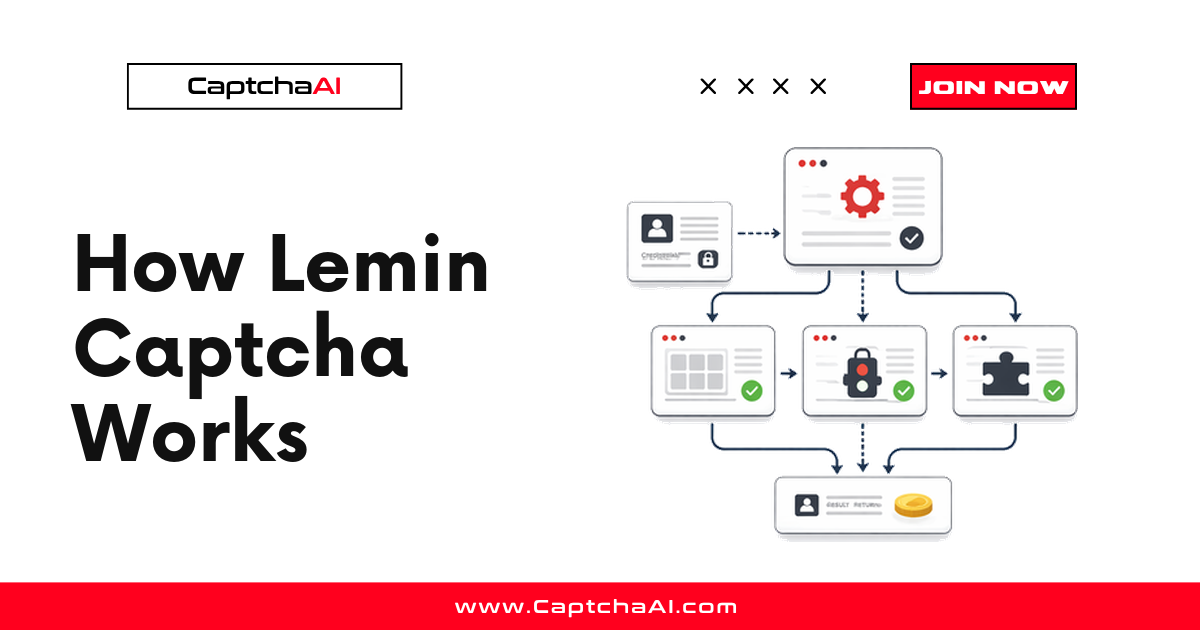
The lifecycle mirrors the token-based model used by most modern CAPTCHAs, with CaptchaFox-specific naming.
- Widget loads — The page embeds the CaptchaFox widget, initialized with a public sitekey that identifies the site's CaptchaFox configuration.
- Challenge requested — The widget calls the CaptchaFox API. This network request is where the sitekey is exposed (more on extraction below).
- Challenge presented — The visitor completes the interactive, browser-rendered verification flow.
- Token issued — On success, CaptchaFox returns a single verification token to the page.
- Token submitted — The page sends that token with the protected form or API request (commonly as a
captchafox_tokenfield). - Backend verification — The site's server validates the token against CaptchaFox before allowing the action to proceed.
Page loads widget (sitekey)
        ↓
Widget requests challenge from CaptchaFox API
        ↓
Visitor completes interactive challenge
        ↓
CaptchaFox issues verification token
        ↓
Token submitted with the form → site backend verifies
        ↓
Access granted
The sitekey
The sitekey is a public identifier that ties the widget to a specific CaptchaFox account and configuration. It is not a secret — it ships in the page and appears in the challenge network request. CaptchaFox sitekeys are prefixed with sk_, for example sk_bo3q016TDv4Jey6fibTVChVS9z-cYdCO.
To find it, open your browser's Network tab, trigger the challenge, and look for a request named challenge. The sitekey is the segment of the request URL between /captcha/ and /challenge:
https://api.captchafox.com/captcha/sk_bo3q016TDv4Jey6fibTVChVS9z-cYdCO/challenge
Capture the sitekey from the live network request rather than cached page source — a stale value is a common cause of failed verification.
The token lifecycle
Understanding when the token is valid is what keeps an automated workflow reliable:
- Generation — The token is created only after the challenge is completed for that sitekey and page.
- Binding — It is scoped to the challenge context. Reusing a token from a different page or a different session tends to fail verification.
- Single use — Treat the token as one-shot: issue it, submit it, and let the backend consume it.
- Expiry — Tokens are short-lived. Submit promptly; a token that sits idle can lapse before the backend checks it.
Because the token is bound to context, the golden rule is to apply it in the same session and context that produced it — the same page URL, and, when a matching User-Agent is provided, the same User-Agent header.
Who deploys CaptchaFox
CaptchaFox tends to appear on sites that care about data-protection posture as much as bot mitigation:
- Privacy- and GDPR-conscious operators — EU-based businesses and any organization that wants a European, data-minimizing CAPTCHA vendor rather than a US-based ad-tech incumbent.
- Signup and login flows — Account-creation and authentication endpoints where abuse (mass registration, credential stuffing) is a concern.
- Forms and checkout — Contact forms, lead-capture forms, and payment steps that attract spam or automated abuse.
- Teams standardizing on a lighter widget — Product teams that want a modern, interactive widget without importing a large third-party ecosystem.
If you own the property, operate it for a client who has authorized the work, or run an authorized data-collection agreement with the source, handling CaptchaFox in a workflow is a routine integration task.
How CaptchaFox compares to reCAPTCHA and Turnstile
Conceptually all three do the same job — issue a token a backend can verify — but they differ in interaction model, data stance, and vendor.
| Dimension | CaptchaFox | reCAPTCHA v2 | Cloudflare Turnstile |
|---|---|---|---|
| Interaction model | Interactive browser challenge | Checkbox, often an image grid | Mostly invisible, runs in the background |
| Primary positioning | Privacy-first, EU/GDPR-focused | Google risk scoring at scale | Privacy-preserving, no cross-site tracking |
| Visible to the user | Usually yes (a challenge widget) | Sometimes (grid on higher risk) | Rarely |
| Output token | Single token (+ User-Agent to match) | g-recaptcha-response |
cf-turnstile-response |
| Backend verification | Validated against CaptchaFox | Google siteverify |
Cloudflare siteverify |
| Vendor | Independent (CaptchaFox) | Cloudflare |
The practical takeaways:
- Versus reCAPTCHA v2, CaptchaFox leans on a self-contained interactive challenge rather than Google's cookie-driven scoring and image grids. For a deeper look at grid-and-score mechanics, see how reCAPTCHA v2 works.
- Versus Turnstile, both aim for a lighter, more privacy-respecting experience, but Turnstile skews invisible while CaptchaFox typically shows an interactive widget. The token-plus-backend-verification pattern is nearly identical — see how Cloudflare Turnstile works.
- CaptchaFox also sits in the same family as other newer privacy-oriented widgets like Friendly Captcha; if you handle several of these, the mental model transfers cleanly (how Friendly Captcha works).
For every one of them, an automated workflow doesn't "defeat" the challenge — it obtains a valid token the same way a browser would, then submits it in the correct context.
How automated workflows handle CaptchaFox with CaptchaAI (beta)
CaptchaAI supports CaptchaFox in beta. That means the solver method is available and returns a token you can submit, but it has not yet reached general-availability status — treat it as beta, expect the surface to evolve, and validate it against your own flow before relying on it in production. CaptchaAI does not publish solve-speed or success-rate figures for beta types, so size your timeouts and retries from your own measurements.
The workflow follows the standard CaptchaAI submit-then-poll pattern. A proxy is required for CaptchaFox tasks, and you should reuse that same proxy for the request that submits the token.
import requests
import time

API_KEY = "YOUR_API_KEY"

# Step 1: Submit the CaptchaFox task (proxy is required)
submit = requests.get("https://ocr.captchaai.com/in.php", params={
    "key": API_KEY,
    "method": "captchafox",
    "pageurl": "https://example.com/login",
    "sitekey": "sk_bo3q016TDv4Jey6fibTVChVS9z-cYdCO",
    "proxy": "user:[email protected]:8080",
    "proxytype": "HTTP",
    "json": 1
})

data = submit.json()
if data.get("status") != 1:
    raise Exception(f"Submit error: {data.get('request')}")

task_id = data["request"]
print(f"Task submitted: {task_id}")

# Step 2: Poll for the token
token, user_agent = None, None
time.sleep(15)
for _ in range(20):
    result = requests.get("https://ocr.captchaai.com/res.php", params={
        "key": API_KEY, "action": "get", "id": task_id, "json": 1
    }).json()

    if result.get("status") == 1:
        token = result["request"]
        user_agent = result.get("user_agent")
        print(f"Token: {token[:40]}...")
        print(f"User-Agent: {user_agent}")
        break

    if result.get("request") != "CAPCHA_NOT_READY":
        raise Exception(f"Solve error: {result.get('request')}")

    time.sleep(5)
Submitting the token back to the target site, reusing the returned User-Agent:
# Step 3: Submit the token in the same context, matching the User-Agent
headers = {"User-Agent": user_agent}
resp = requests.post(
    "https://example.com/api/verify",
    headers=headers,
    data={"captchafox_token": token}
)
print(resp.status_code, resp.text)
Two rules keep this reliable: always include and reuse a valid proxy, and always match the returned user_agent when you submit the token. Both are enforced because the token is bound to the context it was solved in.
For the full step-by-step version — including plain-text responses, error codes, and Node.js — start from the Turnstile solving tutorial, which uses the identical submit-and-poll flow, and the CaptchaFox solver page in the CaptchaAI API docs.
FAQ
Is CaptchaFox the same as reCAPTCHA or hCaptcha?
No. CaptchaFox is an independent, privacy-first CAPTCHA vendor. It is not built by Google (reCAPTCHA) or by Intuition Machines (hCaptcha). It issues its own token and verifies it against its own backend. Note that CaptchaAI supports CaptchaFox in beta but does not solve hCaptcha or FunCaptcha.
What does the CaptchaFox token contain?
It's an opaque verification string — you don't parse it. The site's backend sends it to CaptchaFox to confirm it's valid and was issued for that sitekey and context. Alongside the token, CaptchaAI returns a user_agent you should reuse when submitting.
Where do I find the CaptchaFox sitekey?
Open the browser Network tab, trigger the challenge, and find the request named challenge. The sitekey (prefixed sk_) is the URL segment between /captcha/ and /challenge. Capture it live rather than from cached source.
Does CaptchaAI fully support CaptchaFox?
CaptchaFox is supported in beta. The method works and returns a token plus User-Agent, but it hasn't reached general-availability status, and no solve-speed or success-rate figures are published for beta types. Test it against your own flow and set expectations accordingly before depending on it at scale.
Why is a proxy required for CaptchaFox?
CaptchaFox verification is sensitive to the network context the challenge was solved in. Supplying your own proxy — and reusing that same proxy when you submit the token — keeps the solving context consistent with your request, which is what makes the token accepted.
Start solving CAPTCHAs with CaptchaAI
Point a small slice of your real workflow at the CaptchaFox beta method, measure the latency and acceptance you actually get, and grow from there. Get your API key at captchaai.com.