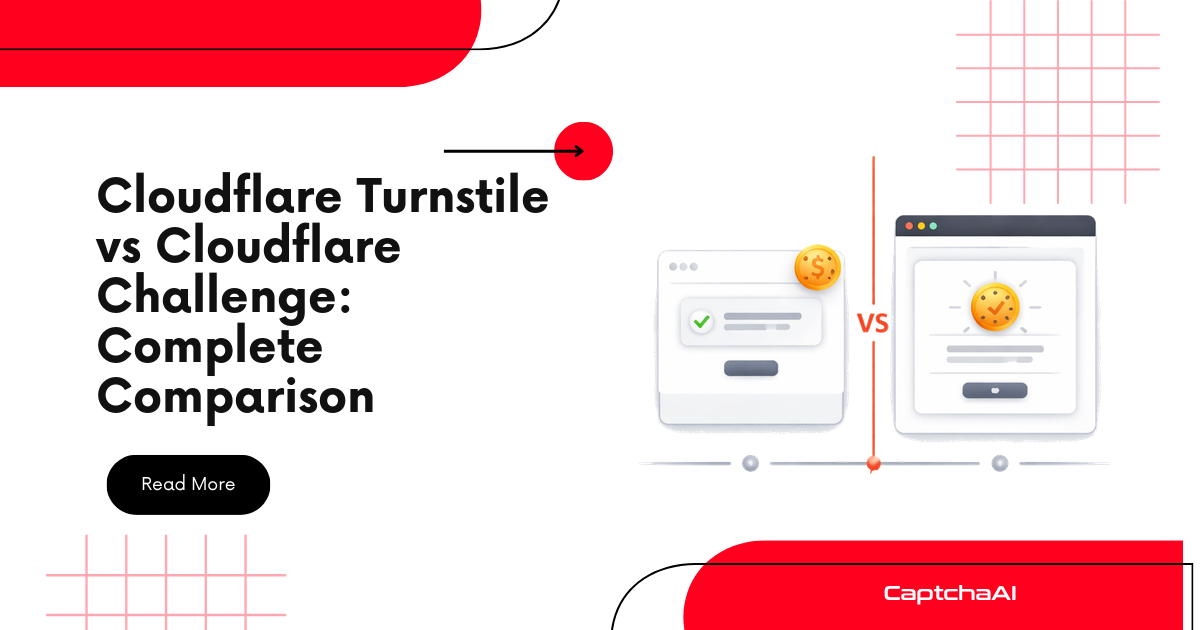
Cloudflare Challenge and Cloudflare Turnstile are often confused because both are Cloudflare protections. But for developers, they are not the same integration.
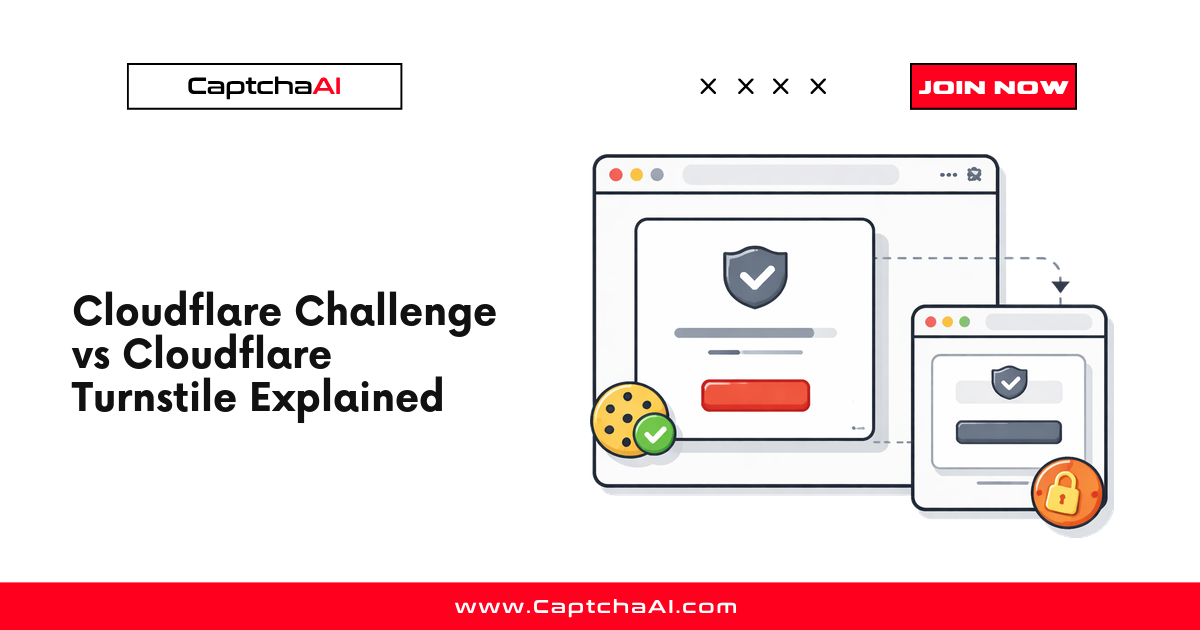
Cloudflare Challenge is a full-page verification flow. It appears before the real page loads and usually grants access by issuing a cf_clearance cookie.
Cloudflare Turnstile is an embedded widget. It appears inside a page, usually near a login, signup, checkout, or form action, and returns a token that the website backend verifies.
If you are on the Cloudflare Challenge solver page, the important question is practical:
Do you need page access with
cf_clearance, or do you need a Turnstile form token?
If the whole page is blocked by Cloudflare, you need the Cloudflare Challenge solver. If the page loads and only a form is protected, you probably need the Turnstile solver.
Quick answer
| Question | Cloudflare Challenge | Cloudflare Turnstile |
|---|---|---|
| Where does it appear? | Before the page loads | Inside the page |
| What does it protect? | Access to a page, path, or site | A form or specific action |
| What does the user see? | “Just a moment,” “Checking your browser,” or full-page verification | Widget, spinner, checkbox, or invisible check |
| What result do you need? | cf_clearance cookie and user agent |
Turnstile token |
| CaptchaAI method | cloudflare_challenge |
turnstile |
| Proxy required? | Yes | Usually no |
| Main input | Page URL + proxy | Sitekey + page URL |
| Output usage | Reuse cookie, user agent, and same proxy | Submit token as cf-turnstile-response |
| Best guide | How to Solve Cloudflare Challenge Using API | How to Solve Cloudflare Turnstile Using API |
Use this rule:
Blocked before the page loads? Use Cloudflare Challenge.
Page loads but the form is protected? Use Cloudflare Turnstile.
What is Cloudflare Challenge?
Cloudflare Challenge is a page-access verification flow. It appears when Cloudflare wants to verify the browser before allowing the visitor to reach the original page.
Common signs include:
Just a moment...
Checking your browser...
Verify you are human
The flow usually works like this:
Request protected URL
        ↓
Cloudflare intercepts request
        ↓
Challenge page appears
        ↓
Browser verification runs
        ↓
cf_clearance cookie is issued
        ↓
Original page becomes accessible
For automation developers, Cloudflare Challenge is a clearance workflow. You do not just submit one token to a form. You need a valid clearance state that lets the same browser/session continue to the protected page.
That is why Cloudflare Challenge solving focuses on:
pageurl
proxy
proxytype
cf_clearance
user agent
same proxy after solving
What is Cloudflare Turnstile?
Cloudflare Turnstile is an embedded verification widget. It can appear in a login form, signup form, checkout page, or protected action.
Common Turnstile signals include:
<div class="cf-turnstile" data-sitekey="0x4AAAAAA..."></div>
or:
turnstile.render("#container", {
  sitekey: "0x4AAAAAA...",
  callback: onSolved
});
When Turnstile completes, it returns a token. That token is usually submitted through:
cf-turnstile-response
For automation developers, Turnstile is a token workflow. You need the sitekey, page URL, solved token, and the correct form field or callback path.
That is why Turnstile solving focuses on:
sitekey
pageurl
cf-turnstile-response
callback handling
The main difference: clearance vs token
The fastest way to separate the two is by the result you need.
Cloudflare Challenge -> cf_clearance
Cloudflare Turnstile -> token
A Turnstile token is not a replacement for cf_clearance.
A cf_clearance cookie is not a replacement for a Turnstile token on a protected form.
They can exist together on the same website, but they solve different steps.
For example:
1. Cloudflare Challenge blocks the site
2. You solve Challenge and receive cf_clearance
3. The real page loads
4. The page contains a Turnstile widget
5. You solve Turnstile and submit cf-turnstile-response
In that case, solve Challenge first, then Turnstile.
How to know you are facing Cloudflare Challenge
You are probably facing Cloudflare Challenge if:
- the real page does not load first,
- the browser shows a full-page Cloudflare screen,
- the HTML references
/cdn-cgi/challenge-platform/, - a
cf_clearancecookie appears after manual verification, - the response is a Cloudflare interstitial instead of the expected content,
- you need to access the page before you can even inspect the form or widget.
Use:
method=cloudflare_challenge
Typical required inputs:
key
method=cloudflare_challenge
pageurl
proxy
proxytype
json=1
Typical result:
cf_clearance
user_agent
The result must be reused with the same proxy and session identity.
How to know it is Turnstile instead
You are probably facing Turnstile if:
- the real page loads normally,
- the page contains
cf-turnstile, - the page contains
data-sitekey, - the page loads
challenges.cloudflare.com/turnstile/v0/api.js, - the page has a
cf-turnstile-responsefield, - a form submit is blocked until the Turnstile token is present.
Use:
method=turnstile
Typical required inputs:
key
method=turnstile
sitekey
pageurl
json=1
Typical result:
Turnstile token
Submit the token as cf-turnstile-response or pass it to the page callback.
Why Cloudflare Challenge requires a proxy
Cloudflare Challenge clearance is tied to the visitor/session that passed verification. If the challenge is solved from one network identity and your next request comes from another, the clearance can fail.
For Cloudflare Challenge, keep these aligned:
1. Proxy IP
2. User-Agent
3. cf_clearance cookie
This is why Cloudflare Challenge requires a proxy in automation workflows.
Turnstile usually does not require that same clearance workflow because the site is validating a token for a specific action, not granting access to the full page.
Which CaptchaAI solver should you use?
Use the Cloudflare Challenge solver when:
- the page is blocked before it loads,
- you need a
cf_clearancecookie, - the site shows a full-page Cloudflare verification screen,
- you must keep proxy and user-agent consistency,
- your workflow needs page access before form automation starts.
Use the Cloudflare Turnstile solver when:
- the page loads and contains a Turnstile widget,
- you have a Turnstile sitekey,
- the protected action expects
cf-turnstile-response, - the main issue is submitting a token with a form or callback.
The practical rule:
Need page access? Use Cloudflare Challenge.
Need a form token? Use Cloudflare Turnstile.
Common mistakes
Mistake 1: using Turnstile solver for a Challenge page
Wrong:
Full-page Cloudflare Challenge -> method=turnstile
Correct:
Full-page Cloudflare Challenge -> method=cloudflare_challenge
If the page never loads, solve the access gate first.
Mistake 2: using Challenge solver for a Turnstile widget
Wrong:
Embedded Turnstile widget -> method=cloudflare_challenge
Correct:
Embedded Turnstile widget -> method=turnstile
If the page loads and only the form is blocked, solve the Turnstile token.
Mistake 3: changing proxy after Challenge solving
Wrong:
Solve with proxy A
Request page with proxy B
Correct:
Solve with proxy A
Request page with proxy A
Mistake 4: ignoring the returned user agent
If the Challenge solver returns a user agent, reuse it for later requests. A mismatch can cause the clearance to fail.
FAQ
Is Cloudflare Challenge the same as Cloudflare Turnstile?
No. Cloudflare Challenge is a full-page verification flow that grants access with cf_clearance. Turnstile is an embedded widget that returns a token for a form or action.
Why do I need the Cloudflare Challenge solver instead of the Turnstile solver?
Use the Cloudflare Challenge solver when the page itself is blocked before loading. The Turnstile solver is for embedded widgets that appear after the page is already accessible.
Does Cloudflare Challenge return a token like Turnstile?
No. Cloudflare Challenge normally returns clearance data, especially cf_clearance, plus session information such as user agent. Turnstile returns a token.
Does Cloudflare Challenge require a proxy?
Yes. The clearance must match the same network identity used later to access the protected page, so proxy consistency is required.
Can a website use both Cloudflare Challenge and Turnstile?
Yes. A site can use Cloudflare Challenge before the page loads and Turnstile inside a form after the page loads. Solve Challenge first, then solve Turnstile.
What is cf_clearance?
cf_clearance is a Cloudflare cookie that proves the visitor passed a challenge. It lets Cloudflare allow access while the clearance remains valid.
What is cf-turnstile-response?
cf-turnstile-response is the field commonly used to submit a Turnstile token to the website backend.
Which guide should I read next?
If you are blocked by a full-page Cloudflare verification screen, read How to Solve Cloudflare Challenge Using API. If the page contains an embedded Turnstile widget, read How to Solve Cloudflare Turnstile Using API.
Final takeaway
Cloudflare Challenge and Cloudflare Turnstile are related, but they are not interchangeable.
Use Cloudflare Challenge when the site blocks the whole page and you need cf_clearance to access it.
Use Cloudflare Turnstile when the page loads and a widget protects a form or action.
For Challenge-page users, the key point is simple:
Cloudflare Challenge = clearance flow
Cloudflare Turnstile = token flow
Choose the solver based on the result you need:
Need cf_clearance? Use method=cloudflare_challenge.
Need cf-turnstile-response? Use method=turnstile.
Start with the Cloudflare Challenge solver, then use the Cloudflare Turnstile solver only when you detect an embedded Turnstile widget.