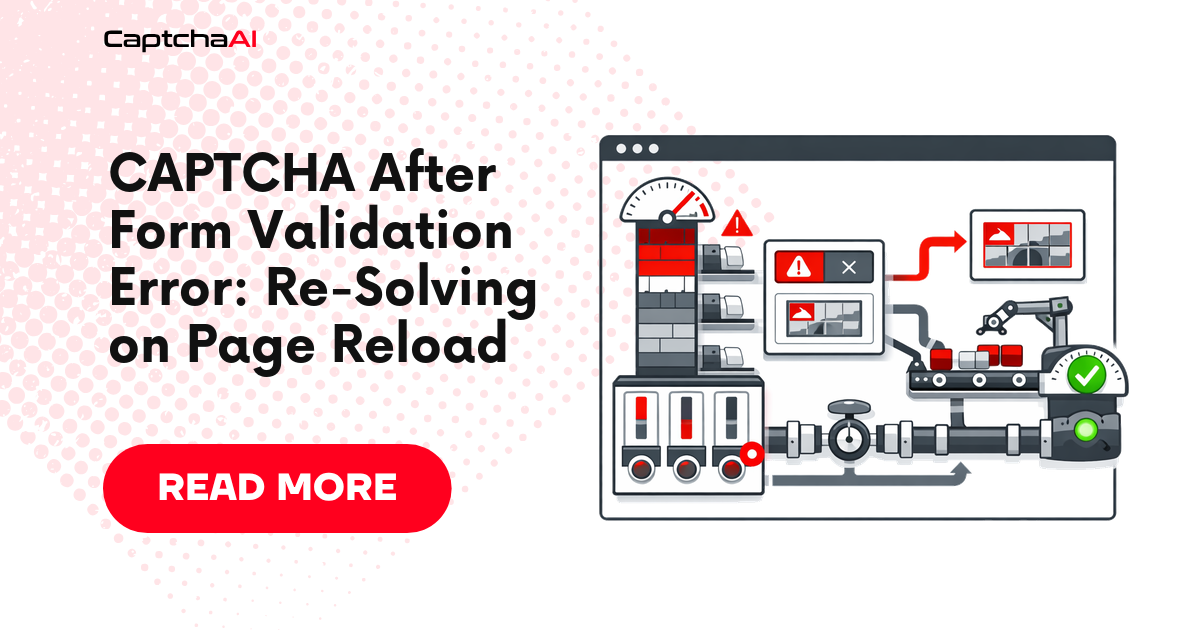
You solve the CAPTCHA, submit the form, and the server responds: "Invalid email format." The page reloads with validation errors, but the CAPTCHA token is now expired. You need a fresh token, but the form still has your previous input. This loop — validate, fail, re-solve — is one of the most common causes of wasted CAPTCHA solves.
Why Tokens Expire After Form Errors
| Situation | Token Status | Action Needed |
|---|---|---|
| Server returns validation error, same page | Expired (used once) | Re-solve with fresh sitekey |
| Client-side validation blocks submit | Still valid (unused) | Reuse if under 120s old |
| Page full reload on error | Expired (new page context) | Must re-solve |
| AJAX form submit, no reload | May still be valid | Check token age before re-solving |
| Server rejects token as already used | Consumed | Must re-solve |
Python: Detect and Re-Solve Pattern
import requests
import time
from datetime import datetime, timedelta

API_KEY = "YOUR_API_KEY"
SUBMIT_URL = "https://ocr.captchaai.com/in.php"
RESULT_URL = "https://ocr.captchaai.com/res.php"

TOKEN_MAX_AGE = 110  # Seconds — reCAPTCHA tokens expire at ~120s


def solve_recaptcha(sitekey, pageurl, cookies=None):
    """Solve a reCAPTCHA and return the token with timestamp."""
    params = {
        "key": API_KEY,
        "method": "userrecaptcha",
        "googlekey": sitekey,
        "pageurl": pageurl,
        "json": 1,
    }
    if cookies:
        params["cookies"] = cookies

    resp = requests.post(SUBMIT_URL, data=params, timeout=30).json()
    if resp.get("status") != 1:
        raise RuntimeError(f"Submit failed: {resp.get('request')}")

    task_id = resp["request"]
    for _ in range(60):
        time.sleep(5)
        poll = requests.get(RESULT_URL, params={
            "key": API_KEY, "action": "get",
            "id": task_id, "json": 1,
        }, timeout=15).json()

        if poll.get("request") == "CAPCHA_NOT_READY":
            continue
        if poll.get("status") == 1:
            return {
                "token": poll["request"],
                "created_at": time.monotonic(),
            }
        raise RuntimeError(f"Solve failed: {poll.get('request')}")

    raise RuntimeError("Timeout")


def is_token_fresh(token_data):
    """Check if a token is still usable."""
    if not token_data:
        return False
    age = time.monotonic() - token_data["created_at"]
    return age < TOKEN_MAX_AGE


def submit_form_with_retry(session, form_url, form_data, sitekey, max_retries=3):
    """
    Submit a form with CAPTCHA. Re-solve if validation fails.
    """
    token_data = None

    for attempt in range(1, max_retries + 1):
        # Only solve if token is missing or expired
        if not is_token_fresh(token_data):
            print(f"  Attempt {attempt}: Solving CAPTCHA...")
            token_data = solve_recaptcha(sitekey, form_url)

        # Attach token to form data
        form_data["g-recaptcha-response"] = token_data["token"]

        # Submit the form
        response = session.post(form_url, data=form_data)

        # Check for success
        if response.status_code == 200 and "success" in response.text.lower():
            print(f"  Form submitted successfully on attempt {attempt}")
            return response

        # Check for validation errors (not CAPTCHA errors)
        if "validation" in response.text.lower() or "invalid" in response.text.lower():
            print(f"  Attempt {attempt}: Validation error — fixing form data")

            # Fix form data based on error (site-specific logic)
            # form_data = fix_validation_errors(response.text, form_data)

            # Token was consumed — mark as expired
            token_data = None
            continue

        # Check for CAPTCHA-specific rejection
        if "captcha" in response.text.lower() or "robot" in response.text.lower():
            print(f"  Attempt {attempt}: CAPTCHA rejected — re-solving")
            token_data = None
            continue

        print(f"  Attempt {attempt}: Unexpected response: {response.status_code}")
        token_data = None

    raise RuntimeError(f"Form submission failed after {max_retries} attempts")


# Usage
session = requests.Session()
form_url = "https://example.com/register"
sitekey = "SITE_RECAPTCHA_KEY"

form_data = {
    "email": "[email protected]",
    "password": "securepassword123",
    "name": "Test User",
}

result = submit_form_with_retry(session, form_url, form_data, sitekey)
JavaScript: Re-Solve on Validation Failure
const API_KEY = "YOUR_API_KEY";
const SUBMIT_URL = "https://ocr.captchaai.com/in.php";
const RESULT_URL = "https://ocr.captchaai.com/res.php";
const TOKEN_MAX_AGE_MS = 110_000;

async function solveRecaptcha(sitekey, pageurl) {
  const params = new URLSearchParams({
    key: API_KEY, method: "userrecaptcha", googlekey: sitekey, pageurl, json: "1",
  });
  const resp = await (await fetch(SUBMIT_URL, { method: "POST", body: params })).json();
  if (resp.status !== 1) throw new Error(`Submit: ${resp.request}`);

  const taskId = resp.request;
  for (let i = 0; i < 60; i++) {
    await new Promise((r) => setTimeout(r, 5000));
    const url = `${RESULT_URL}?key=${API_KEY}&action=get&id=${taskId}&json=1`;
    const poll = await (await fetch(url)).json();
    if (poll.request === "CAPCHA_NOT_READY") continue;
    if (poll.status === 1) return { token: poll.request, createdAt: Date.now() };
    throw new Error(`Solve: ${poll.request}`);
  }
  throw new Error("Timeout");
}

function isTokenFresh(tokenData) {
  if (!tokenData) return false;
  return Date.now() - tokenData.createdAt < TOKEN_MAX_AGE_MS;
}

async function submitWithRetry(formUrl, formData, sitekey, maxRetries = 3) {
  let tokenData = null;

  for (let attempt = 1; attempt <= maxRetries; attempt++) {
    if (!isTokenFresh(tokenData)) {
      console.log(`  Attempt ${attempt}: Solving CAPTCHA...`);
      tokenData = await solveRecaptcha(sitekey, formUrl);
    }

    formData["g-recaptcha-response"] = tokenData.token;
    const params = new URLSearchParams(formData);
    const response = await fetch(formUrl, { method: "POST", body: params });
    const text = await response.text();

    if (response.ok && text.includes("success")) {
      console.log(`  Submitted on attempt ${attempt}`);
      return text;
    }

    // Validation error — token was consumed
    console.log(`  Attempt ${attempt}: Form error — will re-solve`);
    tokenData = null;
  }

  throw new Error(`Failed after ${maxRetries} attempts`);
}

// Usage
submitWithRetry(
  "https://example.com/register",
  { email: "[email protected]", password: "secure123", name: "Test" },
  "SITE_KEY"
).then(console.log);
Decision Flow: Re-Solve or Reuse?
| After form error... | Token age < 110s? | Token was submitted to server? | Action |
|---|---|---|---|
| Client-side validation blocked submit | Yes | No | Reuse token |
| Client-side validation blocked submit | No | No | Re-solve |
| Server returned validation error | Any | Yes | Re-solve (consumed) |
| Network error before response | Yes | Unknown | Re-solve (safer) |
| AJAX partial form submit | Yes | Depends | Check server logs |
Troubleshooting
| Issue | Cause | Fix |
|---|---|---|
| "Invalid CAPTCHA" on every retry | Token expired between solve and submit | Reduce form fill time; solve CAPTCHA last, just before submit |
| Double-charged for same form | Token expired, re-solved but first token wasn't consumed | Track token usage — only flag as expired if server received it |
| Infinite re-solve loop | Form always fails for non-CAPTCHA reasons | Detect non-CAPTCHA errors separately; don't re-solve for email format issues |
| Token works on first submit but not after reload | Page reload generates new CAPTCHA instance with new data-s parameter | Re-extract sitekey and data-s from fresh page source |
| Rate limited after many re-solves | Too many rapid solve requests | Add backoff between attempts; fix form data to reduce validation failures |
FAQ
How many times can a reCAPTCHA token be submitted?
Once. Google's reCAPTCHA tokens are single-use. After the server verifies a token with Google's siteverify API, that token is consumed — even if the form submission otherwise fails.
Should I pre-solve while fixing form data?
Yes, if your form fix is deterministic and quick. Start the CAPTCHA solve in parallel with form data correction so the fresh token is ready when you re-submit. But don't pre-solve if you're unsure the form needs re-submission.
What about Turnstile tokens after form errors?
Turnstile tokens have a longer validity window (~300 seconds) and some sites allow reuse. Check your specific target — if the server doesn't call the Turnstile verification API until form data validates, the token may survive multiple submission attempts.
Related Articles
- How To Solve Recaptcha V2 Callback Using Api
- Recaptcha V2 Turnstile Same Site Handling
- Recaptcha V2 Callback Mechanism
Next Steps
Stop wasting CAPTCHA solves on form validation loops — get your CaptchaAI API key and implement smart re-solve logic.
Related guides:



Discussions (0)
Join the conversation
Sign in to share your opinion.
Sign InNo comments yet.