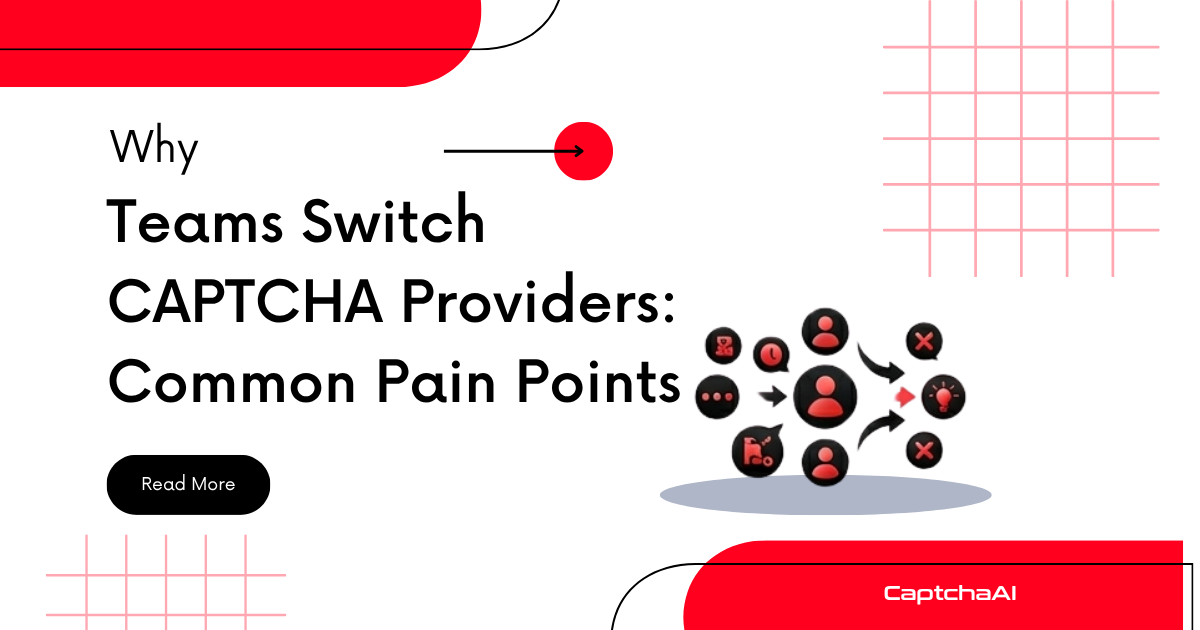
Teams rarely switch CAPTCHA providers on a whim. Migration takes engineering time and carries risk. When teams do switch, it's because the pain of staying exceeds the cost of moving. Here are the patterns that trigger a switch.
1. Declining Solve Rates
The most common trigger. CAPTCHA providers depend on solver pools that need to keep up with evolving challenges. When a provider falls behind:
- reCAPTCHA v2 solve rates drop from 95%+ to 80% or lower
- reCAPTCHA v3 scores start failing validation on the target site
- hCaptcha challenges time out more frequently
- Image CAPTCHAs return incorrect text
The warning signs:
| Metric | Healthy | Time to Evaluate |
|---|---|---|
| reCAPTCHA v2 solve rate | > 95% | < 85% |
| reCAPTCHA v3 average score | > 0.7 | < 0.5 |
| hCaptcha solve rate | > 90% | < 80% |
| Image CAPTCHA accuracy | > 95% | < 85% |
| Turnstile solve rate | > 95% | < 85% |
Declining rates often happen gradually. Teams don't notice until their pipeline failure rate spikes and they trace it back to the CAPTCHA provider.
2. Slow Solve Times
Speed matters for time-sensitive workflows. Token CAPTCHAs (reCAPTCHA, hCaptcha) generate tokens that expire — typically within 90–120 seconds. Slow solves mean:
- Tokens expire before your code can submit them
- Pipeline throughput drops
- End users experience delays in automated workflows
Acceptable vs. problematic solve times:
| CAPTCHA Type | Fast | Acceptable | Problematic |
|---|---|---|---|
| reCAPTCHA v2 | < 15s | 15–30s | > 45s |
| reCAPTCHA v3 | < 10s | 10–20s | > 30s |
| hCaptcha | < 15s | 15–30s | > 45s |
| Image/OCR | < 5s | 5–15s | > 20s |
| Turnstile | < 10s | 10–20s | > 30s |
3. Unreliable Uptime
CAPTCHA solving is a critical dependency. When the provider goes down, your entire pipeline stops. Common reliability issues:
- Unannounced maintenance windows
- No status page or incident communication
- API returning 500 errors during peak hours
- Rate limits that don't match advertised capacity
If you're building retry logic and fallback providers just to work around your primary provider's downtime, it's time to switch.
4. High or Unpredictable Costs
Cost triggers include:
- Price increases without notice — your monthly bill jumps with no change in volume
- Hidden fees — charges for failed solves, minimum monthly commitments, balance expiration
- No volume discounts — pricing stays flat regardless of scale
- Currency/payment friction — limited payment methods or slow refund processes
A provider that's $0.50/1K cheaper but has 10% lower success rates actually costs more per successful solve. Total cost matters more than listed price.
5. Poor API Design
Developer experience isn't a nice-to-have — it directly impacts integration speed and maintenance cost:
- Non-standard APIs — proprietary formats that require custom code
- Poor documentation — missing examples, outdated parameters, undocumented error codes
- No JSON support — forcing XML or plain-text parsing
- Breaking changes — API updates that break existing integrations without versioning or deprecation notices
Teams using standard in.php/res.php format APIs can switch providers by changing a URL. Teams locked into proprietary APIs face weeks of rewriting.
6. Missing CAPTCHA Type Support
As sites adopt new CAPTCHA types, your provider needs to keep up:
- A site switches from reCAPTCHA v2 to v3 — your provider doesn't support v3
- Cloudflare Turnstile adoption grows — your provider doesn't solve it
- A target adds hCaptcha Enterprise — your provider only handles standard hCaptcha
If you're maintaining multiple provider integrations because none covers all your types, consolidating to a provider with broader support reduces complexity.
7. Slow or No Support
When something breaks at 2 AM:
| Support Quality | What It Looks Like |
|---|---|
| Good | Response within hours, technical staff, root cause analysis |
| Acceptable | Response within 24 hours, escalation path |
| Poor | Ticket-only, days for response, no technical depth |
| Absent | No response, no status page, community forum only |
For production systems, support quality directly impacts your incident resolution time.
8. Scaling Limitations
Growth exposes provider limits:
- Rate limits that cap your throughput
- No concurrent task support
- API performance degrades under load
- No programmatic balance management or auto-refill
If you're redesigning your architecture around a provider's limitations rather than your own requirements, you've outgrown them.
When to Switch vs. When to Optimize
Not every issue requires switching. Some problems have solutions within your current provider:
| Problem | Try First | Switch If |
|---|---|---|
| Low solve rate | Add cookies, use proxies, check site key | Rate stays low after optimization |
| Slow solves | Use proxy-based solving, check network | Consistently above threshold |
| Occasional errors | Implement retry logic | Error rate stays > 5% |
| High cost | Check for volume discounts | No discount path available |
| Missing CAPTCHA type | Check if it's on their roadmap | No plans to add it |
Evaluation Framework
Before switching, score your current provider and candidates:
| Criteria | Weight | Current Provider | CaptchaAI |
|---|---|---|---|
| Solve rate (your types) | 25% | /10 | /10 |
| Solve speed | 20% | /10 | /10 |
| Price per successful solve | 20% | /10 | /10 |
| CAPTCHA type coverage | 15% | /10 | /10 |
| API compatibility/portability | 10% | /10 | /10 |
| Support quality | 10% | /10 | /10 |
| Weighted total | 100% | /10 | /10 |
Troubleshooting
| Issue | Cause | Fix |
|---|---|---|
| Hard to justify migration cost | No data on current provider's failures | Track solve rate, speed, and cost for 30 days before deciding |
| Team resistant to switching | Fear of migration bugs | Use parallel run testing to prove new provider works before switching |
| Manager asks "why not just stay?" | No quantified impact | Calculate cost of failed solves, wasted tokens, and engineering time on workarounds |
| Switching introduces new problems | Didn't test sufficiently | Run 100+ parallel solves across all CAPTCHA types before cutover |
FAQ
How do I know if my solve rate decline is the provider's fault or the site's fault?
Test the same CAPTCHA on two providers simultaneously. If both decline, the site changed its challenge. If only one declines, it's the provider.
What's the minimum test period before switching?
Run parallel tests for at least 3 days across peak and off-peak hours. Test every CAPTCHA type you use in production.
Should I maintain two active providers?
Yes, for critical production systems. Use your primary provider for 95% of traffic and a backup for failover. The marginal cost is worth zero-downtime reliability.
Related Articles
Next Steps
Evaluate whether CaptchaAI addresses your current pain points — try it with a parallel test and compare side by side.
Related guides:

Discussions (0)
Join the conversation
Sign in to share your opinion.
Sign InNo comments yet.