Selenium automates browser interactions, but CAPTCHAs stop it cold. CaptchaAI's API solves CAPTCHAs externally while Selenium handles the browser — you extract the CAPTCHA parameters, send them to the API, and inject the returned token.
Requirements
| Requirement | Details |
|---|---|
| Python 3.7+ | With pip installed |
| Selenium | pip install selenium |
| Chrome + ChromeDriver | Matching versions |
| requests | pip install requests |
| CaptchaAI API key | From captchaai.com |
How It Works
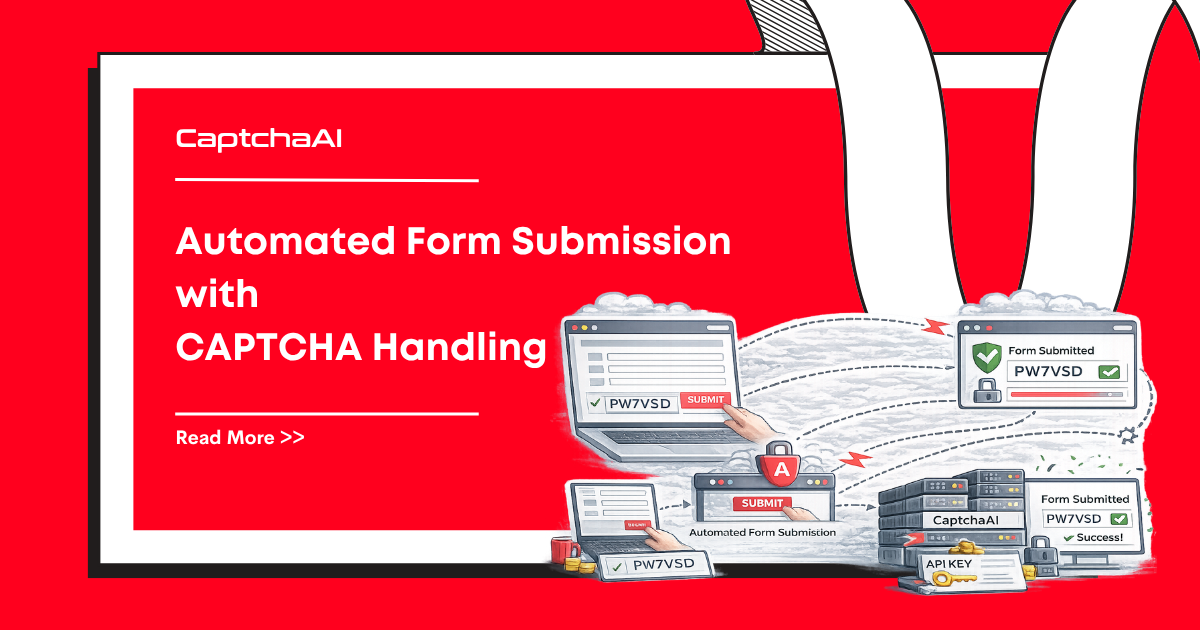
- Selenium loads the target page
- Your script extracts the CAPTCHA site key from the page DOM
- CaptchaAI solves the CAPTCHA using the site key and page URL
- Your script injects the token into the page and submits the form
The CAPTCHA is solved server-side by CaptchaAI — Selenium never interacts with the CAPTCHA widget directly.
Step 1: Set Up Selenium
from selenium import webdriver
from selenium.webdriver.chrome.options import Options
from selenium.webdriver.common.by import By
from selenium.webdriver.support.ui import WebDriverWait
from selenium.webdriver.support import expected_conditions as EC

options = Options()
options.add_argument("--disable-blink-features=AutomationControlled")
options.add_argument("user-agent=Mozilla/5.0 (Windows NT 10.0; Win64; x64) AppleWebKit/537.36")

driver = webdriver.Chrome(options=options)
The AutomationControlled flag helps avoid basic bot detection. For stronger stealth-configuredion, add:
options.add_experimental_option("excludeSwitches", ["enable-automation"])
options.add_experimental_option("useAutomationExtension", False)
Step 2: Create the CAPTCHA Solver
import requests
import time

API_KEY = "YOUR_API_KEY"

def solve_recaptcha_v2(site_key, page_url):
    """Solve reCAPTCHA v2 using CaptchaAI API."""
    resp = requests.get("https://ocr.captchaai.com/in.php", params={
        "key": API_KEY,
        "method": "userrecaptcha",
        "googlekey": site_key,
        "pageurl": page_url
    })
    if not resp.text.startswith("OK|"):
        raise Exception(f"Submit failed: {resp.text}")

    task_id = resp.text.split("|")[1]

    for _ in range(60):
        time.sleep(5)
        result = requests.get("https://ocr.captchaai.com/res.php", params={
            "key": API_KEY,
            "action": "get",
            "id": task_id
        })
        if result.text == "CAPCHA_NOT_READY":
            continue
        if result.text.startswith("OK|"):
            return result.text.split("|")[1]
        raise Exception(f"Solve failed: {result.text}")

    raise TimeoutError("CAPTCHA solve timed out")
Step 3: Extract Site Key and Solve
# Navigate to the target page
driver.get("https://example.com/login")

# Wait for the reCAPTCHA to load
wait = WebDriverWait(driver, 10)
recaptcha = wait.until(
    EC.presence_of_element_located((By.CLASS_NAME, "g-recaptcha"))
)

# Extract the site key
site_key = recaptcha.get_attribute("data-sitekey")
page_url = driver.current_url

print(f"Site key: {site_key}")
print(f"Page URL: {page_url}")

# Solve the CAPTCHA
token = solve_recaptcha_v2(site_key, page_url)
print(f"Token received: {token[:50]}...")
Step 4: Inject the Token and Submit
# Inject the token into the reCAPTCHA response field
driver.execute_script(f"""
    document.getElementById('g-recaptcha-response').innerHTML = '{token}';
    document.getElementById('g-recaptcha-response').style.display = '';
""")

# If the form uses a callback function, trigger it
driver.execute_script(f"""
    if (typeof ___grecaptcha_cfg !== 'undefined') {{
        Object.keys(___grecaptcha_cfg.clients).forEach(function(key) {{
            var client = ___grecaptcha_cfg.clients[key];
            if (client.callback) client.callback('{token}');
        }});
    }}
""")

# Submit the form
driver.find_element(By.CSS_SELECTOR, "form").submit()

# Wait for navigation
wait.until(EC.url_changes(page_url))
print(f"Success! Now on: {driver.current_url}")
Full Working Example
from selenium import webdriver
from selenium.webdriver.chrome.options import Options
from selenium.webdriver.common.by import By
from selenium.webdriver.support.ui import WebDriverWait
from selenium.webdriver.support import expected_conditions as EC
import requests
import time

API_KEY = "YOUR_API_KEY"

def solve_recaptcha_v2(site_key, page_url):
    resp = requests.get("https://ocr.captchaai.com/in.php", params={
        "key": API_KEY,
        "method": "userrecaptcha",
        "googlekey": site_key,
        "pageurl": page_url
    })
    if not resp.text.startswith("OK|"):
        raise Exception(f"Submit failed: {resp.text}")
    task_id = resp.text.split("|")[1]

    for _ in range(60):
        time.sleep(5)
        result = requests.get("https://ocr.captchaai.com/res.php", params={
            "key": API_KEY, "action": "get", "id": task_id
        })
        if result.text == "CAPCHA_NOT_READY":
            continue
        if result.text.startswith("OK|"):
            return result.text.split("|")[1]
        raise Exception(f"Solve failed: {result.text}")
    raise TimeoutError("Timed out")

def main():
    options = Options()
    options.add_argument("--disable-blink-features=AutomationControlled")
    driver = webdriver.Chrome(options=options)

    try:
        driver.get("https://example.com/login")
        wait = WebDriverWait(driver, 10)

        # Extract site key
        recaptcha = wait.until(
            EC.presence_of_element_located((By.CLASS_NAME, "g-recaptcha"))
        )
        site_key = recaptcha.get_attribute("data-sitekey")

        # Solve
        token = solve_recaptcha_v2(site_key, driver.current_url)

        # Inject and submit
        driver.execute_script(
            f"document.getElementById('g-recaptcha-response').innerHTML = '{token}';"
        )
        driver.find_element(By.CSS_SELECTOR, "form").submit()

        wait.until(EC.url_changes(driver.current_url))
        print("Login successful!")

    finally:
        driver.quit()

if __name__ == "__main__":
    main()
Handling Different CAPTCHA Types
reCAPTCHA v3
def solve_recaptcha_v3(site_key, page_url, action="verify"):
    resp = requests.get("https://ocr.captchaai.com/in.php", params={
        "key": API_KEY,
        "method": "userrecaptcha",
        "googlekey": site_key,
        "pageurl": page_url,
        "version": "v3",
        "action": action
    })
    task_id = resp.text.split("|")[1]
    # ... same polling logic
Cloudflare Turnstile
def solve_turnstile(site_key, page_url):
    resp = requests.get("https://ocr.captchaai.com/in.php", params={
        "key": API_KEY,
        "method": "turnstile",
        "sitekey": site_key,
        "pageurl": page_url
    })
    task_id = resp.text.split("|")[1]
    # ... same polling logic
Troubleshooting
| Issue | Cause | Fix |
|---|---|---|
| Token rejected | Token expired before submission | Inject and submit within 120 seconds |
| Site key not found | CAPTCHA loads dynamically | Add WebDriverWait with longer timeout |
NoSuchElementException |
Wrong selector | Inspect the page to find the correct element |
| ChromeDriver version mismatch | Chrome updated | Download matching ChromeDriver version |
| Bot detection despite correct token | Anti-bot beyond CAPTCHA | Add stealth options, use undetected-chromedriver |
FAQ
Can I run Selenium in headless mode with CaptchaAI?
Yes. CaptchaAI solves CAPTCHAs server-side — the browser just needs to load the page to extract the site key. Headless mode works fine.
Do I need to click the CAPTCHA checkbox?
No. CaptchaAI returns a token that you inject directly into the form. No visual interaction with the CAPTCHA widget is needed.
What about reCAPTCHA with callbacks?
Some sites use JavaScript callbacks instead of form submission. Use driver.execute_script() to trigger the callback with the solved token. See How to Solve reCAPTCHA v2 Callback.




Discussions (0)
Join the conversation
Sign in to share your opinion.
Sign InNo comments yet.