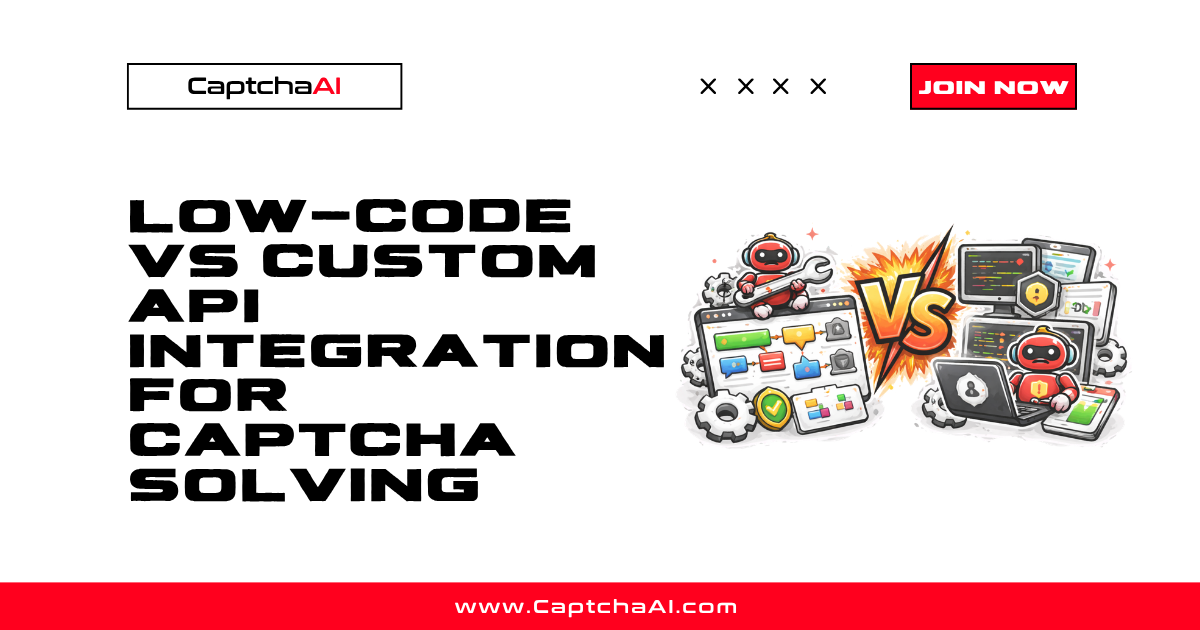
Both approaches connect to the same CaptchaAI API — but how you connect determines your cost, flexibility, and operational ceiling. This comparison helps you choose between low-code platforms (Zapier, Make, Power Automate) and custom code (Python, Node.js, Go).
At a Glance
| Factor | Low-Code | Custom API |
|---|---|---|
| Setup time | Minutes to hours | Hours to days |
| Coding required | None to minimal | Full |
| Scalability | Platform-limited (usually <10K tasks/day) | Unlimited |
| Cost per solve | Higher (platform fees + API) | Lower (API only) |
| Error handling | Basic retry | Full control (circuit breakers, DLQ) |
| Concurrency | Limited by platform plan | Configurable |
| Maintenance | Low | Medium |
| Token injection | Not native — requires browser step | Full browser control |
When Low-Code Wins
Small-Volume, Trigger-Based Workflows
Low-code platforms excel when CAPTCHAs appear in occasional, event-driven workflows:
- Form submissions from CRM triggers — A new Salesforce lead triggers a form submission on a CAPTCHA-protected portal. Zapier handles the HTTP calls, CaptchaAI solves the CAPTCHA, and the result routes back.
- Scheduled data checks — Daily or weekly checks on a handful of URLs. Make's scheduler triggers the flow, processes 10–50 CAPTCHAs, and writes results to a spreadsheet.
- Internal tool integrations — Retool or Airtable-based dashboards where team members trigger individual CAPTCHA solves manually.
Non-Developer Teams
Teams without Python or JavaScript skills can build working CAPTCHA automation in Zapier or Make using only HTTP modules and JSON parsing. The learning curve is visual, not syntactical.
Rapid Prototyping
Before investing in a custom pipeline, a low-code workflow proves the concept in an afternoon. If the use case is valid, you can migrate to custom code later.
When Custom API Wins
High-Volume Operations
Processing thousands of CAPTCHAs per hour requires:
- Concurrent HTTP connections with connection pooling
- Custom rate limiting (token bucket, semaphore)
- Priority queues for different task types
- Streaming results processing
None of these are available in standard low-code platforms.
Browser Automation Scenarios
If your workflow involves Playwright, Puppeteer, or Selenium — launching browsers, extracting sitekeys, injecting tokens, and submitting forms — custom code is the only path. Low-code platforms can call the CaptchaAI API but cannot interact with browser sessions.
Complex Error Recovery
Custom code enables:
- Circuit breakers — Stop sending requests when error rates spike
- Dead-letter queues — Capture failed tasks for manual review
- Backpressure handling — Slow down submission when the API returns
CAPCHA_NOT_READYfrequently - Exponential backoff — Increase polling intervals to reduce API calls
Low-code platforms typically offer only basic retry (3 attempts, fixed delay).
Cost Optimization at Scale
| Monthly volume | Low-Code cost (platform + API) | Custom API cost |
|---|---|---|
| 100 solves | ~$20 platform + $0.50 API = $20.50 | $0.50 API only |
| 1,000 solves | ~$50 platform + $5 API = $55 | $5 API only |
| 10,000 solves | ~$150 platform + $50 API = $200 | $50 API only |
| 100,000 solves | ~$500+ platform + $500 API = $1,000+ | $500 API only |
Platform fees become the dominant cost at low volumes and a significant multiplier at scale.
Hybrid Approach
Many teams start with low-code and graduate specific workflows to custom code:
- Prototype in Make or Zapier — validate the business case
- Identify bottlenecks — volume limits, error handling gaps, platform costs
- Migrate high-volume paths to Python/Node.js custom scripts
- Keep low-volume workflows on the low-code platform
This approach minimizes upfront investment while maintaining a scalable path.
Decision Framework
Choose low-code if:
- Monthly volume under 1,000 solves
- No browser automation needed
- Team lacks programming resources
- Workflow is trigger-based (new record → solve → update)
Choose custom API if:
- Monthly volume exceeds 5,000 solves
- Browser-based token injection required
- Complex error handling or concurrency needed
- Cost optimization is a priority
Choose hybrid if:
- Multiple workflows with varying complexity
- Team is transitioning from manual to automated
- Some workflows are experimental
Platform-Specific Considerations
| Platform | CaptchaAI Integration Method | Key Limitation |
|---|---|---|
| Zapier | HTTP module (Webhooks by Zapier) | 5-minute workflow timeout |
| Make | HTTP module + Repeater for polling | 40-minute scenario limit |
| Power Automate | HTTP Premium connector | Requires premium license |
| n8n | HTTP Request node (self-hosted) | Self-hosted requires server management |
| Retool | REST API resource | Primarily for internal tools |
| Custom code | Direct HTTP calls | Requires development and maintenance |
Troubleshooting
| Issue | Cause | Fix |
|---|---|---|
| Low-code timeout before solve completes | Platform workflow timeout < CAPTCHA solve time | Use webhook/callback mode instead of polling |
| Platform rate limits hit | Too many HTTP calls within platform limits | Reduce frequency or migrate to custom code |
| JSON parsing errors in low-code | Unexpected API response format | Add error handling nodes before parse steps |
| High per-solve cost | Platform charges per operation/step | Batch multiple solves into single workflow runs |
FAQ
Can I mix low-code and custom code for the same project?
Yes. Use low-code for the orchestration layer (triggers, routing, notifications) and custom code for the CAPTCHA solving logic. Make and n8n both support custom code nodes.
Does CaptchaAI charge differently for low-code vs API access?
No. CaptchaAI pricing is based on solve volume, not integration method. The same API key works from any platform.
Which low-code platform is best for CAPTCHA solving?
Make (Integromat) offers the most flexibility with its Repeater module for polling loops. n8n provides the most control as a self-hosted option.
Related Articles
- Browser Extension Vs Api Captcha Solver
- Captchaai Json Api Vs Form Api
- Vault Integration Captchaai Api Key
Next Steps
Pick the approach that matches your team and volume — get your CaptchaAI API key and start integrating.
Related guides:

Discussions (0)
Join the conversation
Sign in to share your opinion.
Sign InNo comments yet.