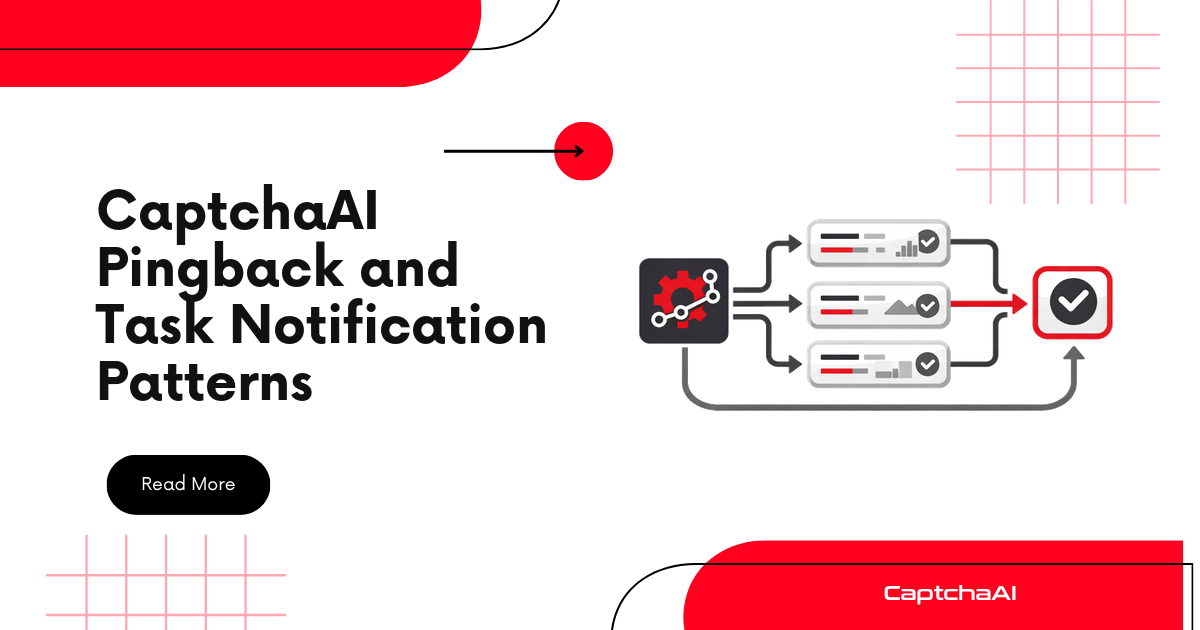
The CaptchaAI pingback parameter lets you receive solved tokens via HTTP callback instead of polling. This guide covers advanced notification patterns for production systems.
How Pingback Works
1. Submit task with pingback=YOUR_CALLBACK_URL
2. CaptchaAI solves the CAPTCHA
3. CaptchaAI sends GET request to your callback:
   YOUR_CALLBACK_URL?id=TASK_ID&code=TOKEN

4. Your server processes the result
Pattern 1: Fire-and-Forget with Result Store
Submit tasks and let the callback store results in a thread-safe dictionary:
import requests
import threading
import time
from flask import Flask, request


class PingbackStore:
    """Store for results received via pingback."""

    def __init__(self):
        self.results = {}
        self.events = {}
        self.lock = threading.Lock()

    def register(self, task_id):
        """Register a task ID we expect results for."""
        with self.lock:
            self.events[task_id] = threading.Event()

    def store(self, task_id, token):
        """Store result from pingback callback."""
        with self.lock:
            self.results[task_id] = token
            if task_id in self.events:
                self.events[task_id].set()

    def wait(self, task_id, timeout=120):
        """Wait for a specific result."""
        event = self.events.get(task_id)
        if not event:
            return None
        event.wait(timeout=timeout)
        return self.results.get(task_id)

    def get(self, task_id):
        """Get result without waiting (non-blocking)."""
        return self.results.get(task_id)


# Global store
store = PingbackStore()

# Flask app for receiving callbacks
app = Flask(__name__)


@app.route("/pingback")
def receive_pingback():
    """Handle CaptchaAI pingback callback."""
    task_id = request.args.get("id")
    code = request.args.get("code")

    if not task_id or not code:
        return "Bad request", 400

    store.store(task_id, code)
    return "OK", 200


def submit_with_pingback(api_key, method, callback_url, **params):
    """Submit a task with pingback enabled."""
    data = {
        "key": api_key,
        "method": method,
        "pingback": callback_url,
        "json": 1,
    }
    data.update(params)

    resp = requests.post(
        "https://ocr.captchaai.com/in.php",
        data=data,
        timeout=30,
    )
    result = resp.json()

    if result.get("status") != 1:
        raise RuntimeError(f"Submit error: {result.get('request')}")

    task_id = result["request"]
    store.register(task_id)
    return task_id


# Usage
# Start Flask server in background thread
server = threading.Thread(
    target=lambda: app.run(port=8080, debug=False),
    daemon=True,
)
server.start()

# Submit task
task_id = submit_with_pingback(
    "YOUR_API_KEY",
    "userrecaptcha",
    "https://yourserver.com/pingback",
    googlekey="SITE_KEY",
    pageurl="https://example.com",
)

# Wait for result via pingback
token = store.wait(task_id, timeout=120)
print(f"Token: {token[:50]}...")
Pattern 2: Multi-Task Fan-Out
Submit multiple tasks and collect results as they arrive:
import requests
import threading
import time


class FanOutSolver:
    """Submit many tasks, collect results via pingback."""

    def __init__(self, api_key, callback_url):
        self.api_key = api_key
        self.callback_url = callback_url
        self.store = PingbackStore()
        self.pending = []

    def submit(self, method, **params):
        """Submit a task and track it."""
        data = {
            "key": self.api_key,
            "method": method,
            "pingback": self.callback_url,
            "json": 1,
        }
        data.update(params)

        resp = requests.post(
            "https://ocr.captchaai.com/in.php",
            data=data,
            timeout=30,
        )
        result = resp.json()

        if result.get("status") != 1:
            raise RuntimeError(f"Submit error: {result.get('request')}")

        task_id = result["request"]
        self.store.register(task_id)
        self.pending.append(task_id)
        return task_id

    def submit_batch(self, tasks):
        """Submit multiple tasks.

        tasks: list of dicts with 'method' and params
        """
        task_ids = []
        for task in tasks:
            method = task.pop("method")
            task_id = self.submit(method, **task)
            task_ids.append(task_id)
            time.sleep(0.1)  # Avoid rate limits
        return task_ids

    def collect_all(self, timeout=180):
        """Wait for all pending results."""
        results = {}
        deadline = time.time() + timeout

        for task_id in self.pending:
            remaining = max(1, deadline - time.time())
            token = self.store.wait(task_id, timeout=remaining)
            results[task_id] = token

        self.pending.clear()
        return results


# Usage
solver = FanOutSolver("YOUR_API_KEY", "https://yourserver.com/pingback")

# Submit 5 tasks
tasks = [
    {
        "method": "userrecaptcha",
        "googlekey": "SITE_KEY",
        "pageurl": f"https://example.com/page{i}",
    }
    for i in range(5)
]

task_ids = solver.submit_batch(tasks)
print(f"Submitted {len(task_ids)} tasks")

# Wait for all results
results = solver.collect_all(timeout=180)
for tid, token in results.items():
    status = "solved" if token else "failed"
    print(f"  {tid}: {status}")
Pattern 3: Notification Router
Route results to different handlers based on task metadata:
import threading
from collections import defaultdict


class NotificationRouter:
    """Route pingback results to registered handlers."""

    def __init__(self):
        self.handlers = {}
        self.default_handler = None
        self.task_routes = {}
        self.lock = threading.Lock()

    def register_handler(self, name, handler_fn):
        """Register a named handler function."""
        self.handlers[name] = handler_fn

    def set_default(self, handler_fn):
        """Set a default handler for unrouted tasks."""
        self.default_handler = handler_fn

    def route(self, task_id, handler_name):
        """Route a task ID to a specific handler."""
        with self.lock:
            self.task_routes[task_id] = handler_name

    def dispatch(self, task_id, token):
        """Dispatch a result to the correct handler."""
        handler_name = self.task_routes.get(task_id)

        if handler_name and handler_name in self.handlers:
            self.handlers[handler_name](task_id, token)
        elif self.default_handler:
            self.default_handler(task_id, token)


# Usage
router = NotificationRouter()

# Register handlers
def login_handler(task_id, token):
    print(f"Login flow got token from {task_id}")
    # Submit token to login form

def scraping_handler(task_id, token):
    print(f"Scraping pipeline got token from {task_id}")
    # Continue scraping with token

router.register_handler("login", login_handler)
router.register_handler("scraping", scraping_handler)

# When submitting
task_id = submit_with_pingback(
    "YOUR_API_KEY", "userrecaptcha",
    "https://yourserver.com/pingback",
    googlekey="KEY", pageurl="https://example.com",
)
router.route(task_id, "login")

# In pingback handler
# router.dispatch(task_id, token)
Securing Your Pingback Endpoint
import hmac
import hashlib
from flask import Flask, request, abort

app = Flask(__name__)
API_KEY = "YOUR_API_KEY"


@app.route("/pingback")
def secure_pingback():
    """Validate pingback requests."""
    task_id = request.args.get("id")
    code = request.args.get("code")
    ip = request.remote_addr

    # Validate required parameters
    if not task_id or not code:
        abort(400)

    # Validate IP (CaptchaAI server IPs)
    # Add actual CaptchaAI IPs to allowlist
    ALLOWED_IPS = {"0.0.0.0/0"}  # Replace with real IPs

    # Validate task ID format (numeric)
    if not task_id.isdigit():
        abort(400)

    # Store result
    store.store(task_id, code)
    return "OK", 200
When to Use Pingback vs Polling
| Factor | Pingback | Polling |
|---|---|---|
| Infrastructure | Requires public endpoint | No server needed |
| Latency | Instant notification | 5s poll interval delay |
| Scale | Better for 100+ concurrent | Fine for <50 concurrent |
| Reliability | Need retry handling | Simple retry loop |
| Firewall | Inbound port required | Outbound only |
| Complexity | Higher setup | Lower setup |
Troubleshooting
| Issue | Cause | Fix |
|---|---|---|
| No callback received | Endpoint not reachable | Verify server is public; check firewall |
| Duplicate callbacks | CaptchaAI retry | Make handler idempotent |
| Wrong task ID in callback | Stale server state | Check task registration timing |
| Timeout despite solve | Callback URL unreachable | Test endpoint with curl first |
FAQ
Can I use pingback with all CAPTCHA types?
Yes. The pingback parameter works with reCAPTCHA, Turnstile, GeeTest, Image, BLS, and all other supported methods.
What happens if my server is down when the callback arrives?
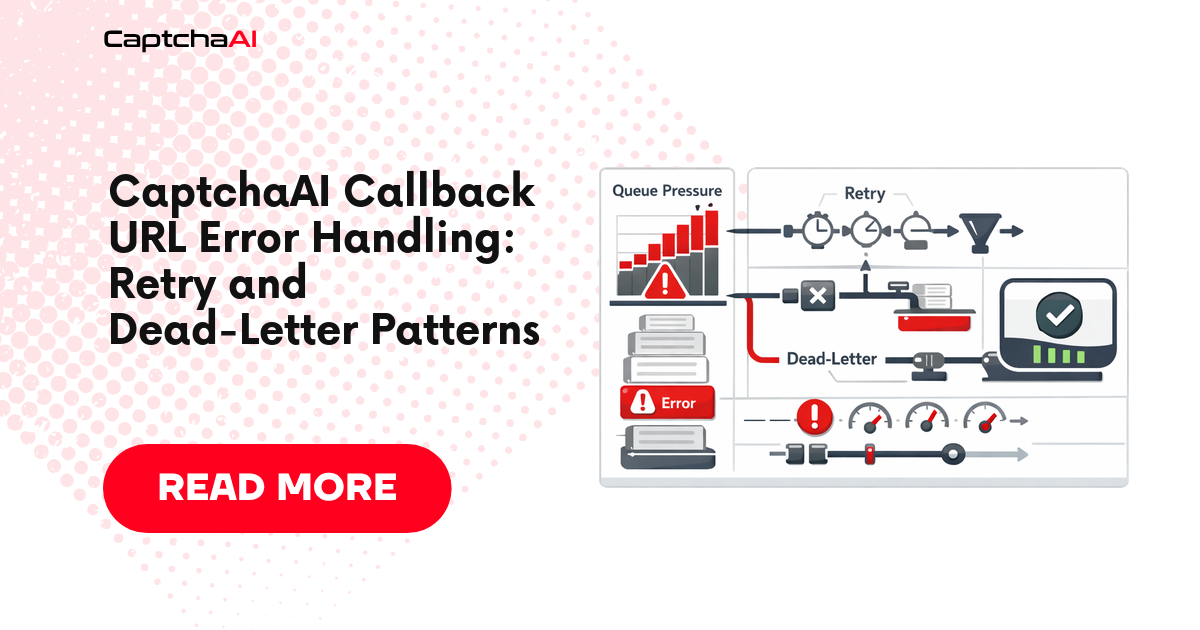
CaptchaAI may retry the callback. You should also implement a fallback polling mechanism for tasks that don't receive callbacks within a timeout.
Can I use localhost for testing?
No. The callback URL must be publicly accessible. Use ngrok or a similar tunnel for local testing.
Related Guides
Build event-driven workflows — get your CaptchaAI key now.
Full Working Code
Complete runnable examples for this article in Python, Node.js, PHP, Go, Java, C#, Ruby, Rust, Kotlin & Bash.
View on GitHub →

Discussions (0)
Join the conversation
Sign in to share your opinion.
Sign InNo comments yet.