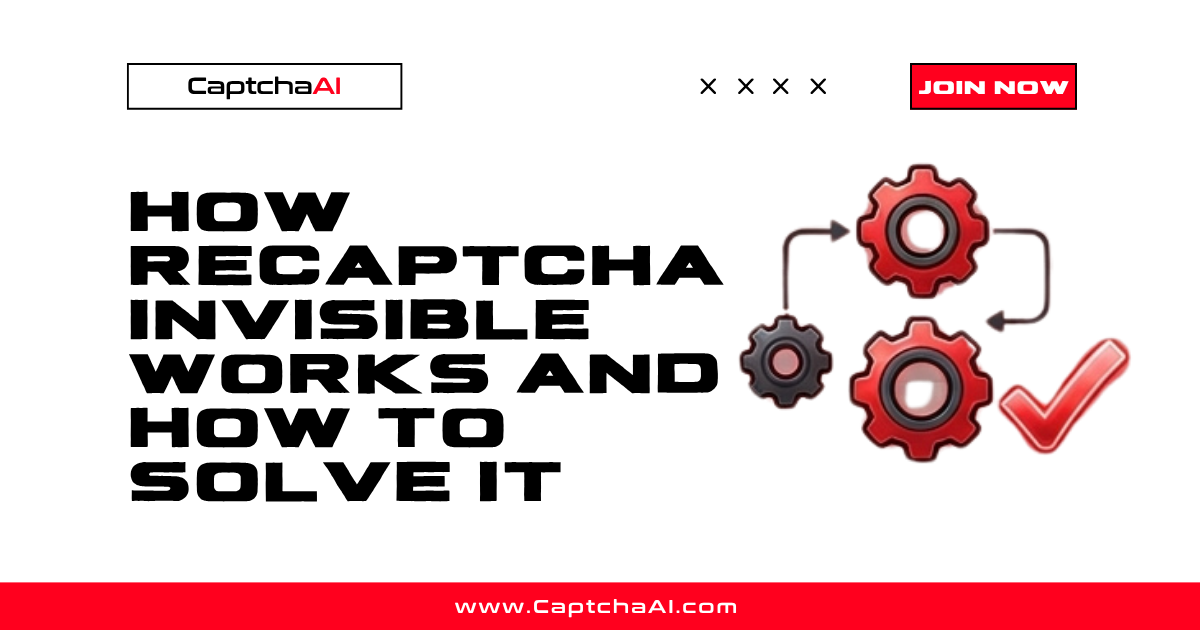
Invisible reCAPTCHA is a variant of reCAPTCHA v2 that eliminates the "I'm not a robot" checkbox. Instead of requiring a user click, it fires automatically when a form is submitted or a button is clicked. Google's risk analysis runs in the background — if the user appears human, the form proceeds without interruption. If the score is suspicious, an image challenge pops up.
For automation, this creates a specific problem: there is no visible element to interact with, and the CAPTCHA may trigger only during the form submit event.
How it works under the hood
- Page load — the site loads
api.jsand renders an invisible widget (no visible UI) - User action — the user clicks a button or submits a form that triggers
grecaptcha.execute() - Risk analysis — Google evaluates browser signals (mouse movement, browsing history, IP reputation)
- Decision — if the user passes, Google calls the
data-callbackfunction with a token. If suspicious, an image challenge appears - Token verification — the site's backend verifies the token via
siteverify
How to detect invisible reCAPTCHA on a page
<!-- Pattern 1: div with data-size="invisible" -->
<div class="g-recaptcha" data-sitekey="6LdKlZEU..." data-size="invisible" data-callback="onSubmit"></div>

<!-- Pattern 2: button with data-sitekey -->
<button class="g-recaptcha" data-sitekey="6LdKlZEU..." data-callback="onSubmit" data-action="submit">Submit</button>

<!-- Pattern 3: programmatic bind -->
<script>
  grecaptcha.render('submit-btn', {
    sitekey: '6LdKlZEU...',
    callback: onSubmit,
    size: 'invisible'
  });
</script>
Key indicators:
data-size="invisible"orsize: 'invisible'in render()- No visible checkbox on the page
data-callbackattribute pointing to a JavaScript function- reCAPTCHA badge in the bottom-right corner (can be hidden via CSS)
Invisible vs standard v2
| Feature | Standard v2 | Invisible v2 |
|---|---|---|
| User interaction | Required (click checkbox) | None (fires on button click) |
| Visible widget | Checkbox | No visible element |
| Image challenge | Always (if not auto-passed) | Only when suspicious |
| Token delivery | Hidden field or callback | Almost always callback |
| Detection | Look for checkbox | data-size="invisible" |
| CaptchaAI param | invisible=0 (default) |
invisible=1 |
How to solve it with CaptchaAI
The solve flow is identical to standard v2 with one addition:
import requests
import time

# Submit with invisible=1
response = requests.get("https://ocr.captchaai.com/in.php", params={
    "key": "YOUR_API_KEY",
    "method": "userrecaptcha",
    "googlekey": "6LdKlZEUAAAAAPoxm...",
    "pageurl": "https://example.com/signup",
    "invisible": 1,
    "json": 1
})

task_id = response.json()["request"]

# Poll
for _ in range(40):
    time.sleep(5)
    result = requests.get("https://ocr.captchaai.com/res.php", params={
        "key": "YOUR_API_KEY", "action": "get", "id": task_id, "json": 1
    }).json()
    if result.get("status") == 1:
        token = result["request"]
        break

# Inject via callback (not hidden field)
# driver.execute_script(f"onSubmit('{token}');")
The critical difference is token injection: call the callback function instead of filling the hidden field. See How to Solve reCAPTCHA Invisible Using API for the full tutorial.
FAQ
Can invisible reCAPTCHA show image challenges?
Yes. If Google's risk analysis flags the user as suspicious, it displays an image challenge — exactly like standard v2.
How does invisible reCAPTCHA differ from v3?
Invisible v2 is triggered by a user action (button click) and may show a challenge. v3 runs on every page load, never shows a challenge, and only returns a score.
Why do I need invisible=1 for CaptchaAI?
Without it, CaptchaAI generates a standard v2 token. Some invisible implementations reject standard tokens because they expect a different verification context.
Can invisible reCAPTCHA be detected by my scraper without a browser?
Yes. Check the page HTML source for data-size="invisible" or buttons with data-sitekey. These are present in the raw HTML before any JavaScript executes.


Discussions (0)
Join the conversation
Sign in to share your opinion.
Sign InNo comments yet.