GeeTest v3 is an interactive CAPTCHA that uses behavioral biometrics rather than text recognition. Instead of typing distorted letters, users solve visual puzzles — sliding a piece into place, clicking icons in order, or matching words.
GeeTest tracks not just whether the answer is correct, but how the user interacts: mouse trajectory, slide speed, pause patterns, and touch pressure on mobile devices.
Challenge types
Slide puzzle
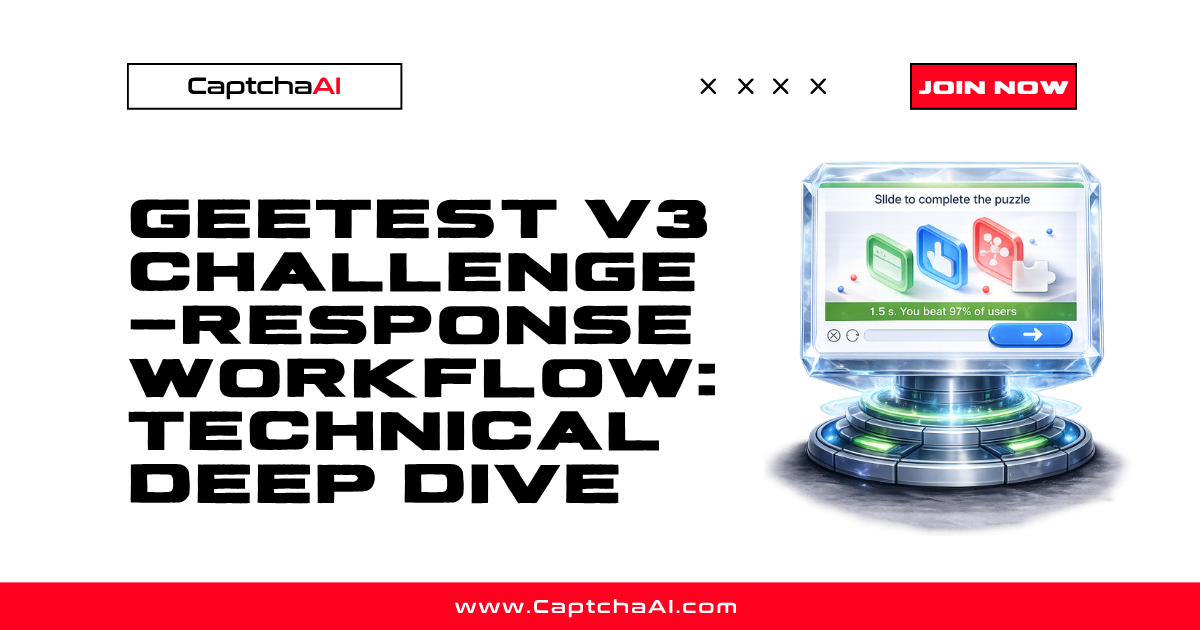
The most common GeeTest challenge. A background image appears with a missing piece, and the user drags a slider to move the piece into position.
┌─────────────────────────────┐
│   Background Image          │
│          ┌──┐               │
│          │░░│ ← Missing     │
│          └──┘   piece       │
│                             │
├─────────────────────────────┤
│ [═══●→                    ] │  ← Drag slider
└─────────────────────────────┘
GeeTest analyzes:
- Whether the slider stops at the correct X position
- The acceleration and deceleration curve of the drag
- Whether movement is perfectly linear (indicates bot)
- Small corrections and overshoots (indicates human)
Icon click
An image displays several icons, and the user must click them in a specific order indicated by text or icons above the image.
Word match
Characters or words appear, and the user clicks the matching items in the image in the correct sequence.
Nine-square grid
A 3×3 grid where the user selects the correct cells based on instructions — similar to reCAPTCHA grid but with different content types.
Verification flow
1. Page loads GeeTest SDK
        ↓

2. SDK contacts GeeTest servers → receives gt + challenge
        ↓

3. Challenge widget renders on page
        ↓

4. User completes challenge
        ↓

5. SDK generates validate + seccode from user interaction
        ↓

6. Frontend sends challenge + validate + seccode to site backend
        ↓

7. Site backend verifies with GeeTest API
        ↓

8. GeeTest confirms validity → site grants access
Key parameters
| Parameter | Role | Scope |
|---|---|---|
gt |
Site identifier (like a sitekey) | Static per site |
challenge |
Session-specific token | One-time use, expires after ~2 minutes |
validate |
Proof the challenge was solved | Generated by SDK |
seccode |
Cryptographic verification code | Generated by SDK |
How to identify GeeTest on a page
Check for GeeTest script
<!-- GeeTest v3 loads from: -->
<script src="https://static.geetest.com/static/js/gt.0.4.9.js"></script>
<!-- Or a newer version -->
<script src="https://static.geetest.com/static/tools/gt.js"></script>
Check for initGeetest call
// GeeTest initialization in page source
initGeetest({
    gt: "019924a82c70bb123aae90d483087f94",
    challenge: "12345678abc90def12345678abc90def",
    new_captcha: true,
    product: "bind"
}, function(captchaObj) {
    captchaObj.appendTo("#captcha-container");
});
Check DOM elements
Look for elements with classes like geetest_holder, geetest_radar, or geetest_panel.
Check network requests
Filter network requests for:
api.geetest.comstatic.geetest.com- URLs containing
register-slideorgettype.php
GeeTest vs reCAPTCHA
| Feature | GeeTest v3 | reCAPTCHA v2 |
|---|---|---|
| Challenge type | Slide/icon/word puzzles | Image grid selection |
| Behavioral analysis | Mouse trajectory, speed curves | Mouse/keyboard patterns |
| Parameters needed | gt, challenge | sitekey |
| Response format | challenge, validate, seccode | Single token string |
| Geographic focus | Popular in China, Asia | Global |
| Free tier | Limited | Yes |
Stealth-configuredion signals
GeeTest v3 analyzes behavioral data that is difficult to fake:
- Mouse trajectory — Human slides follow a characteristic S-curve with acceleration, deceleration, and micro-corrections
- Timing — Humans take 0.5–3 seconds; bots are often too fast or too consistent
- Pointer events — GeeTest can detect if mouse events are synthesized vs genuine
- Device motion — On mobile, accelerometer/gyroscope data is checked
- Browser fingerprint — Canvas, WebGL, and installed fonts
FAQ
Is GeeTest harder to solve than reCAPTCHA?
GeeTest's behavioral analysis is sophisticated, but API-based solving (using CaptchaAI) abstracts this complexity. From an integration perspective, GeeTest requires extracting more parameters (gt + challenge) compared to reCAPTCHA (just sitekey).
Why does my challenge parameter keep changing?
The challenge is single-use and session-specific. Fetch a fresh one before each solve attempt.
Can GeeTest v3 work without user interaction?
GeeTest v3 always requires some form of interaction (slide, click, or match). There is no invisible mode like reCAPTCHA v3.
What is the difference between GeeTest v3 and v4?
v4 uses a different protocol, different JavaScript SDK, and different API endpoints. CaptchaAI support may vary — check the current documentation.
Related guides
Ready to solve CAPTCHAs? Get your CaptchaAI API key and start integrating today.

Discussions (0)
Join the conversation
Sign in to share your opinion.
Sign InNo comments yet.